Tube Buddy for YouTube: What It Does and Who It's For

If you've spent any time trying to grow a YouTube channel, you've probably heard the name TubeBuddy come up. Maybe a friend mentioned it, or you saw it in a comment section somewhere. Either way, you're wondering if it's actually worth your time. That's a fair question, and this post is going to break it all down for you.
TubeBuddy is a browser extension that plugs directly into YouTube Studio. It adds a whole layer of tools right on top of the platform you're already using. Think of it like a co-pilot sitting next to you while you upload videos, helping you make smarter decisions about titles, tags, and thumbnails. It doesn't replace your creativity, but it does help you stop guessing.
A lot of you have asked about this tool specifically, so I wanted to take a proper look at what it actually does, who it's designed for, and whether the free version is enough or if you need to pay to get real value out of it. Let's get into it.
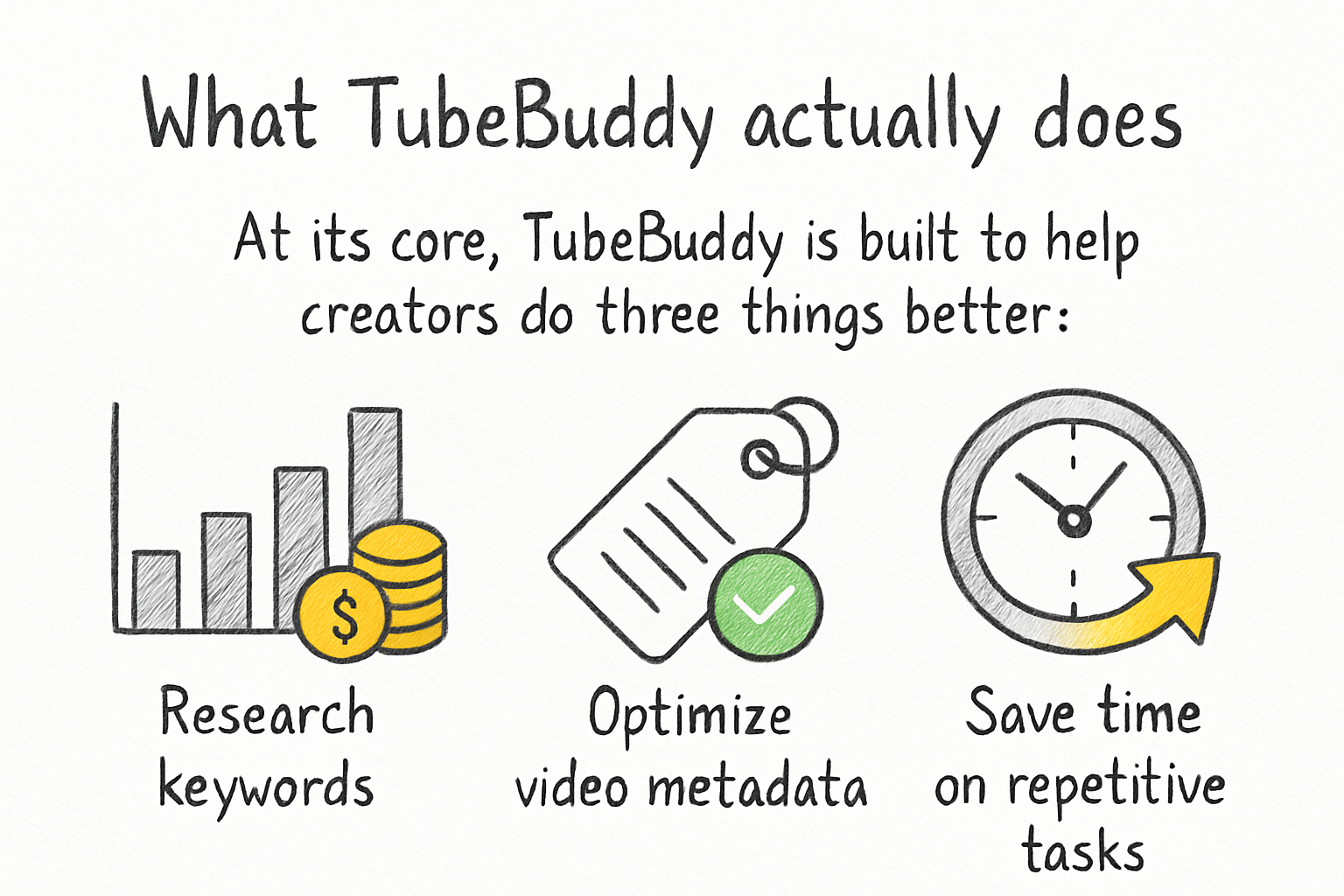
What TubeBuddy actually does
At its core, TubeBuddy is built to help creators do three things better: research keywords, optimize their video metadata, and save time on repetitive tasks. When you open a video to upload, TubeBuddy sits right there in YouTube Studio and shows you data alongside your normal workflow. You don't have to jump between tabs or open a separate dashboard.
The keyword research tool is probably the most talked-about feature. You type in a topic and TubeBuddy gives it a score based on how many people are searching for it and how hard it would be to rank for it. This helps you find that sweet spot where demand is decent but competition isn't crushing. For anyone who has ever stared at a blank title field not knowing what to type, this feature alone saves a ton of mental energy.
There's also a tag explorer that suggests relevant tags for your video. This part is a little hit or miss depending on your niche, but for general topics it's pretty helpful. TubeBuddy also has a bulk processing tool that lets you update cards, end screens, or descriptions across multiple videos at once. If you've ever had to update a link in forty old videos by hand, you know exactly why that feature exists.
One thing that often gets overlooked is the A/B testing tool for thumbnails. It rotates between two different thumbnail options and tracks which one gets more clicks. This kind of data used to be something only big channels with dedicated teams could act on. Now a solo creator can run those same tests right from their laptop. We went deeper on all of this in our full review and breakdown of TubeBuddy if you want the complete picture.
Who gets the most out of it
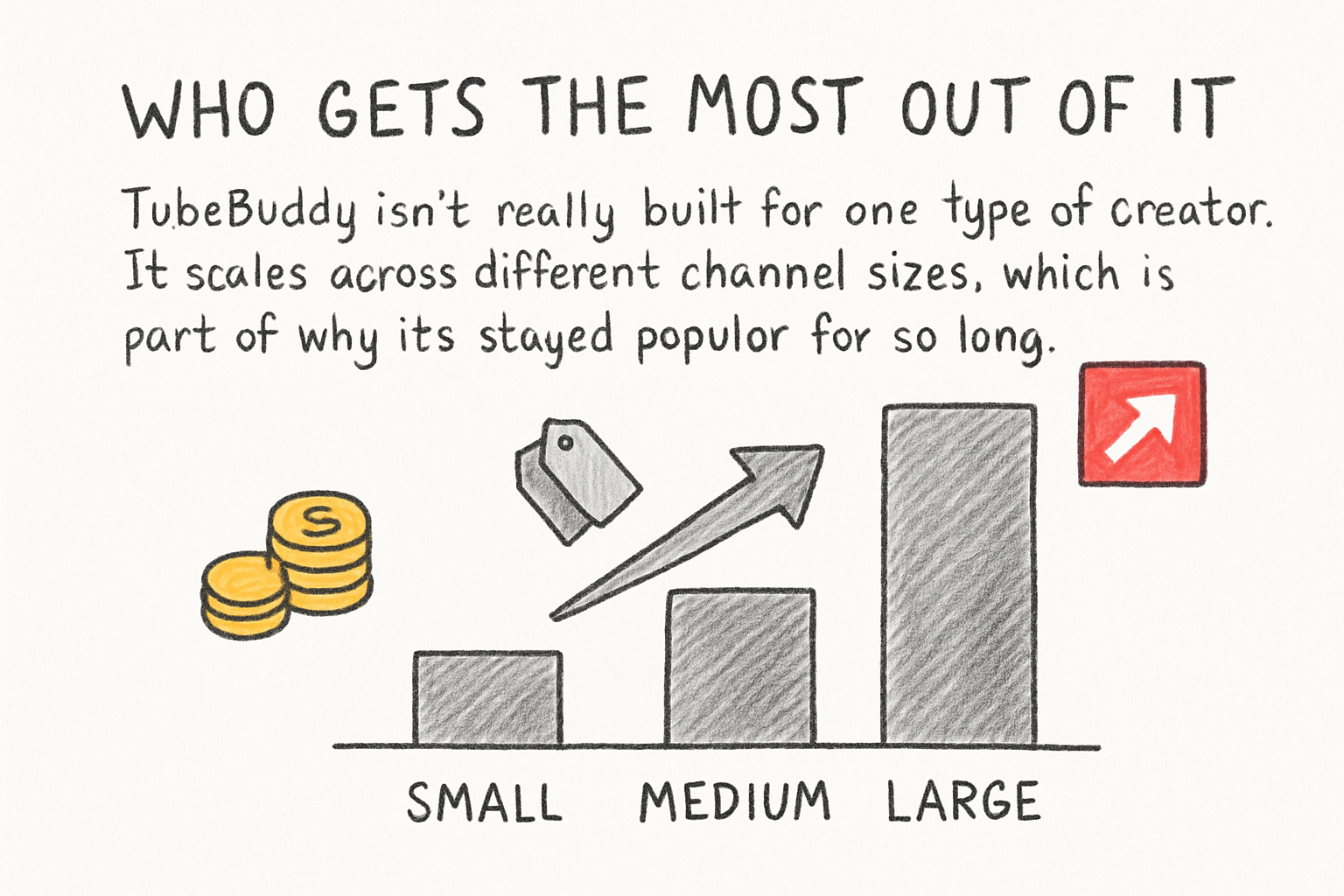
TubeBuddy isn't really built for one type of creator. It scales across different channel sizes, which is part of why it's stayed popular for so long. That said, certain creators tend to get more mileage out of it than others.
New creators are probably the group that benefits most from the basic features. When you're just starting out, you don't know what keywords to chase, how to write a strong description, or what tags actually matter. TubeBuddy gives you a starting point without requiring you to become an SEO expert overnight. If you're still trying to figure out which niche to focus on, the keyword data in TubeBuddy can also point you toward topics where you'd actually have a chance to compete.
Mid-size channels in the 1,000 to 100,000 subscriber range are where things get interesting. These creators have enough content that the bulk editing tools start saving real hours every week. They also have enough data to make the A/B testing features meaningful. I personally think this is the sweet spot where TubeBuddy delivers the most value per dollar spent, because the time savings are real and the optimization gains can actually show up in your analytics.
Larger channels and agencies use TubeBuddy for the workflow features more than anything else. If you're managing multiple channels or have a team uploading content regularly, the ability to set templates, schedule publishing, and batch-edit metadata becomes genuinely important. It's less about discovery at that point and more about keeping things running without constant manual work.
Free plan vs. paid tiers: what you actually get
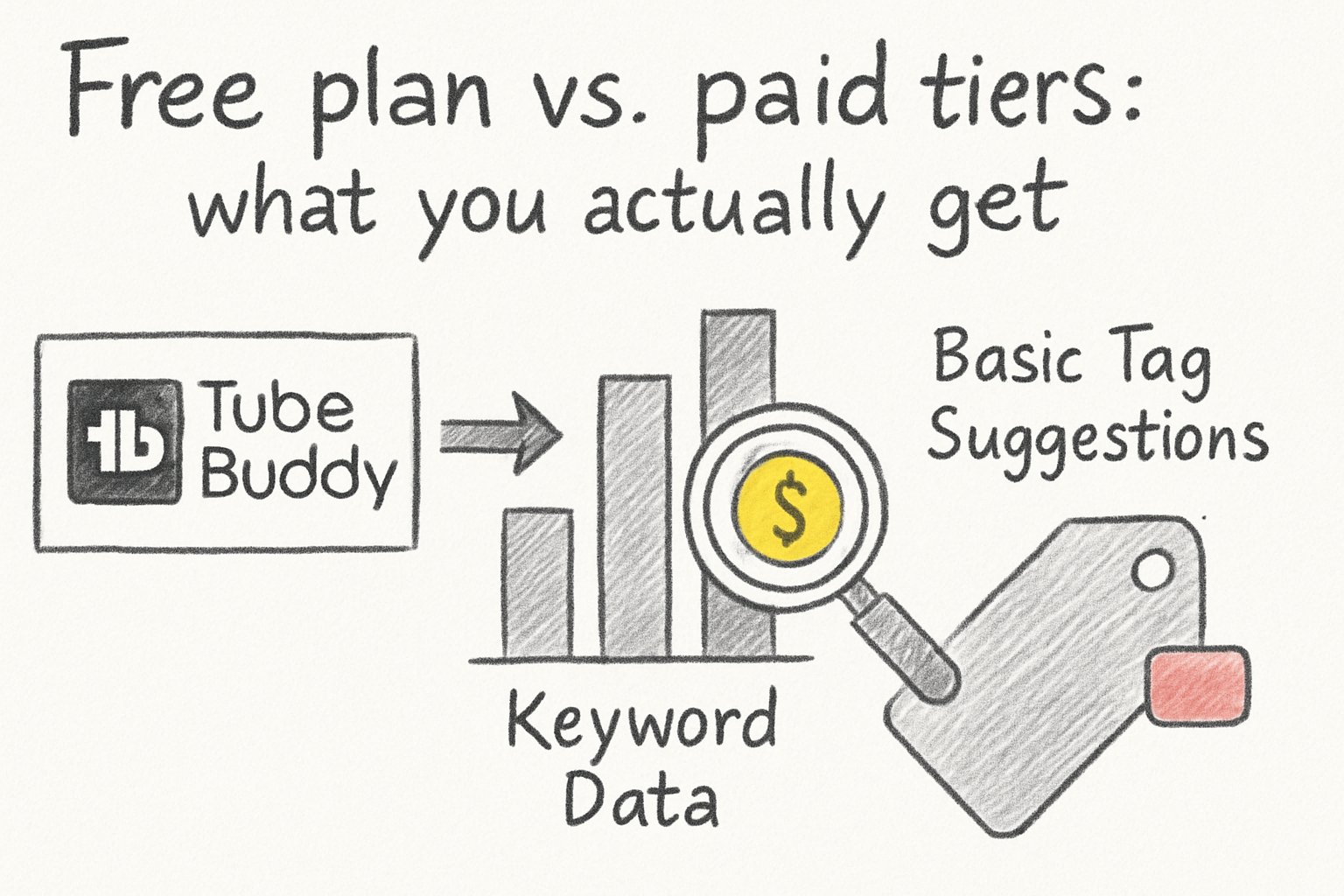
TubeBuddy offers a free plan, and it does give you a real taste of what the tool can do. You get access to some keyword data, basic tag suggestions, and a handful of productivity tools. For a new creator who isn't ready to spend money on tools yet, the free tier is a solid starting point. It's not stripped down to the point of being useless.
The paid plans unlock the more powerful features, including full keyword scores, the A/B thumbnail testing, bulk processing, and more detailed analytics. Pricing has changed over the years, but TubeBuddy generally offers a lower tier for smaller channels, which makes it a little easier to justify the cost when you're not yet making money from your content. If you're curious about what earning money from YouTube actually looks like, our post on what creators actually earn per 1,000 views is worth reading before you start factoring in tool costs.
One honest thing to say here: TubeBuddy is a tool, not a guarantee. I've talked to creators who use it religiously and still struggle to grow, and I've seen channels blow up without it. The difference usually comes down to content quality and consistency first, with SEO optimization playing a supporting role. TubeBuddy helps you do the optimization part well, but it can't do the creative work for you.
If you're also comparing options, we covered a competing tool in our deep dive into VidIQ, which takes a somewhat different approach to the same problem. Honestly, the best choice between the two depends on which interface you find easier to work with and which data points matter most to your channel strategy.
Ready to take the next step?
TubeBuddy is one of those tools that earns its place once you understand what it's actually for. It's not going to do the creative work for you, but it takes a lot of the guesswork out of the technical side of YouTube growth. If you've tried it, I'd love to hear what's worked for you and what hasn't. Drop a comment below and let's talk about it. And if you're looking for more ways to get your videos in front of more people, check out Kliptory to see how it can help your content reach a wider audience.