How to Do YouTube Keyword Research Like a Pro

Most creators spend hours filming and editing a video, then just type in a random title and hope for the best. That's kind of like baking a cake and then leaving it on a random stranger's doorstep. You did the hard work, but the delivery is all wrong. Keyword research is how you make sure the right people actually find your video.
YouTube is the second biggest search engine in the world. People go there every single day to find answers, learn skills, watch tutorials, and get entertained. If your video isn't showing up when someone searches for something you covered, that's a missed connection. And the fix isn't complicated. It's mostly about knowing what words real viewers type into that search bar.
This post breaks the whole process down so you can stop guessing and start getting your videos in front of people who actually want to watch them. Whether you're brand new or you've been uploading for a while and just feel stuck, this is worth reading all the way through.
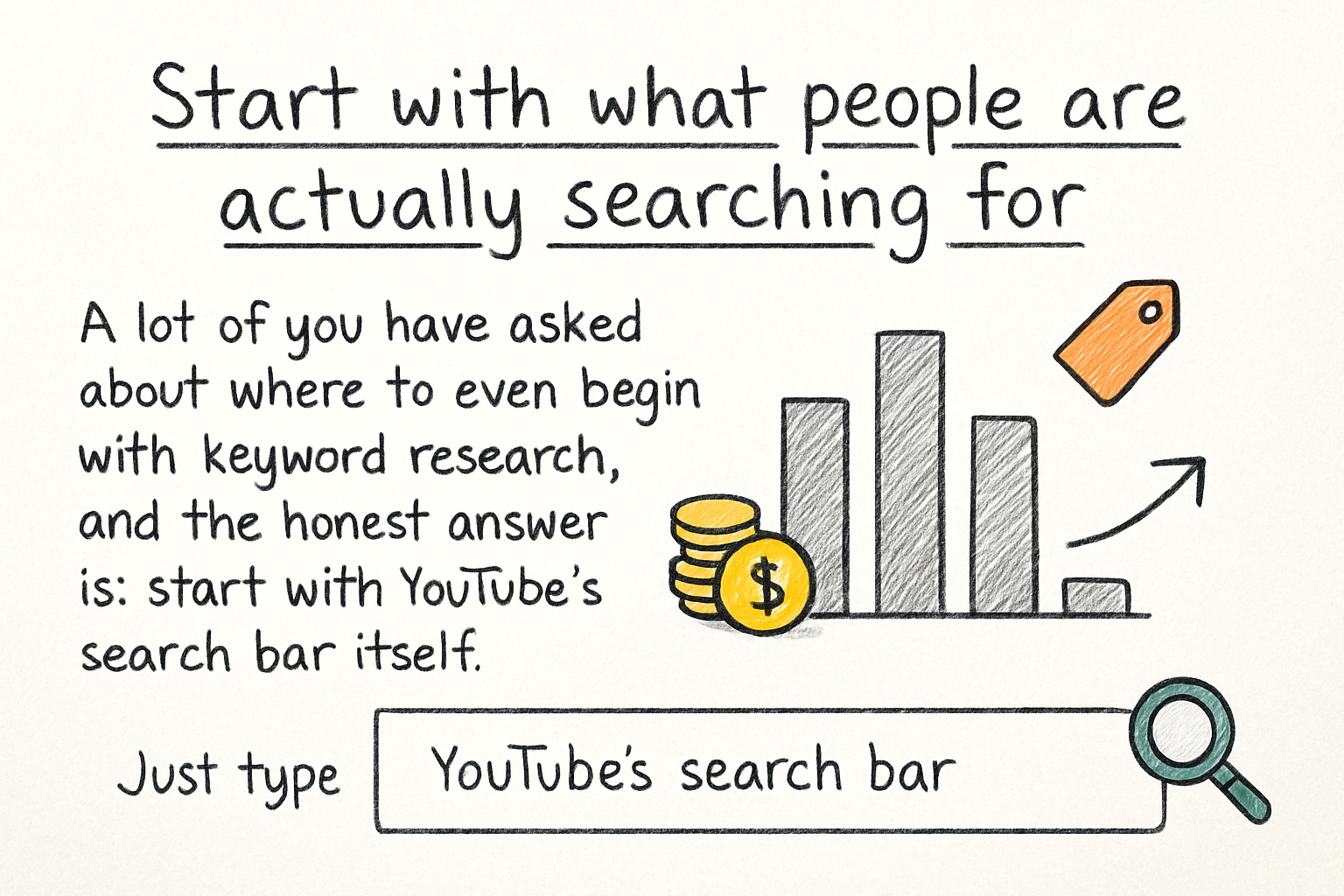
Start with what people are actually searching for
A lot of you have asked about where to even begin with keyword research, and the honest answer is: start with YouTube's search bar itself. Just type in a topic you want to cover and watch what the autocomplete suggestions show you. Those suggestions aren't random. YouTube fills them in based on what real users are actively searching for. That's free data, right in front of you.
For example, if you type 'how to edit videos,' YouTube might suggest 'how to edit videos for beginners,' 'how to edit videos on iPhone,' or 'how to edit videos for YouTube.' Each of those is a real search phrase people use. Pick the one that best matches your video, and you've already got a solid keyword to build around.
Once you've got a few ideas, think about search intent. Ask yourself: what does someone actually want when they type this phrase? Are they looking to learn something? Buy something? Fix a problem? Your video needs to deliver exactly what the keyword promises. If someone searches 'how to grow YouTube fast' and your video is really about patience and consistency, there's a mismatch. That mismatch will hurt your watch time, which will hurt your rankings.
Don't overlook the 'related searches' section at the bottom of YouTube search results either. After you search a term, scroll down to see what else YouTube shows. Those related phrases can point you to angles you hadn't thought of, and sometimes the less obvious keyword is the one with less competition and more loyal viewers waiting to find it.
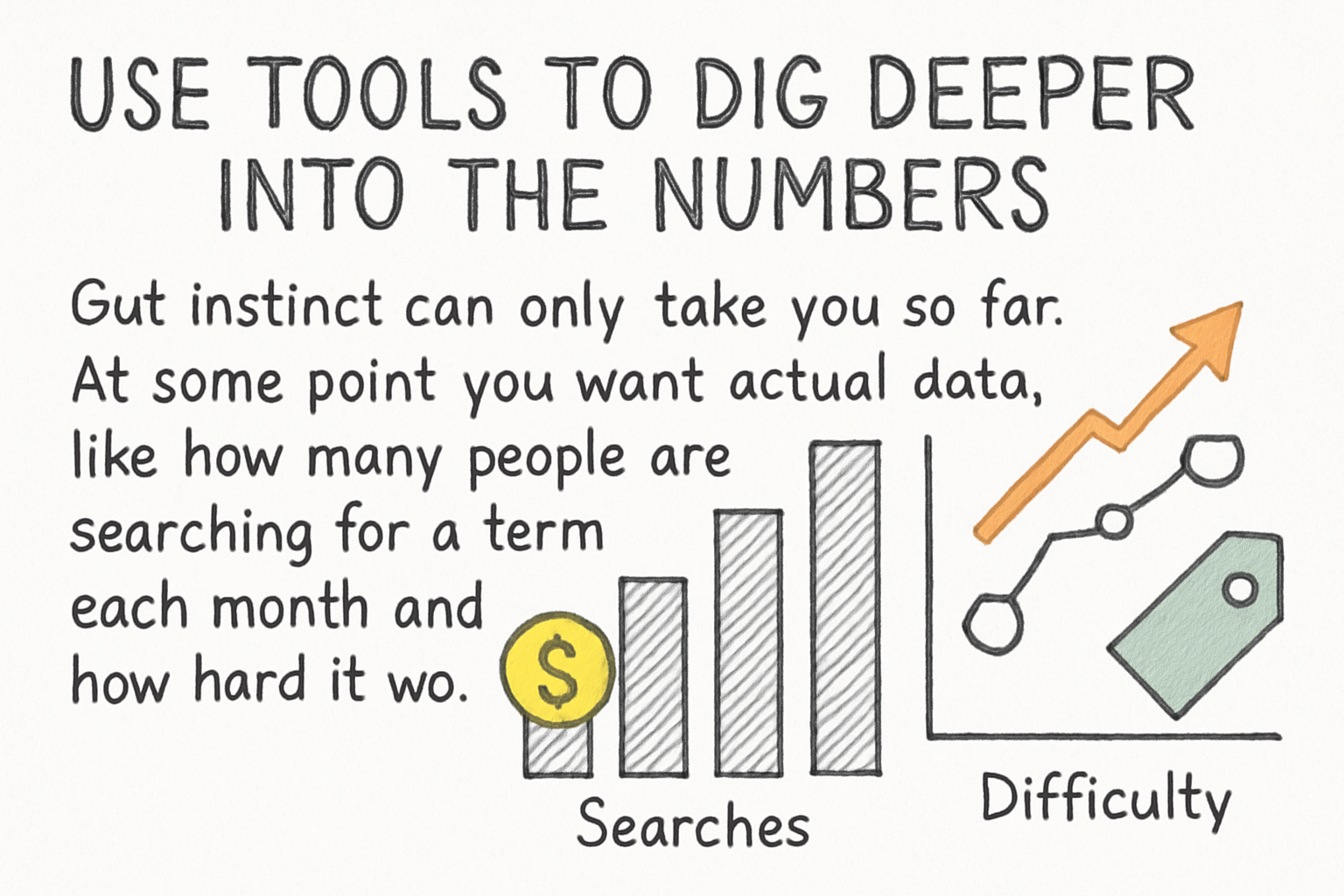
Use tools to dig deeper into the numbers
Gut instinct can only take you so far. At some point you want actual data, like how many people are searching for a term each month and how hard it would be to rank for it. That's where keyword research tools come in. Two of the most popular ones made specifically for YouTube are TubeBuddy and VidIQ. Both of them let you see search volume and competition scores right inside YouTube, which makes the process way faster.
I personally think VidIQ has a slight edge for beginners because the interface feels less cluttered, but TubeBuddy has some features that advanced creators swear by. We actually did a full breakdown in our VidIQ for YouTube deep dive if you want to see exactly what it offers. Either tool is going to be miles better than trying to guess on your own.
Here's a quick thing I learned the hard way. Early on, I always chased the highest-volume keywords because I assumed more searches meant more views. It doesn't work that way, at least not when you're starting out. A keyword with 50,000 monthly searches but massive competition from huge channels is basically a dead end. A keyword with 5,000 monthly searches and low competition? That's the sweet spot. You can actually rank for it and build momentum.
Google Trends is another free tool worth bookmarking. You can use it to see whether a topic is growing in interest or fading out. If you're deciding between two video ideas, and one of them is trending upward while the other is flatlining, that's a pretty easy call. Pair that with what you find in TubeBuddy or VidIQ, and you'll have a much clearer picture of where to focus your energy.
Put your keywords in the right places
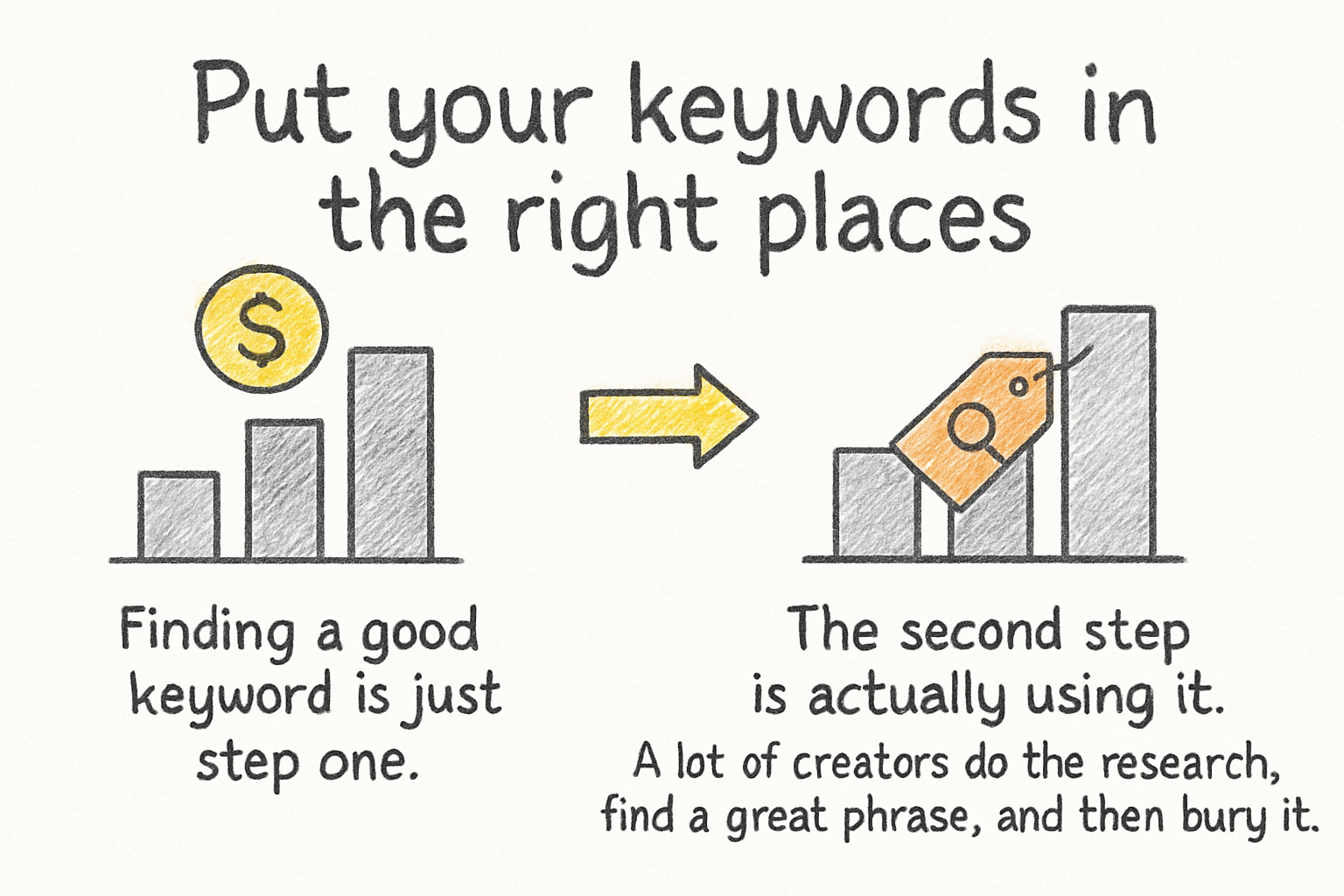
Finding a good keyword is just step one. The second step is actually using it. A lot of creators do the research, find a great phrase, and then bury it somewhere in the video description where nobody looks. YouTube needs to see your keyword in specific spots to connect your video to the right searches.
The title is the most important spot. Your keyword should show up naturally near the beginning of your title if possible. Not stuffed in awkwardly, but woven in so it still sounds like something a human would say. After the title, your description is the next big one. Write a real paragraph or two at the top of your description that naturally includes your main keyword and a few related ones. Think of it like writing a short summary of your video for someone who hasn't watched it yet.
Tags matter too, though not as much as they used to. They're still worth using correctly. Our post on YouTube tags and how to use them the right way covers that part in detail, so if you want to go deeper on tags specifically, check that one out. The short version is: use your main keyword as a tag, a few variations of it, and a couple of broader category tags.
Finally, say your keyword out loud in the video. YouTube generates automatic captions, and those captions help the algorithm understand what your video is about. If your keyword shows up in the spoken content, that reinforces everything else you've done with your title, description, and tags. It all works together. No single piece is magic on its own, but when everything lines up, your chances of ranking go up a lot.
Ready to take the next step?
Keyword research isn't some mysterious art form that only big channels understand. It's a skill you can build with the right habits and a little patience. Start with the search bar, use the tools, and put your keywords where they count. If you want to take your channel even further, check out Kliptory for more ways to grow and get your videos seen by the right audience. Got questions about keyword research or something that's been tripping you up? Drop a comment below. I read them and I'd love to hear what you're working on.