YouTube Tags: How to Use Them the Right Way

YouTube tags have confused creators for years. Some people stuff them with every keyword they can think of. Others ignore them completely and hope for the best. Neither approach is right, and if you've been doing either one, you're probably leaving views on the table.
A lot of you have asked about this topic in the comments, so let's break it down properly. Tags are one small piece of how YouTube understands your content. They're not magic, but when used well, they do help. When used badly, they can actually work against you.
This post walks you through what tags actually do, how to choose the right ones, and the mistakes that trip up most creators. Whether you're brand new to YouTube or you've been posting for a while and just never figured out the tag game, this is for you.
What YouTube tags actually do
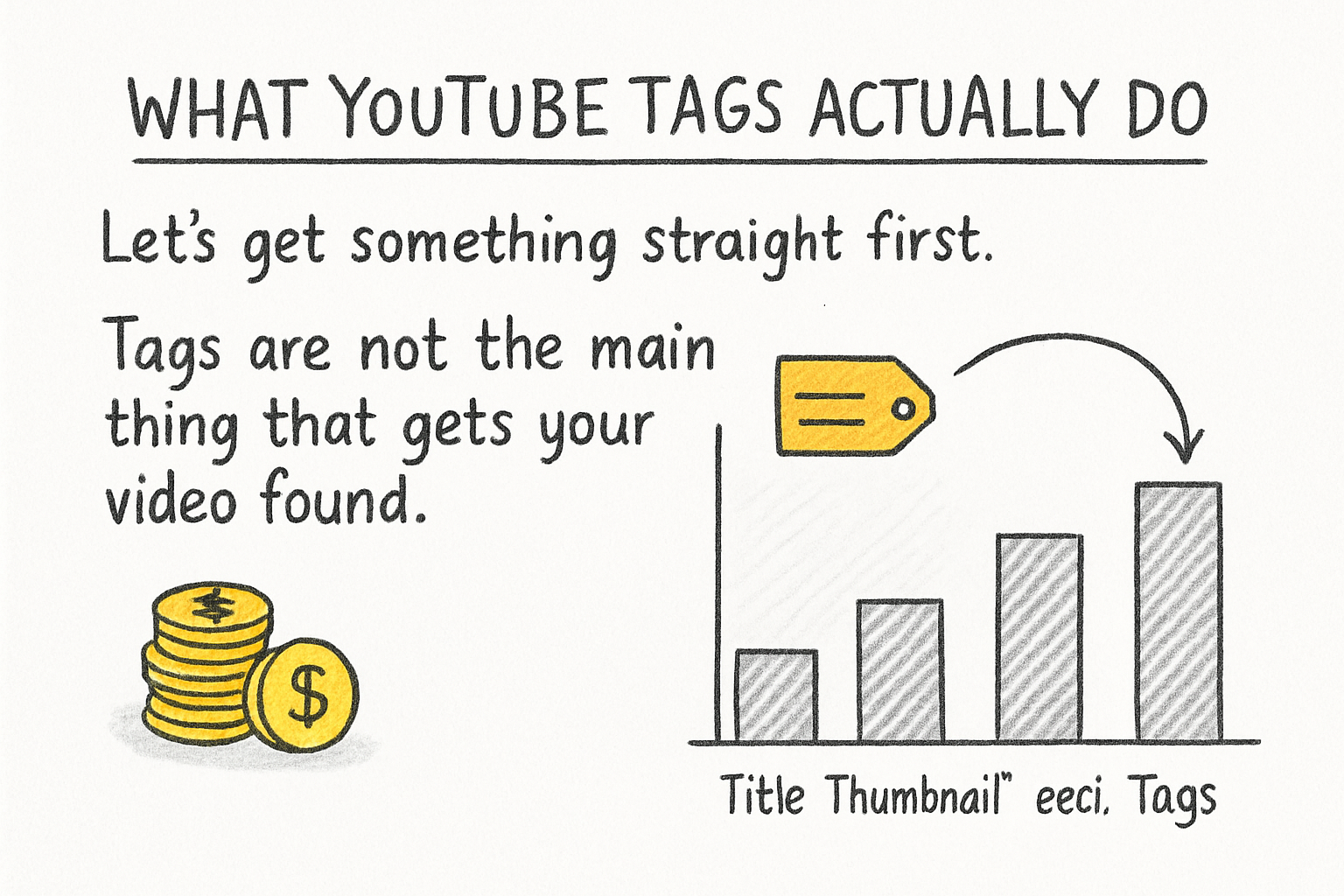
Let's get something straight first. Tags are not the main thing that gets your video found. Your title, thumbnail, and description do way more heavy lifting than tags ever will. YouTube has said this openly. But that doesn't mean tags are useless. They play a supporting role, and in some situations, that supporting role matters a lot.
YouTube uses tags to help figure out what your video is about. This is especially useful when your main keyword is a word that could mean different things. Think about a word like 'bass.' That could mean the fish, the guitar, or the music. A tag like 'bass guitar tutorial' clears that up fast. Tags give YouTube extra context so it can connect your video to the right audience.
Tags also help your video show up in the 'suggested videos' sidebar. When your tags match up with other popular videos in your topic, YouTube is more likely to suggest your content right alongside them. That's free traffic without anyone even searching for you specifically. It's one of the quieter ways tags can actually move the needle.
I personally think most creators overthink the tag section because they assume it works like Google SEO from ten years ago, where stuffing keywords everywhere was the whole strategy. YouTube is smarter than that now. Think of tags as a small but honest signal you send to the algorithm, not a loophole to game.
How to pick the right tags for your videos
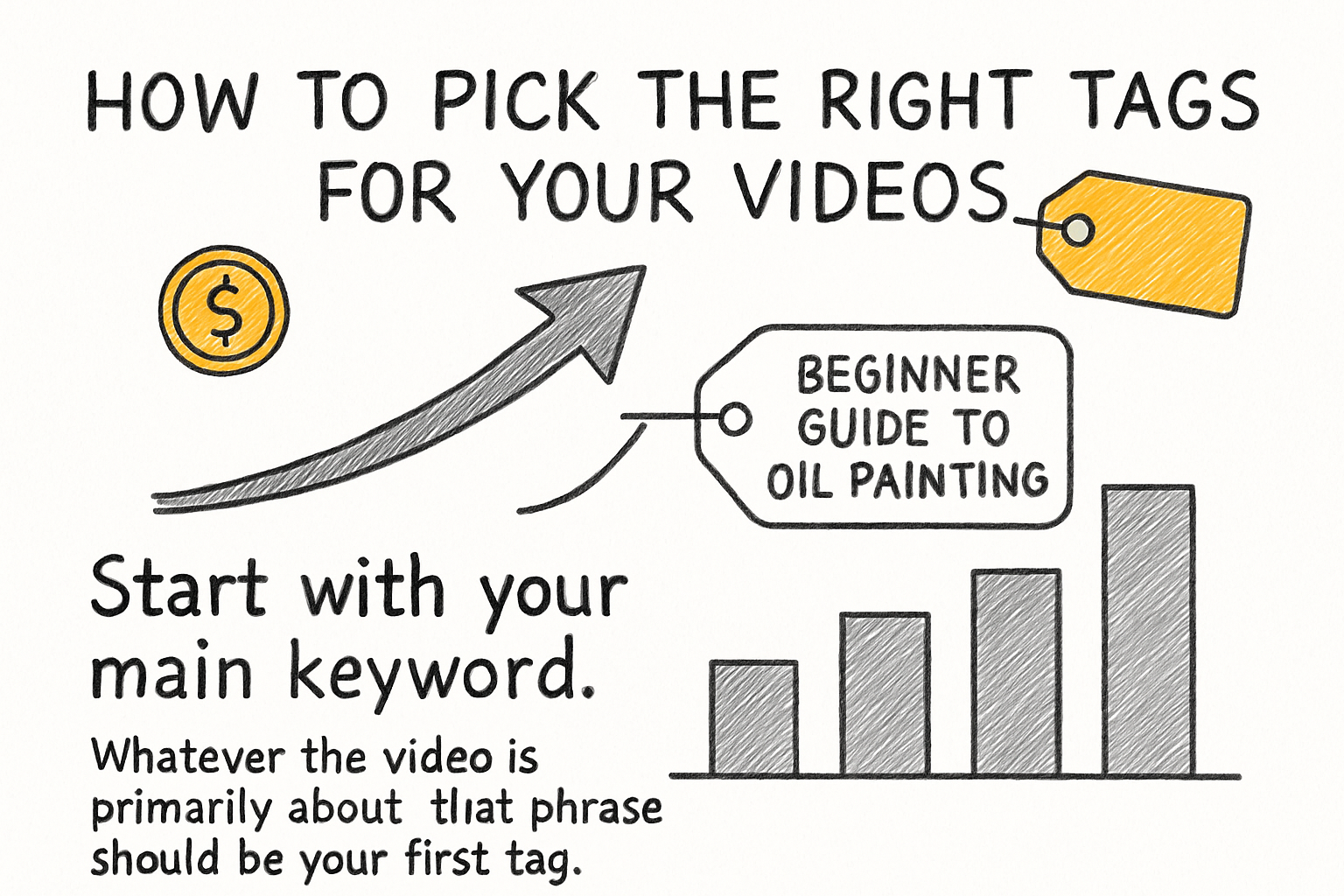
Start with your main keyword. Whatever the video is primarily about, that phrase should be your first tag. If your video is a beginner guide to oil painting, your first tag should be something like 'oil painting for beginners.' Keep it simple and exact. That first tag carries the most weight, so don't waste it on something vague.
From there, add a few variations of that keyword. Think about how different people might search for the same thing. Someone might type 'how to start oil painting' while someone else types 'oil painting basics.' These aren't totally different topics. They're the same idea with different phrasing. Adding three or four of these keyword variations helps you catch a wider range of searches without being misleading.
Next, think about broader category tags. If your video is about oil painting, broader tags like 'painting tutorial' or 'art for beginners' make sense. These connect your video to a wider community of related content. They won't drive as much direct traffic, but they help YouTube understand the overall space your channel belongs to. Tools like VidIQ can be really helpful here for spotting which tags similar videos are using.
Keep your total tag count between 5 and 15. You have a 500-character limit, and trying to fill every bit of it usually leads to junk tags that don't help. Quality beats quantity every time. Avoid tagging things that have nothing to do with your video just because they're trending. YouTube can actually penalize that, and it sends the wrong viewers to your content anyway.
Tag mistakes that hurt your channel
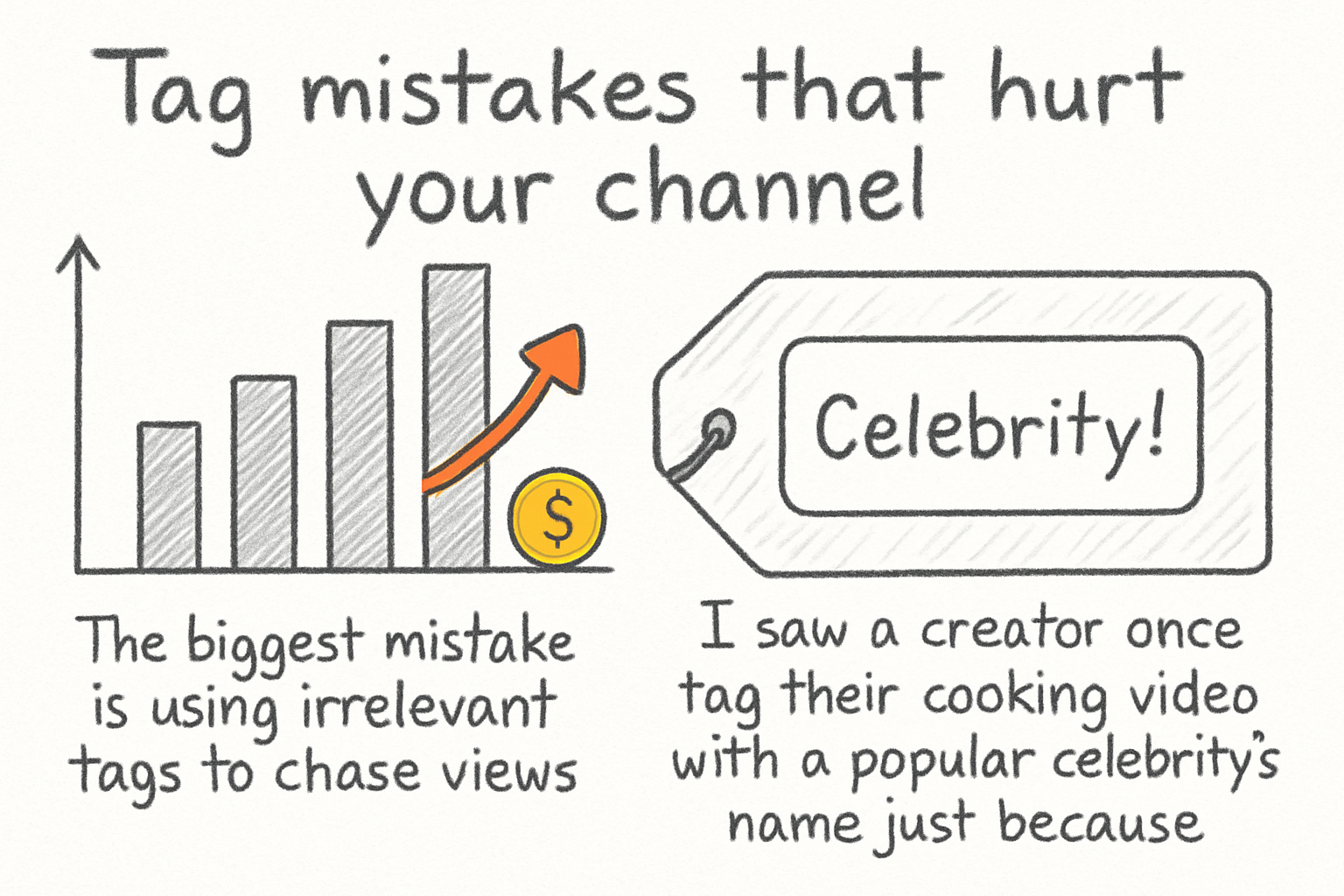
The biggest mistake is using irrelevant tags to chase views. I saw a creator once tag their cooking video with a popular celebrity's name just because that celebrity was trending that week. It got clicks for a day, but the audience was wrong. Watch time dropped, engagement tanked, and the algorithm stopped pushing the video. The short-term gain wiped out the long-term potential.
Another common mistake is only using super broad tags. Tags like 'YouTube' or 'video' or 'tutorial' are too wide to mean anything useful. Every creator on the platform could use those tags. They don't help YouTube figure out where your content fits. Stick to specific, relevant phrases that actually describe what someone will see when they click your video.
Some creators also forget to update tags on older videos. If you posted something two years ago and the search language around that topic has changed, your old tags might be working against you. Going back and refreshing tags on your best-performing older videos is a low-effort move that can wake them back up. In an older post about YouTube video optimization services, we touched on why revisiting old content matters more than most people realize.
Finally, don't copy a competitor's tags blindly. I've done this myself early on, and it usually doesn't help as much as you'd hope. Competing against established channels with identical tags puts your smaller video up against videos that already have momentum. It's smarter to use a mix of their broader category tags and some lower-competition niche tags where you have a better shot at ranking.
Ready to take the next step?
Tags are one of those small details that won't make or break your channel on their own, but getting them right is part of building a solid foundation. Use them honestly, keep them relevant, and pair them with strong titles and descriptions. That's the full picture. If you want to dig deeper into growing your channel the right way, check out Kliptory for tools and resources built for YouTube creators. And drop a comment below letting me know how you've been handling tags. Are you a tag-stuffer or a tag-ignorer? There's no shame in either, but there's always a better way forward.