The Best Equipment for Starting a YouTube Channel on a Budget

A lot of you have asked about this exact thing: what do you actually need to start a YouTube channel without spending a fortune? It's one of the most common questions new creators have, and honestly, it makes total sense. You see these polished videos online and think you need thousands of dollars worth of gear just to get started. You don't.
The truth is, some of the fastest-growing channels on YouTube right now started with a phone, a window, and a free editing app. The gear matters less than the content, and the content matters less than consistency. But you still need a basic setup that won't make your videos look like they were filmed in a cave.
This post is going to walk you through the key pieces of equipment you actually need, what you can skip for now, and how to build a solid setup without breaking the bank. Whether you're starting a gaming channel, a cooking channel, or something totally niche, this guide covers the basics. I personally think the microphone is the single most important purchase you'll make, but we'll get to that.
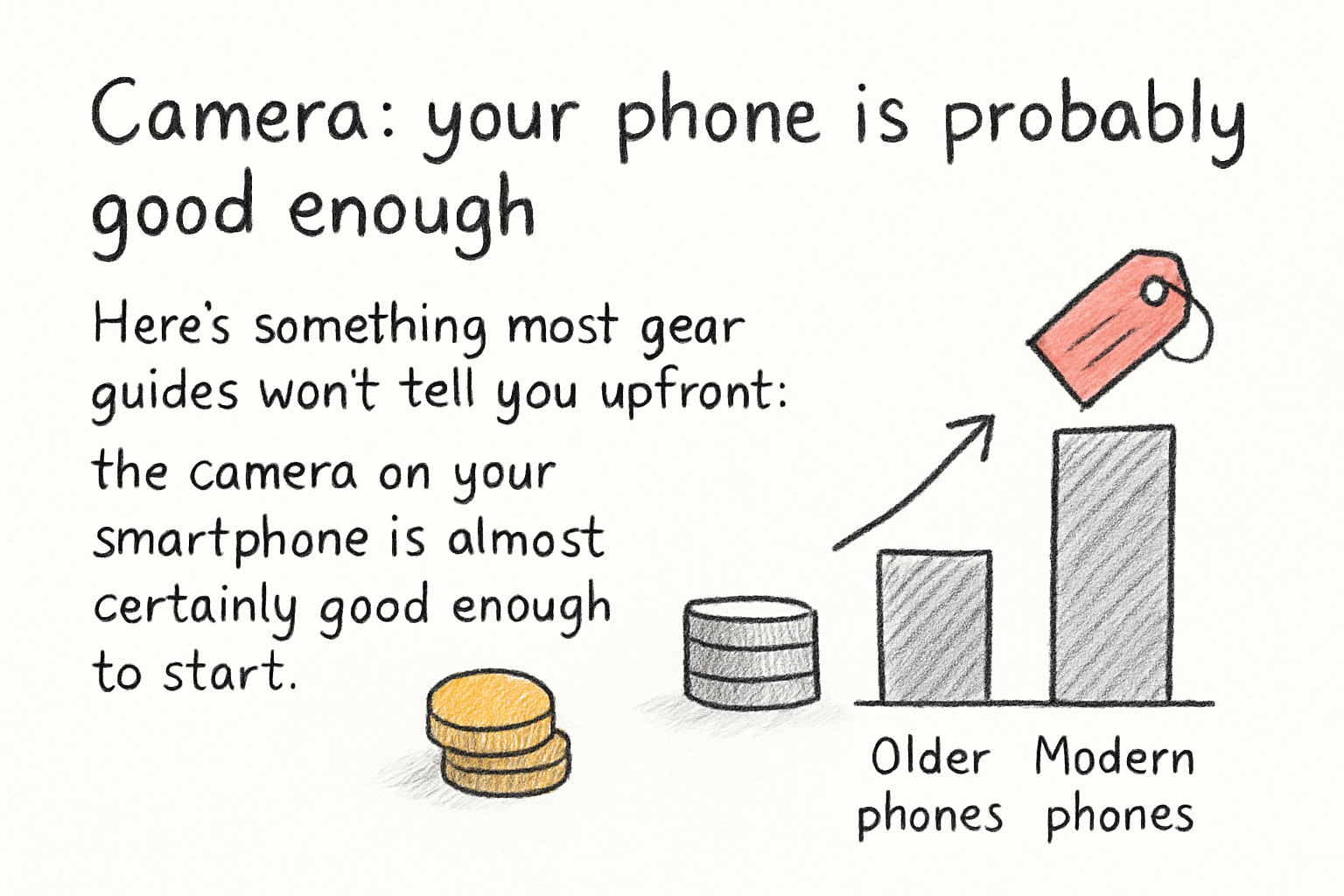
Camera: your phone is probably good enough
Here's something most gear guides won't tell you upfront: the camera on your smartphone is almost certainly good enough to start. Modern phones, even ones that are two or three years old, shoot in 1080p or even 4K. That's more than enough for YouTube. You don't need to buy a dedicated camera on day one.
If you're filming yourself talking to the camera, just prop your phone up at eye level, make sure you have good lighting in front of you, and shoot. That's it. The iPhone 12, Samsung Galaxy S21, or even a mid-range Android phone from 2022 will give you solid footage right out of the box.
That said, if you want to upgrade eventually, a used Canon M50 or a Sony ZV-E10 are both popular choices among beginner YouTubers. They shoot clean video, they're easy to use, and you can find them used for around $200 to $300. But again, start with what you have. Gear upgrades make more sense once you've proven to yourself that you'll actually stick with the channel.
One thing I learned the hard way early on: I spent weeks researching cameras before I filmed a single video. Don't do that. Film something today with your phone and improve from there.
Audio and lighting: the two things that actually matter
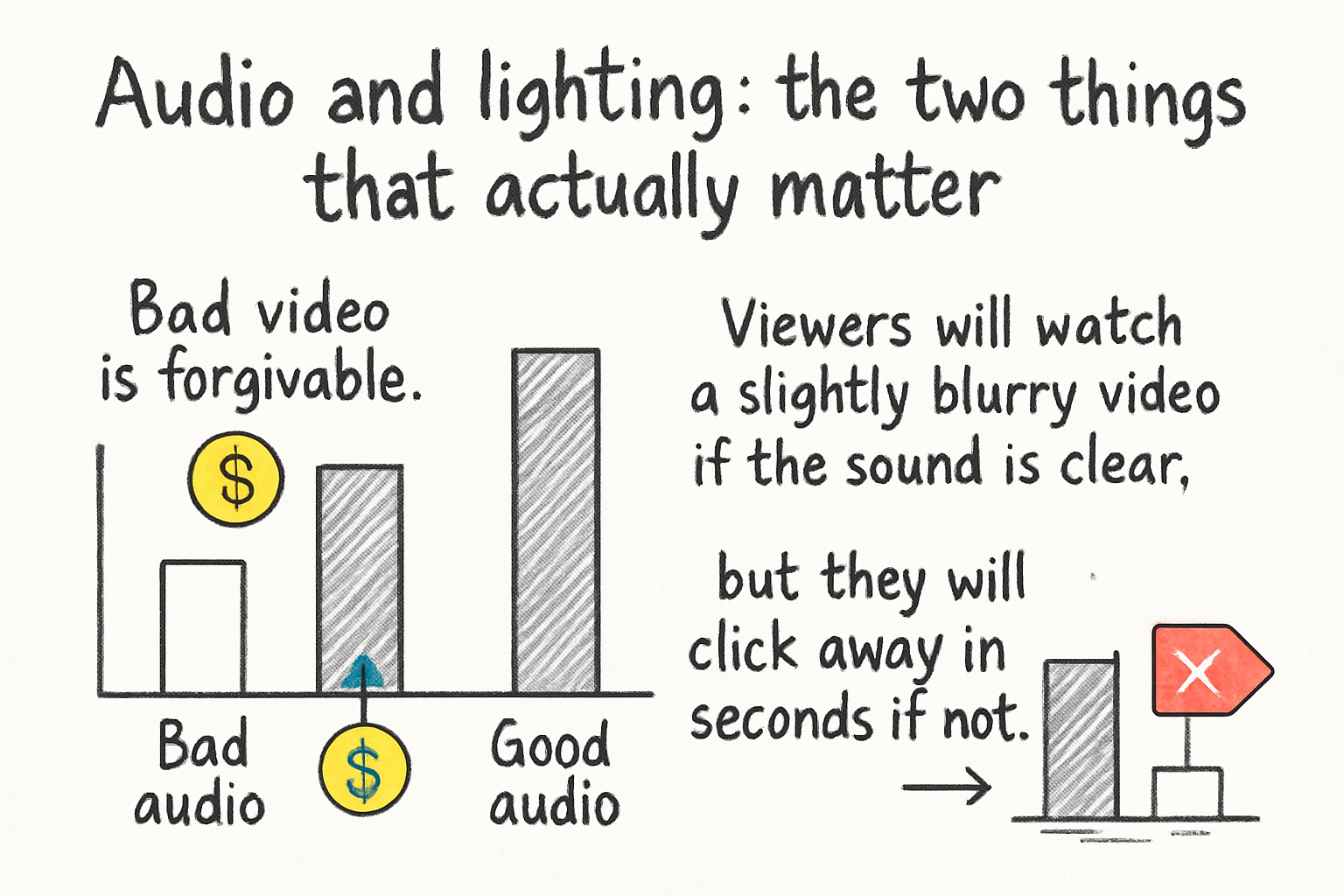
Bad video is forgivable. Bad audio is not. Viewers will watch a slightly blurry video if the sound is clear, but they will click away in seconds if you sound like you're recording inside a tin can. This is why I personally think audio should be your first real investment when you're starting out.
A decent USB microphone can cost as little as $30 to $50. The Fifine K669 and the Blue Snowball iCE are both solid entry-level options. If you want to record on the go or away from a desk, a lavalier microphone that clips to your shirt is another great budget option. You can find clip-on mics for under $20 on Amazon that work surprisingly well. Just get something better than your built-in laptop or phone mic.
Lighting is the other big one. You don't need a professional ring light setup. What you do need is to not film with a window behind you, because that'll make you look like a shadow. Try sitting facing a window during the day, and you'll get free, natural light that looks great on camera. If you want a bit more control, a basic ring light costs around $25 to $40 and makes a noticeable difference.
Once your audio and lighting are dialed in, your videos will feel professional even if everything else is basic. People tend to judge video quality by sound and lighting first. Get those two things right and you're ahead of most beginners already.
Editing software and the gear you don't actually need yet
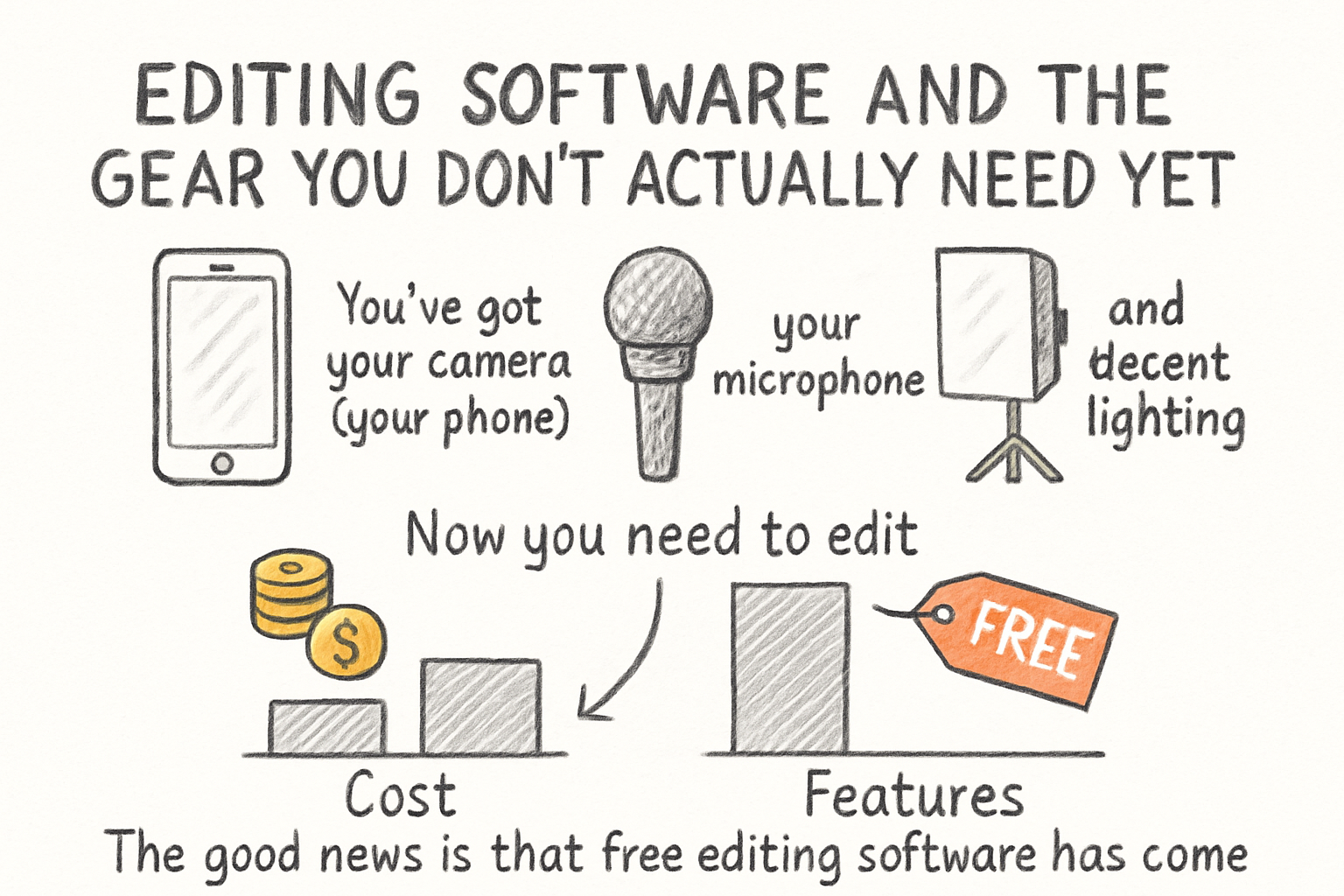
You've got your camera (your phone), your microphone, and decent lighting. Now you need to edit. The good news is that free editing software has come a long way. DaVinci Resolve is completely free and it's what a lot of professional editors use. CapCut is another popular free option, especially if you're also making short-form content. For Mac users, iMovie comes pre-installed and works fine for basic edits.
If you want to go deeper on the content strategy side of things, our guide on using YouTube analytics to grow your channel is worth reading alongside this one. Getting your setup right is only part of the puzzle. Knowing what's working in your videos is the other part.
Now, what don't you need? You don't need a green screen to start. You don't need a dedicated streaming PC or a capture card unless you're doing live gaming content. You don't need a teleprompter, a drone, or an external hard drive on day one. A lot of beginners buy a bunch of extras thinking it'll make their content better. It usually just makes their filming setup more complicated.
Keep it simple. A phone or basic camera, a decent mic, good lighting, and free editing software will carry you through your first 50 videos easily. By the time you're ready to upgrade, you'll have a much better idea of what you actually need based on the type of content you're making. Focus on getting your YouTube intro strategy right before you worry about buying a better lens.
Ready to take the next step?
Starting a YouTube channel doesn't have to cost a lot. It just has to start. Grab your phone, set up near a window, plug in a budget microphone, and film your first video this week. The gear can always improve later. What can't wait is actually beginning. If you've already started and you're looking for tools to help your channel grow faster, check out Kliptory to see how it can help you optimize your content and find what's working. Drop a comment below and let us know what equipment you're using right now. Whether it's a $20 mic or a full mirrorless camera setup, we'd love to hear where you're starting from.