YouTube Subscribers Live Count: How to Track Yours in Real Time

If you've ever refreshed your YouTube Studio page over and over waiting for your subscriber count to tick up, you're not alone. It's one of those things creators get hooked on fast, especially after a video starts picking up views. Watching numbers move in real time feels exciting, and honestly, it can tell you a lot about how your content is landing with people.
A YouTube subscribers live count is exactly what it sounds like. It's a tool or feature that shows your subscriber count updating in or near real time, rather than the delayed numbers you'd normally see in YouTube Studio. The delay there can be hours long, which is brutal when you're in the middle of a growth spike. Live count tools pull data more frequently so you can get a closer look at what's actually happening.
This post is going to walk you through how live subscriber counts work, where to track yours, what the numbers actually mean, and how to use that info to grow smarter. Whether you're just starting out or you've got a channel with some real traction already, there's something useful here for you.
How live subscriber counts actually work
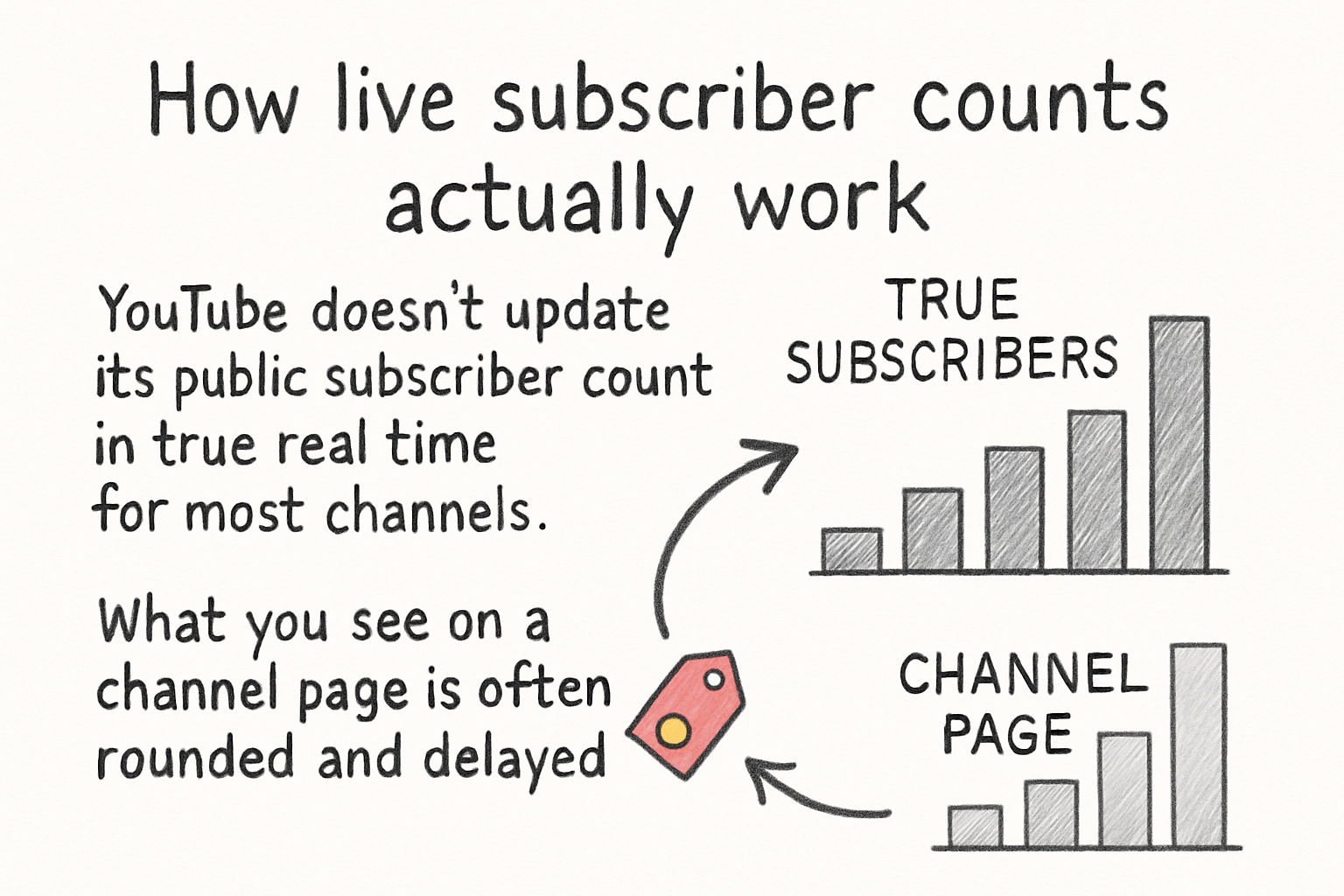
YouTube doesn't update its public subscriber count in true real time for most channels. What you see on a channel page is often rounded and delayed. Small channels might see exact numbers, but once you cross 1,000 subscribers, YouTube starts displaying rounded figures. The delay in Studio can run several hours behind actual activity.
Live count tools work by using YouTube's public API to pull subscriber data on a more frequent basis. They refresh every few seconds and show an animated counter that goes up or down as people subscribe or unsubscribe. Sites like Social Blade and tools built into platforms like VidIQ pull this data and present it in a way that feels live, even if it's technically a close approximation.
I personally think the real value here isn't the thrill of watching numbers go up, though that part is pretty fun. It's the pattern recognition. When your count jumps fast right after you post, that's a signal your content connected. When it stalls, that's worth looking into too.
Keep in mind that no third-party tool has direct access to YouTube's backend data. They're all working from the same public API. So while the counts are close, they're not always exact to the second. Think of them as a very good estimate, not a certified read.
Where to track your live subscriber count
A lot of you have asked about this, so let's get into the actual tools. Social Blade is probably the most well-known free option. You just search your channel name, and it pulls up your stats including a live counter. It also shows your estimated daily gains and losses, which is useful for spotting trends over time.
VidIQ is another solid choice. We actually wrote a full breakdown in our deep dive on VidIQ for YouTube if you want to see everything it offers. For subscriber tracking, it gives you real-time updates inside a browser extension, so you don't have to leave your workflow to check your numbers. It also layers in context like which videos are driving the most subscriptions.
TubeBuddy has similar functionality. If you're already using it for keyword research or A/B testing thumbnails, the subscriber tracking feature is a nice bonus built right in. You can read our take on it in this full TubeBuddy review and breakdown.
There are also dedicated live count websites that creators sometimes use during livestreams to show their subscriber goal progress on screen. These are great for community moments, like watching yourself hit 10K live with your audience. They're simple tools, but they create real connection.
Using your subscriber data to actually grow
Tracking your subscriber count live is fun, but the real move is using what you see to make better decisions. I remember the first time I noticed my count jumping fast on a video I almost didn't post because I thought it was too simple. That moment pushed me to rethink what my audience actually wanted versus what I assumed they wanted.
When you see a spike, go find out what caused it. Was it a specific video? A share from someone with a big following? A trending topic you happened to cover? YouTube Studio has an analytics tab that shows subscriber sources, meaning it tells you which videos and external traffic brought in new subscribers. Pair that with your live count observations and you've got real information to act on.
On the flip side, if you notice you're losing subscribers fast after posting certain types of content, that's feedback too. Don't take it personally. Use it. If you're not sure what kinds of videos to make next, our post on great YouTube video ideas to inspire your next upload is worth a read. And if you want to understand why some videos pull in subscribers better than others, look at how well they're optimized, starting with things like titles, descriptions, and tags.
Growth doesn't happen randomly. The channels that grow consistently are the ones paying attention to what their data says and adjusting. Live subscriber counts are just one piece of that, but they're a piece worth watching. If you want to go deeper on building your numbers with intention, check out our guide on how to get subscribers on YouTube fast for strategies that actually work.
Ready to take the next step?
Got questions about tracking your channel growth or figuring out what your numbers mean? Drop them in the comments below. We read every one. And if you want more tools and tips built for creators who are serious about growing on YouTube, check out Kliptory and see what's waiting for you there.