TubeBuddy for YouTube: Full Review and Breakdown

If you've spent any time trying to grow a YouTube channel, you've probably heard the name TubeBuddy come up. It's one of those tools that creators swear by, and others write off as overkill. So which is it? That's exactly what I want to break down today, because the honest answer is somewhere in the middle, and it depends a lot on where you are in your YouTube journey.
TubeBuddy is a browser extension and mobile app that plugs directly into YouTube's interface. Once you install it, you start seeing extra data, tools, and suggestions layered right on top of your normal YouTube dashboard. Things like keyword scores, tag suggestions, A/B thumbnail testing, and bulk processing tools all show up without you having to switch between a bunch of tabs. It's designed to save time and help you make smarter decisions about your content.
A lot of you have asked about this tool specifically, and whether it's worth paying for or if the free version cuts it. I've spent time actually using TubeBuddy across different account sizes, and I want to give you a real picture of what it does well, where it falls short, and who it makes the most sense for. Let's get into it.
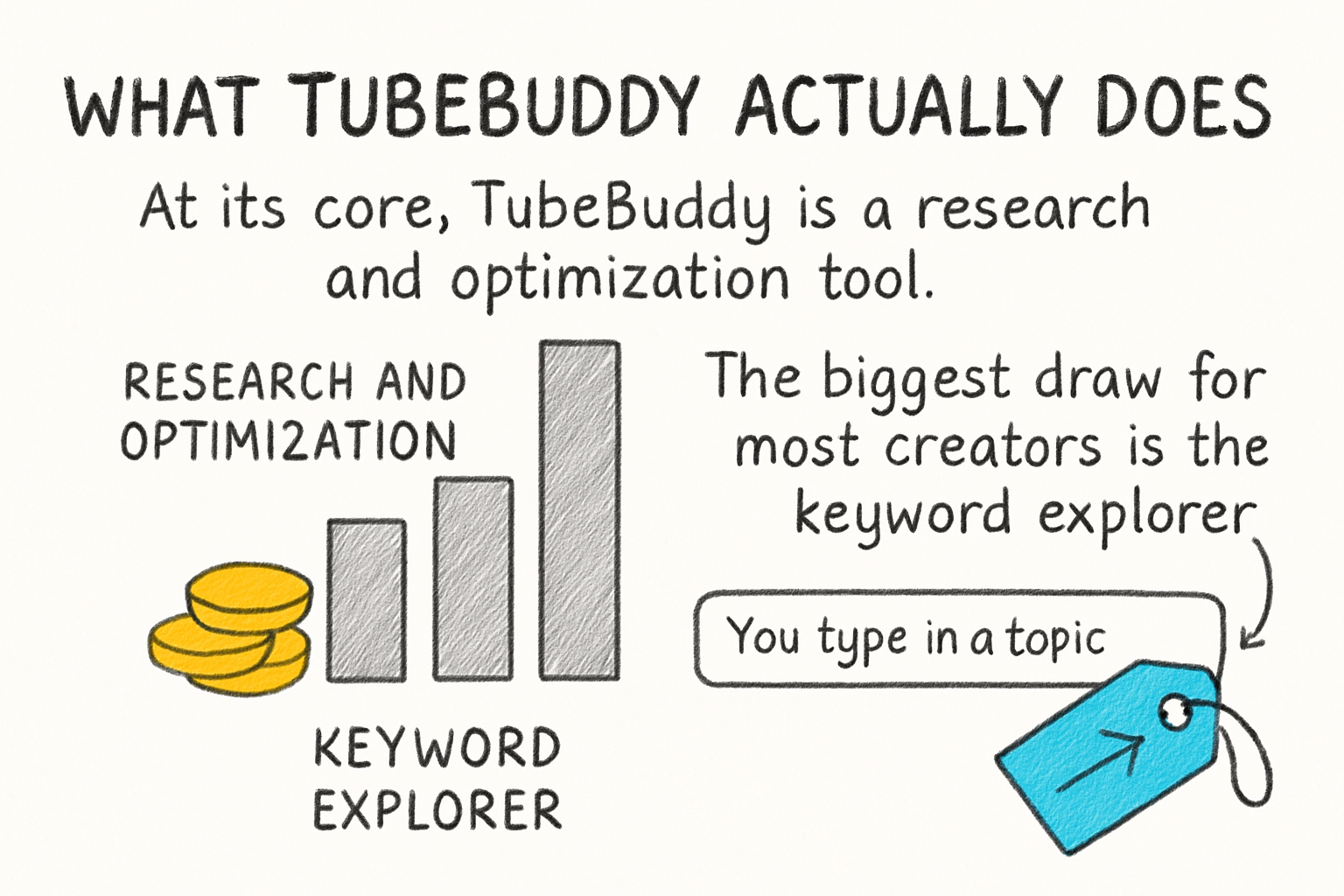
What TubeBuddy actually does
At its core, TubeBuddy is a research and optimization tool. The biggest draw for most creators is the keyword explorer. You type in a topic, and TubeBuddy gives it a score based on how much search volume it gets versus how competitive it is. That score helps you figure out if a video idea has a real shot at ranking or if you'd be going up against channels with way more authority than yours.
Beyond keywords, TubeBuddy helps with your tags, titles, and descriptions. It shows you a checklist while you're uploading a video so you don't miss anything. It also has a feature called the SEO Studio that walks you through optimizing each part of your metadata step by step. For newer creators who aren't sure what to fill in, this is genuinely useful guidance.
One of the more underrated features is the A/B thumbnail tester. You upload two different thumbnails, TubeBuddy rotates them to real viewers, and then shows you which one gets more clicks. Thumbnails make a huge difference in whether people actually watch your videos, and most creators just pick one and hope for the best. Having real data behind that choice is a big deal. That said, this feature is locked behind the paid plans.
TubeBuddy also has bulk tools that let you update cards, end screens, and descriptions across multiple videos at once. If you've ever had to update a link in a hundred video descriptions one by one, you know how painful that is. This alone makes the tool worth it for established creators with a large back catalog.
Free plan vs. paid plans: what you actually get
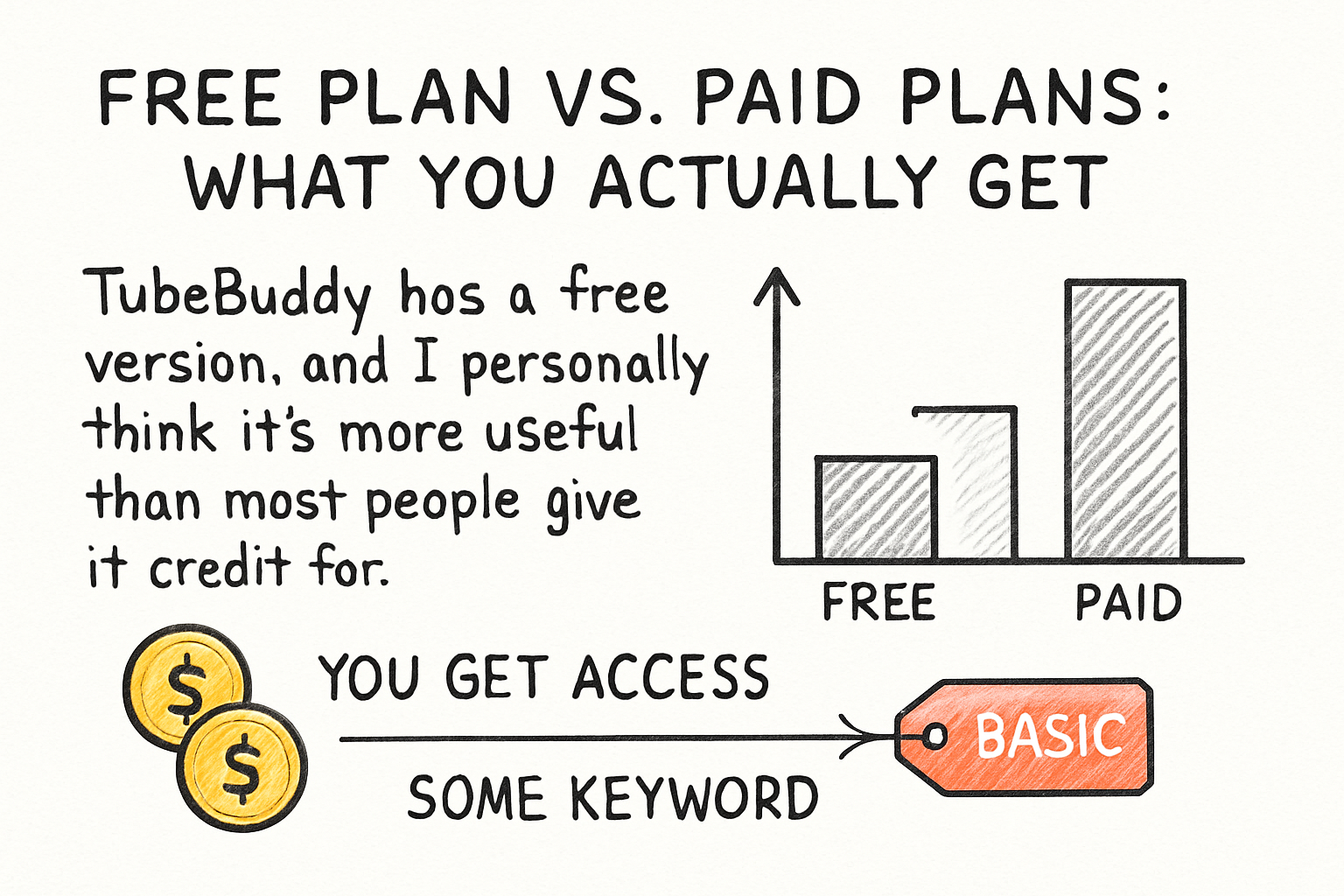
TubeBuddy has a free version, and I personally think it's more useful than most people give it credit for. You get access to some keyword data, basic tag suggestions, and a handful of productivity tools without spending a cent. If you're just starting out and trying to understand how YouTube SEO works, the free tier is a solid place to begin.
Once you want the deeper features, TubeBuddy offers three paid tiers: Pro, Legend, and the enterprise-level options for agencies or larger teams. Pro runs around nine dollars a month and unlocks most of the features that solo creators actually need, including more detailed keyword scores, better filtering, and some automation tools. Legend is the top tier for individuals and adds things like advanced analytics and priority support.
I remember when I first started paying attention to YouTube analytics more seriously. I kept second-guessing whether tools like this were worth the money or if I was just buying confidence. The truth is the value scales with how active you are. If you post once a month, a free tool or the basic plan probably does the job. If you're posting weekly and treating your channel like a real project, the paid features start pulling their weight quickly.
For comparison, if you've read our deep dive into VidIQ, you'll notice both tools overlap quite a bit in the keyword and analytics space. TubeBuddy tends to win on the bulk editing and channel management side, while VidIQ has a slight edge in daily coaching and competitor tracking. Neither one is a clear winner for every creator, it really depends on your workflow.
Who should use TubeBuddy and who should skip it
TubeBuddy makes the most sense for creators who are serious about YouTube as a long-term project. If you're trying to build a channel, understand what keywords you can actually rank for, and manage your content more efficiently over time, it earns its place in your toolkit. The SEO features alone can help you pick better topics before you spend hours filming something nobody searches for.
For brand new creators, the free version is the smart move. Get familiar with how keyword research works, learn what tags are doing for your visibility, and see if you even enjoy the process of optimizing your videos. There's no point paying for advanced tools if you're still figuring out your niche. Speaking of which, if you're still working on that part, our post on finding the best niche for YouTube is worth reading before you dive too deep into SEO tools.
Creators who probably don't need TubeBuddy right now are those who are posting casually without much growth intention, or anyone who already has a strong organic system that's working. Paying for a tool you don't actively use is just wasted money. If you're not in the habit of doing keyword research before every upload, TubeBuddy won't fix that habit for you.
That said, if you're working toward monetization and thinking about your watch hours and subscriber count, getting your SEO right from early on matters more than most creators realize. TubeBuddy helps you build that foundation with data instead of guesswork. It won't replace consistent uploads and good content, but it points you in the right direction faster than going in blind.
Ready to take the next step?
So there you have it, a full breakdown of what TubeBuddy offers, where it shines, and where it might be more than you need right now. If you've used TubeBuddy yourself, I'd love to hear your take in the comments. What features do you actually use day to day, and what feels like clutter? Drop your thoughts below. And if you're looking for more tools and resources to help your channel grow smarter, check out Kliptory to see what we've been building for creators like you.