YouTube Video Idea Generator: How to Use One Effectively

Coming up with video ideas every single week is one of the hardest parts of being a YouTuber. You sit down, stare at a blank screen, and suddenly every idea you thought you had just vanishes. Sound familiar? That's why so many creators are turning to YouTube video idea generators to break through the block and keep their channels moving.
A YouTube video idea generator is exactly what it sounds like. It's a tool that helps you brainstorm video topics based on your niche, your audience, or keywords you plug in. Some are powered by AI. Some pull from search trends. Others just give you a creative prompt to riff on. The point is that they do the heavy lifting when your brain refuses to cooperate.
But here's the thing most people get wrong: they open one of these tools, grab the first idea that pops up, and run with it without thinking twice. That's not really using the tool effectively. There's a smarter way to do it, and that's what this post is all about. Whether you're just starting out or you've got a few hundred videos under your belt, this guide will help you actually get value out of these generators instead of just spinning your wheels.
How to pick the right generator for your channel
A lot of you have asked about this, so let's start here. Not all video idea generators are built the same way. Some are great for broad niches like cooking or fitness. Others work better for technical topics like software tutorials or personal finance. Before you commit to one, think about what your channel actually needs.
If you're in a competitive niche, you want a tool that ties into real search data. A generator that pulls from YouTube trends or Google search volume is going to give you ideas people are already looking for. That's a much stronger starting point than a random creative prompt. Pairing your generator with solid keyword research makes a big difference, so it's worth checking out a guide on YouTube keyword research alongside whatever tool you choose.
For creators in smaller or more creative niches, an AI-based idea generator can be more helpful. You give it context about your channel, your typical viewer, and the kind of content you make, and it responds with ideas that actually fit. The more specific you are with your inputs, the better the outputs get. Vague prompts give you vague ideas.
I personally think the best move is to try two or three different generators before settling on one. I tested about five when I was setting up a side project channel, and there was a huge gap in quality between them. The one I almost skipped turned out to be the most useful because it let me filter ideas by estimated search demand. Don't just grab the first one you find on Google.
Getting the most out of your idea generator
Okay, so you've picked a tool. Now what? The mistake most people make at this stage is treating the generator like a vending machine. You put in a keyword, you get an idea, you film it. Done. But that approach misses most of the value these tools offer.
Start by running several different inputs and saving every idea that catches your attention, even the ones that seem a little off. Generators work best when you use them to build a big messy list first and then edit it down. Think of it like brainstorming on paper. You don't cross things out as you go. You get everything out, then you refine.
Once you've got a list of maybe 20 to 30 rough ideas, start filtering. Ask yourself which ones match what your audience actually wants to watch. Look at your analytics. Check your comments. If you've written down ten ideas but your viewers keep asking about one specific topic, that's your answer. For inspiration on what kinds of videos tend to perform well, take a look at this roundup of great YouTube video ideas that other creators have found success with.
Also, use the generator more than once. Run it at the start of each month. Use it when you're planning a series. Use it when you're launching in a new sub-niche. The best creators I've seen talk about their process treat idea generation like a habit, not a one-time fix. You keep feeding the machine and you keep pulling out the good stuff.
Turning ideas into videos that actually get watched
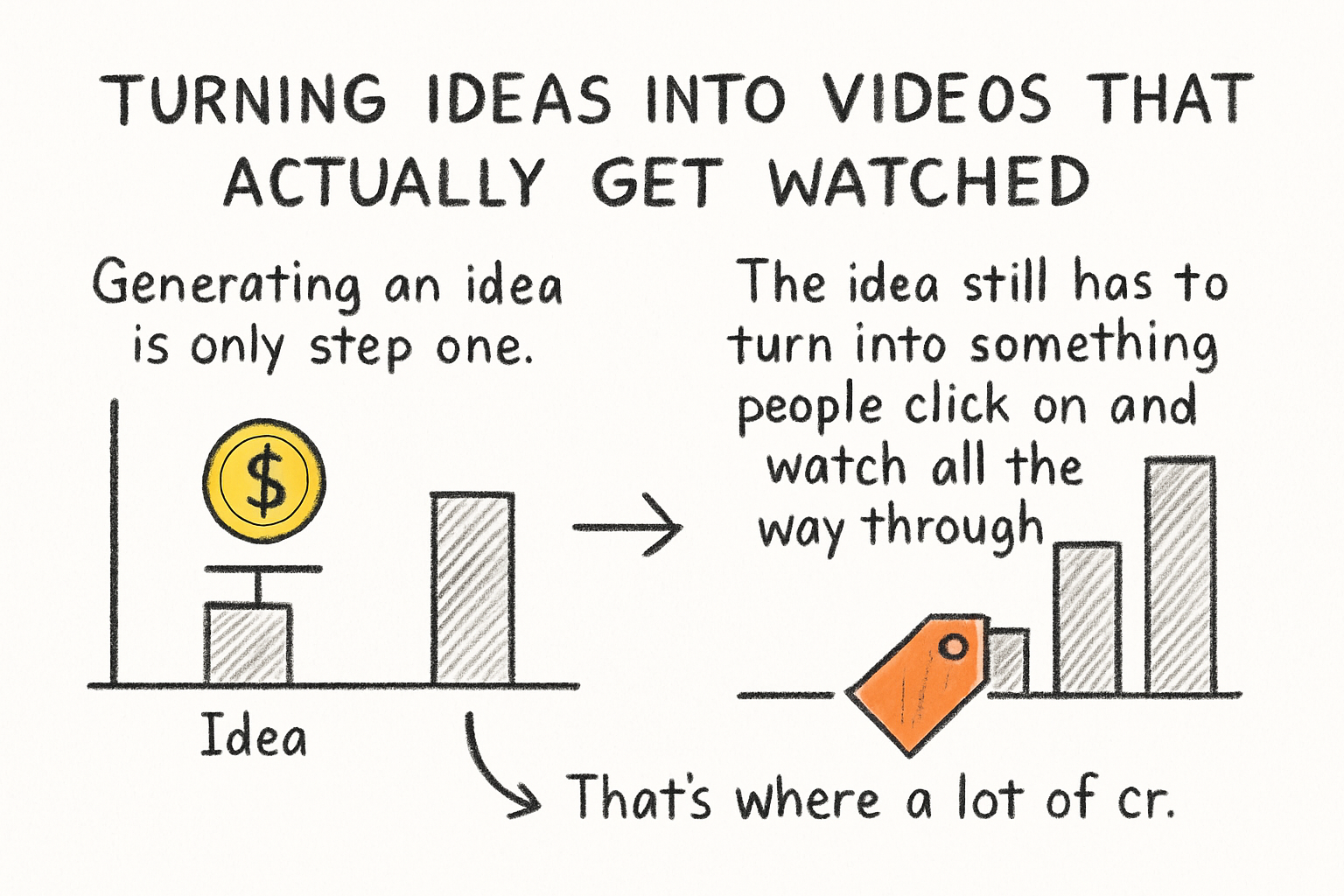
Generating an idea is only step one. The idea still has to turn into something people click on and watch all the way through. That's where a lot of creators drop the ball. They get a solid topic from a generator and then wrap it in a weak title, a boring thumbnail, and no real structure. The idea never had a chance.
When you take an idea from a generator, your next job is to shape it. Ask yourself: what's the specific angle? Who exactly is this video for? What does the viewer want to know by the end? A broad idea like "how to grow on YouTube" becomes much stronger when you narrow it down to something like "why your YouTube channel isn't growing (and what to actually fix)". Specificity wins.
Title and tags matter more than most beginners realize. Once your video idea is solid, make sure your metadata is doing its job. We covered this in our earlier post on using YouTube tags the right way, and the same thinking applies here. A great idea with bad tags is like putting a great product in a store nobody can find.
Finally, think about what happens after someone watches. Is there a reason for them to subscribe? Does the video lead naturally to another one you've made? A good idea generator gets you in the door, but it's the overall experience you create that keeps viewers coming back. If you want to take things further and grow your audience faster, it's worth reading up on how to get subscribers on YouTube so your hard work on ideas actually pays off in channel growth.
Ready to take the next step?
If you've been struggling to come up with fresh ideas consistently, a video idea generator can genuinely change your workflow. But remember, the tool is just the starting point. The real work is in how you filter, shape, and execute those ideas once you have them. Give it a real try, stay consistent, and don't be afraid to test topics you wouldn't normally consider. Have a question about how you've been using idea generators, or want to share what's been working for you? Drop it in the comments below. And if you want a smarter way to research and plan your YouTube content all in one place, check out Kliptory and see what it can do for your channel.