Best Free YouTube Keyword Research Tools

Finding the right keywords for your YouTube videos doesn't have to cost you anything. There are some really solid free tools out there that can help you figure out what people are actually searching for, so your videos have a real shot at getting found. The trick is knowing which ones are worth your time and how to use them without overcomplicating things.
A lot of you have asked about this, and honestly, I get it. When you're starting out or working on a tight budget, spending money on a premium keyword tool feels hard to justify. Good news is, you don't have to. The free options available today are way better than they were even a few years ago, and some of them give you data that used to cost a monthly subscription fee.
This post breaks down the best free YouTube keyword research tools, what each one actually does, and when you'd want to use it. Whether you're brand new to YouTube or you've been uploading for a while and just want better reach, this is the guide for you.
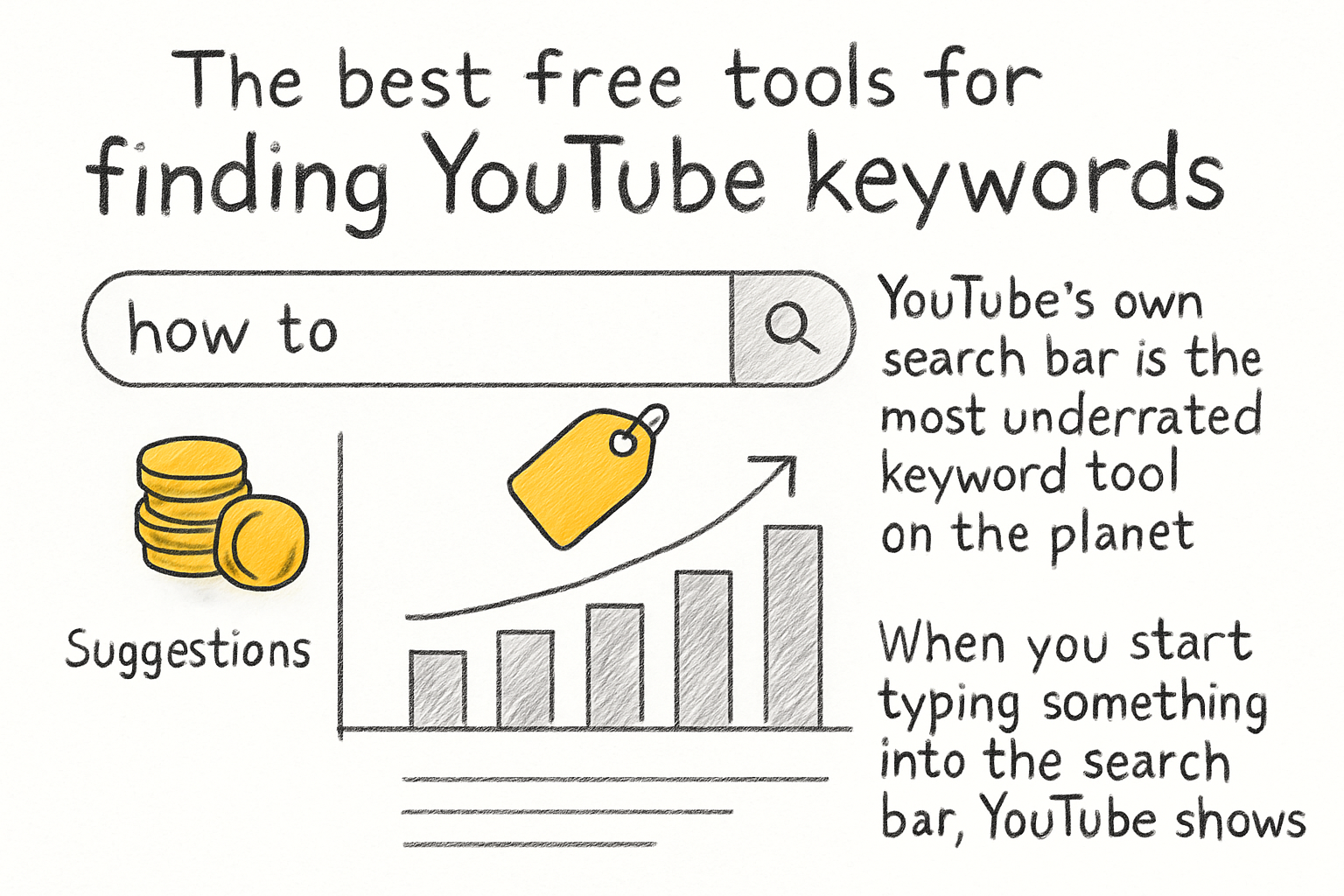
The best free tools for finding youtube keywords
YouTube's own search bar is the most underrated keyword tool on the planet. When you start typing something into the search bar, YouTube shows you a dropdown list of suggestions. Those aren't random. They're based on what real people are searching for right now. You can use this to your advantage by typing in the beginning of a phrase and seeing what pops up. It's slow if you do it manually, but it gives you real data straight from the source.
TubeBuddy has a free plan that gives you access to some basic keyword explorer features. You can look up a keyword, see how competitive it is, and get a score that tells you whether it's worth targeting. The free version has limits, but it's enough to get a feel for which topics are oversaturated and which ones still have room for smaller channels to rank. If you want a deeper look at what TubeBuddy offers overall, our full review and breakdown of TubeBuddy covers it well.
VidIQ also has a free tier that's worth checking out. Once you connect it to your YouTube account, it shows you keyword scores, search volume estimates, and competition data right on the search results page. It puts the data where you're already looking, which makes it easy to use without changing your whole workflow. The free version watermarks some features, but the core keyword data is there and genuinely useful.
Google Trends is another tool people overlook when it comes to YouTube. You can filter results by YouTube Search specifically, which shows you how interest in a topic has changed over time. It's great for spotting trends early and getting ahead of them before everyone else starts making the same video.
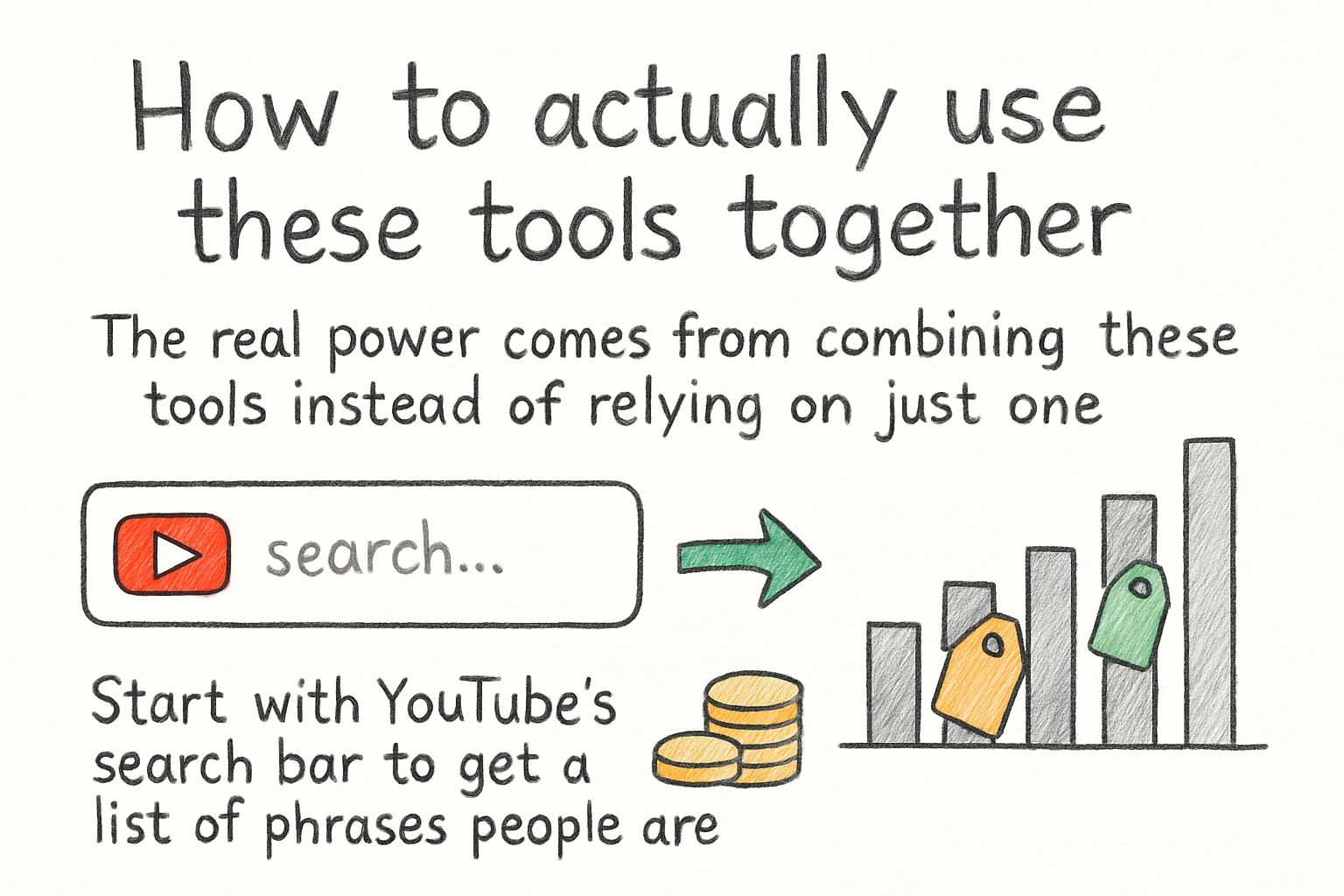
How to actually use these tools together
The real power comes from combining these tools instead of relying on just one. Start with YouTube's search bar to get a list of phrases people are already typing in. Then run those phrases through VidIQ or TubeBuddy to see which ones have decent search volume but not too much competition. That sweet spot is what you're looking for. High search volume plus low competition equals a real opportunity.
I personally think a lot of creators skip this step because it feels like extra work, but it's the difference between uploading into a void and actually building an audience. I remember when I first started paying attention to keywords seriously. I switched from just guessing titles to actually researching them, and within a month, two of my videos started showing up in suggested results. It wasn't magic. It was just paying attention to what people wanted to find.
Once you've picked a solid keyword, you want to use it naturally in your title, description, and tags. A lot of creators stuff keywords everywhere and it ends up sounding weird to actual viewers. You want the title to be something a real person would click on, not just a string of search terms. Our article on how to use YouTube tags the right way is a good place to start if you're unsure how to handle the tags side of things.
Also, don't ignore the search results page itself. When you search a keyword on YouTube, look at the videos that rank on the first page. Check how many views they have, how old they are, and how many subscribers those channels have. If a channel with 500 subscribers is ranking in the top five, that's a sign the competition isn't too fierce. Use that as your guide.
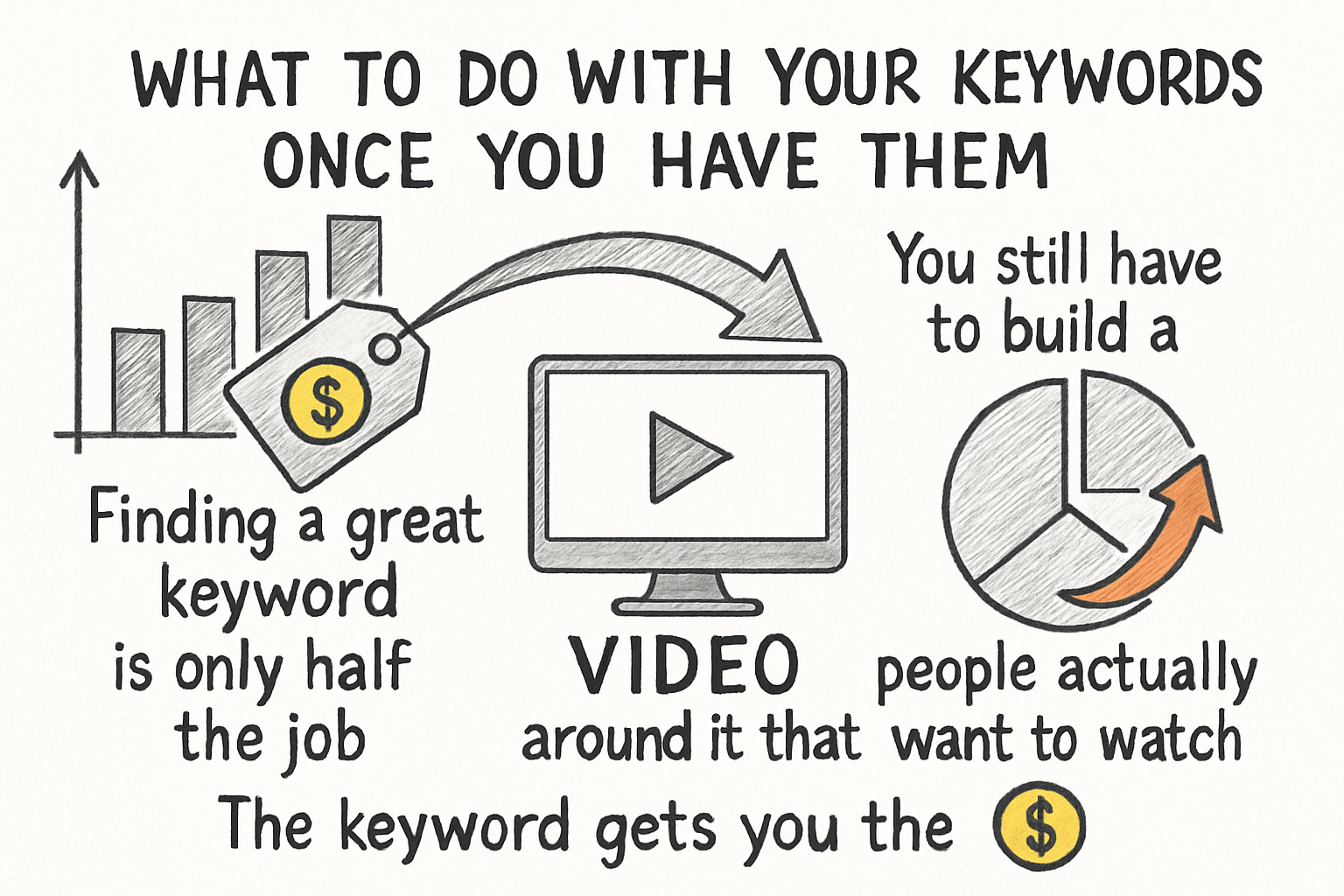
What to do with your keywords once you have them
Finding a great keyword is only half the job. You still have to build a video around it that people actually want to watch. The keyword gets you the click, but the content keeps people watching and that watch time signals to YouTube that your video is worth pushing to more people. So think of keyword research as the starting line, not the finish line.
Your title should include the main keyword close to the front, ideally in the first few words. Your description should explain what the video covers in plain language, using the keyword naturally a couple of times without forcing it. And your thumbnail should visually back up whatever promise your title is making. All of these things work together. Mess one of them up and even a great keyword won't save you.
If you want a full picture of how this all fits together from research to publishing, check out our guide on how to do YouTube keyword research like a pro. It goes deeper into the strategy behind picking the right terms and building your content around them in a way that actually works.
The free tools we've talked about here are enough to get serious results. You don't need to spend money to start ranking. What you do need is consistency and a willingness to look at the data honestly. Some keywords won't work as well as you hoped. That's normal. The creators who get ahead are the ones who keep testing, keep learning, and don't give up after one video that didn't pop off.
Ready to take the next step?
Ready to take your channel further? Start using even one of the tools from this list and you'll quickly see how much clearer your content strategy becomes. Drop a comment below and let me know which tool you're going to try first. And if you want an easier way to manage and grow your channel in one place, check out Kliptory and see what it can do for you.