How to Make Faceless YouTube Documentaries

Faceless YouTube documentaries are quietly taking over the platform. Channels with zero on-camera presence are pulling in millions of views every month, covering everything from true crime to ancient history to unsolved mysteries. And the wild part? Nobody knows who's behind them. No face, no name, just great storytelling and smart editing. Some of these channels are making full-time income from ad revenue alone, and their creators are completely anonymous.
A lot of you have asked about this exact topic, wondering whether it's actually possible to build a real audience without ever showing your face on screen. The short answer is yes, absolutely. The longer answer is what this whole post is about. Faceless channels work because YouTube viewers don't tune in to watch a person's face. They tune in for the story, the information, and the feeling they get while watching. When the content is good enough, the creator behind it becomes almost irrelevant.
Building a faceless documentary channel takes planning, the right tools, and a process you can actually repeat. It's not magic, and it's not as complicated as it sounds. Once you understand how the pieces fit together, you can go from a blank project file to a finished documentary that keeps people watching all the way to the end. This post walks through every major stage of that process, from picking your niche to hitting publish, with enough detail that you can actually get started when you're done reading.
Choosing your niche and planning your documentary
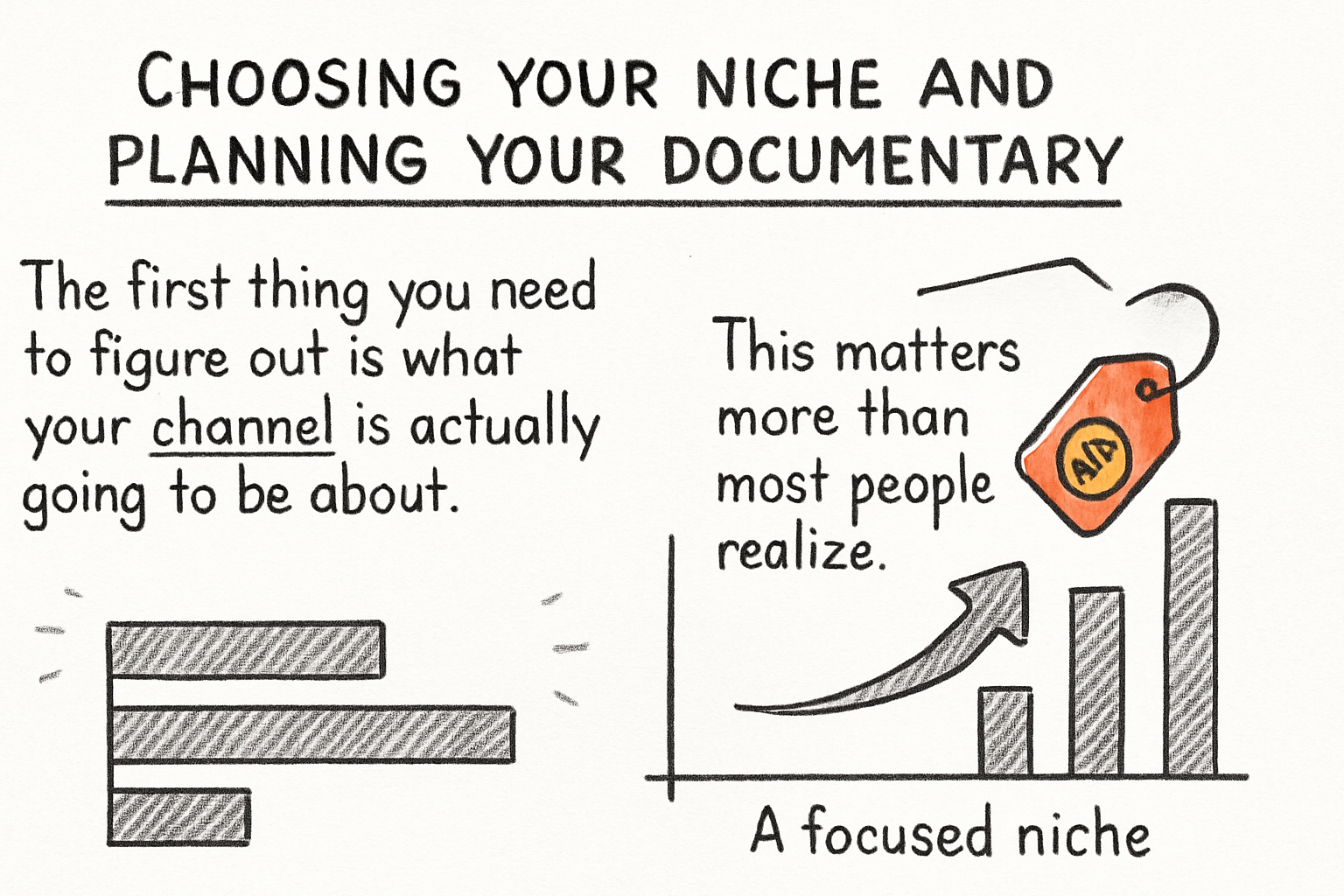
The first thing you need to figure out is what your channel is actually going to be about. This matters more than most people realize. A focused niche helps YouTube figure out who to recommend your videos to, and it helps viewers know what they're signing up for when they hit subscribe. Jumping between totally unrelated topics is one of the fastest ways to slow your growth down. YouTube's recommendation engine works by grouping your content with similar videos and pushing it toward people who already watch that kind of thing. If your channel covers true crime one week, space exploration the next, and then Renaissance history after that, the algorithm has no clean category to slot you into, and your growth reflects that confusion.
Some of the best-performing faceless documentary niches right now include true crime, historical events, space and science, conspiracy theories, and biographical deep-dives on famous figures. These topics work so well because people are genuinely curious about them and willing to spend 20, 30, even 60 minutes watching a well-made video. True crime in particular has built a massive loyal audience on YouTube. Think about channels that cover cold cases, wrongful convictions, or cults. These channels rarely show a presenter. Instead, they combine archival footage, crime scene photos, news clips, and a compelling voiceover, and viewers eat it up. History channels do the same thing with documentary-style footage from places like the National Archives or the Internet Archive paired with maps, illustrations, and well-written narration.
If you're not sure where to start, our breakdown of the best niches for long-form faceless YouTube channels goes into a lot more detail on what's working and why. That article covers audience size, competition level, and monetization potential for each major niche, which gives you a much clearer picture before you commit to a direction. Picking the wrong niche doesn't doom you forever, but it does mean extra work switching lanes later, so it's worth spending real time on this decision upfront.
Once you've picked your niche, the next step is choosing a specific topic for your first documentary. Think about what's already getting traction on YouTube in your space. Search your topic, look at what the top videos cover, and then ask yourself how you can approach it differently. Maybe you go deeper into a specific event that other creators only mention in passing. Maybe you focus on a lesser-known angle that most videos in your niche have ignored. Maybe you look at a well-covered subject through the lens of a character who's usually treated as a footnote. The goal isn't to copy what's working, it's to understand why it works and bring your own take to it. Viewers can feel the difference between a creator who genuinely finds a subject fascinating and one who picked it purely because it had high search volume.
After you have your topic, spend real time on research before you write a single word. Read articles and long-form journalism on the subject. Watch other YouTube videos to see what's already been said and where the gaps are. Go through books if any exist on the topic. Listen to relevant podcasts. Look for primary sources wherever you can find them, original court documents, old newspaper archives, academic papers, first-person accounts. The more you understand your subject, the more confident and credible your narration will sound. This matters even more for faceless channels because you don't have a face on screen building trust. Your credibility comes entirely from the quality of the information you share and how naturally you command the material. Viewers notice when a narrator really knows what they're talking about, and they notice even faster when someone is clearly just rearranging other people's Wikipedia summaries.
A good research phase for a 20 to 30 minute documentary typically takes anywhere from five to fifteen hours depending on how complex the subject is. That might sound like a lot, but every hour you spend in research saves you time during the editing phase because you won't be second-guessing your script or going back to fill holes. Think of research as the foundation. The stronger it is, the more confidently everything else sits on top of it.
Writing your script and recording your voiceover
The script is the backbone of your entire documentary. Everything else, the visuals, the music, the pacing, all of it gets built around what your script says. A weak script means a weak video no matter how good the footage looks. This isn't the place to cut corners, and it's also not a step you should rush through just to get to the more exciting parts of production.
I personally think the biggest mistake new documentary creators make is treating the script like a Wikipedia article read out loud. That might sound harsh, but it's true. A script for a YouTube documentary needs to feel like someone is telling you a story, not presenting a research paper. That means short punchy sentences where they count. It means moments that make you ask 'wait, what happens next?' It means transitions that pull you forward instead of just listing the next piece of information. Think about the best documentary narration you've ever heard, whether that's a Netflix true crime series or a YouTube channel you've watched for years, and ask yourself what makes it feel gripping. Chances are it's not the facts themselves. It's the way the facts are delivered, the rhythm, the tension, the careful choice of what to reveal and when.
Structure matters a lot here. Most successful YouTube documentaries follow a loose three-act shape even when creators don't think of it that way. The first act sets the scene, introduces the main subject, and asks a question the viewer wants answered. The second act digs into the details, raises the stakes, and complicates the picture. The third act moves toward resolution, or in the case of unsolved mysteries, delivers a thoughtful conclusion that leaves the viewer satisfied even without a neat answer. You don't have to be rigid about this structure, but having it in the back of your mind while you write keeps the whole thing from sprawling or losing focus. If you want a full walkthrough on putting together a compelling long-form script, the guide on writing a script for a long-form YouTube video covers everything from structure to tone to pacing in detail.
Write a full draft first. Don't try to perfect it line by line as you go. Get the whole thing out, even if parts of it are rough, and then go back and tighten it up. Reading your draft out loud is non-negotiable. Your ears catch things your eyes miss. If you stumble over a sentence when you read it aloud, your listener will stumble over it too. Cut anything that slows the story down without adding something of value. Long background sections that feel like setup without payoff are where viewers start reaching for their phones. Every paragraph should either be moving the story forward, raising the stakes, or deepening the viewer's connection to the subject.
For the voiceover itself, you've got two main options. You can record your own voice, or you can use an AI voice generator. Recording yourself is completely valid even for a faceless channel since nobody sees you anyway. You don't need a professional recording studio. A decent USB microphone like the Blue Yeti or Audio-Technica AT2020, a quiet room, and some basic acoustic treatment like recording in a closet full of clothes or hanging blankets around your recording space can produce results that sound genuinely professional. Editing your audio in a free tool like Audacity gives you enough control to clean up background noise, normalize your levels, and cut mistakes without paying for anything extra.
If you'd rather use AI narration, tools like ElevenLabs, Murf, and Play.ht can produce very natural-sounding voices that hold up well in longer videos. ElevenLabs in particular has become popular with documentary creators because its voice cloning and emotional range capabilities have gotten good enough that many viewers can't tell it's AI. You can test most of these platforms for free before committing to a paid plan, which makes it easy to compare how different voices sound against your script. Whichever route you go, the delivery needs to match the energy of the subject. A monotone read of a tense true crime story will lose people fast. Think about rhythm, emphasis, and where to slow down or speed up. Dramatic moments earn a slower pace. Background information can move faster. Transitions between major sections often benefit from a slight pause, even just a beat of silence, to signal to the viewer that something new is coming.
One thing I learned the hard way early on is to always record a scratch track of yourself reading the script before you lock anything in. Even if you plan to use AI voices or hire a voiceover artist, listening to the whole thing read aloud in real time helps you catch spots where the writing gets clunky, where the pacing drags, or where a section loses momentum. It takes an extra hour, but it consistently saves time during the edit because you're not discovering those problems after you've already started placing footage. Fix the script before you commit to any other production step, and your entire editing process will go more smoothly.
Finding footage, editing your video, and getting it ready to publish
Here's where a lot of people get tripped up. Documentaries need visuals that match the story, and when you're not filming your own footage, you need to know where to find it legally and use it correctly. The good news is there are more sources than ever. Stock footage sites like Pexels, Pixabay, and Coverr offer free high-quality clips covering everything from city streets to nature scenes to abstract visuals. Paid platforms like Storyblocks and Artgrid give you access to massive libraries for a monthly or annual subscription fee, which makes a lot more sense than buying individual clips once you're producing content regularly. For historical topics specifically, places like the Library of Congress, the Internet Archive, and Wikimedia Commons have publicly available footage and images that work great for documentaries covering events from the 20th century and earlier.
Before you use anything, make sure you understand the licensing. Not all free content is free for commercial YouTube use, and the difference matters a lot. Some stock footage is licensed only for personal or editorial use, which means you can't legally use it in a monetized video. Some Creative Commons licenses require attribution. Some footage that appears free on one platform has actually been uploaded there illegally and will still generate a copyright claim against your video. We put together a really useful resource on how to avoid copyright claims on YouTube that covers the most common mistakes creators make and how to stay in the clear. Read it carefully, especially if you're planning to cover topics that involve news footage, film clips, or music recordings.
Building your footage library is an ongoing process. Most experienced faceless documentary creators maintain a personal archive of clips they've sourced and licensed, organized by category, so they're not starting from scratch on every video. When you find a stock site or public domain source that works for your niche, download more than you need for your current project. Having a stockpile of usable b-roll means your editing process moves faster because you spend less time hunting for that perfect clip of a 1970s cityscape or a time-lapse of storm clouds. Think of it as building an asset library that compounds in value over time.
For music, sites like Epidemic Sound, Artlist, and YouTube's own Audio Library are your best bets. Matching the music to the emotional tone of each section of your documentary makes a massive difference in how professional the final product feels. A slow burn tension track under a quiet section where you're laying out background information creates a sense of unease that primes the viewer for what's coming. A rising orchestral swell under a dramatic reveal amplifies the emotional impact of the moment. This stuff sounds subtle when you describe it, but viewers feel it even when they don't consciously notice it. Music is one of the most powerful tools in a documentary editor's toolkit, and it's one of the most underused by newer creators who treat it as an afterthought.
Editing a faceless documentary is really about keeping things moving. Cuts happen faster than most people expect in high-retention YouTube videos. On average you want to avoid letting any single static image sit on screen for more than three to five seconds unless you're deliberately building tension through a held shot. Use zoom effects, pan effects, and subtle color grading to give still images more life and visual variety. Add lower thirds, captions, or on-screen text when it helps people follow along, especially when you're introducing key names, dates, or locations. These small visual elements add a layer of professionalism that signals to the viewer that the channel knows what it's doing.
Pacing your edit to match the energy of your narration takes practice, but it's one of those skills that improves dramatically after just a few projects. A fast-moving section of narration needs faster cuts and more active footage. A slower, more reflective moment earns more breathing room visually. Watch your edit through at least twice before you call it done, once while focusing entirely on the audio and once while watching the visuals with the sound low. This helps you catch moments where the footage doesn't match the story or where a visual choice accidentally undercuts the emotional tone you're going for. Our post on how to make ultra long YouTube videos people actually finish gets into the specifics of maintaining viewer attention across videos that run 40 minutes or more, and a lot of those same techniques apply directly to shorter documentaries in the 15 to 25 minute range.
Once your edit is done, don't just export it and upload it. Spend real time on your thumbnail and title. These are what get people to click in the first place, and no amount of great editing matters if nobody clicks on the video. A great documentary with a boring thumbnail gets skipped every time. Look at what's performing well in your niche and notice the visual patterns. High contrast between subject and background. Bold readable text that hints at the story without giving it away. A clear visual element that communicates tone at a glance, whether that's a dark atmospheric image for a true crime video or a dramatic historical photo for a history piece. Then think just as carefully about your intro. You've got about five seconds to convince someone to keep watching before they bounce. Our breakdown of YouTube intro strategies talks through exactly how to make those first seconds count, including what kinds of opening lines actually hold attention and which common intro formats cause people to leave immediately.
Your video description, tags, and chapter markers also deserve attention before you publish. Chapters in particular are underrated for documentary-style content because they signal to new viewers that the video has depth and structure, and they make it easier for people to rewatch specific sections they found interesting. A viewer who comes back to rewatch part of your video is one of the best signals you can send to the algorithm. And if you want your videos to perform well not just at launch but over weeks and months, think carefully about how you're structuring your content for long-term watch time. The guide on structuring a 30-minute YouTube video for retention is a great place to start thinking about how to build videos that keep working for you long after the initial upload.
Ready to take the next step?
Making a faceless documentary channel is genuinely one of the most rewarding creative projects you can take on. There's something deeply satisfying about taking a mountain of research, shaping it into a story, and watching an audience get completely pulled in. The process feels slow at first. Your first video will take longer than you expect. Your second will go faster. By your fifth or sixth, you'll have a rhythm that starts to feel natural. The skills compound in a way that makes each project better and more efficient than the last. If you're weighing your options for video editing software to bring your documentaries to life, it's worth knowing what's out there before you commit to a tool. Whether you want to go with a free option or invest in something more powerful, our comparison of Adobe Premiere Pro alternatives is a solid starting point. But if you want a platform built specifically to help long-form and documentary-style YouTube creators plan, script, and produce better content with less friction, check out Kliptory. It's designed around how documentary creators actually work, and it makes the whole production process a lot less overwhelming from start to finish. Drop a comment below and let me know what your documentary is going to be about. I'd genuinely love to hear what you're working on.