How to Structure a 30-Minute YouTube Video for Retention

Thirty minutes is a long time to keep someone glued to a screen. Think about it. Most people won't sit through a full TV episode without checking their phone, so getting them to watch thirty minutes of your YouTube video feels almost impossible. But here's the thing: creators do it every single day, and the ones who succeed aren't just lucky. They've figured out how to structure their content so viewers keep watching without even realizing how much time has passed.
A lot of you have asked about this exact topic, and it makes total sense. Long-form content is having a real moment on YouTube right now. The algorithm rewards watch time, and if you can hold someone's attention for a solid chunk of time, your video gets pushed to more people. The difference between a thirty-minute video that earns its runtime and one that just drags is almost never the topic. It's the structure. Two creators could cover the exact same subject, and one holds 70% of viewers to the end while the other loses most people before the halfway mark. What separates them isn't talent or production value. It's how they built the video from the inside out.
This post breaks down exactly how to build a thirty-minute video that people actually finish. We're talking about the opening, the middle, and the way you bring it home, plus all the details in between that stop viewers from clicking away. Whether you're a seasoned creator or just starting to experiment with longer content, there's a lot here that you can apply to your next video before you even hit record.
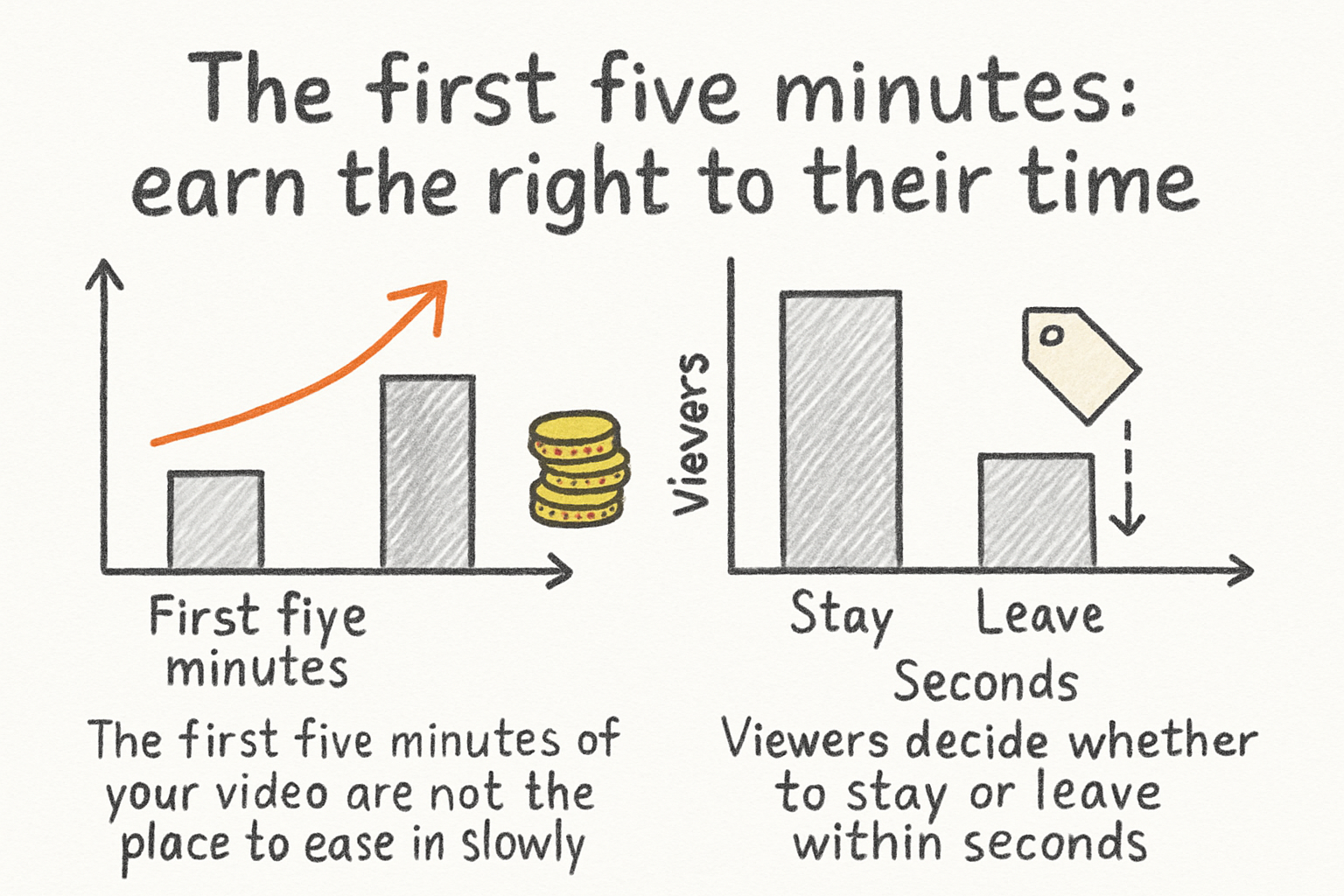
The first five minutes: earn the right to their time
The first five minutes of your video are not the place to ease in slowly. Viewers decide whether to stay or leave within seconds, and that decision happens fast. You need to give them a reason to commit before they've even settled in. That means your opening has to do two things at once: show them what they're going to get, and make them feel like they'd be missing out if they left. These aren't soft goals. They're the only two things that actually matter in those opening moments, and everything you say should serve one of them.
Start with a hook that speaks directly to a problem or a curiosity. Don't open with your name, your channel intro jingle, or a long "welcome back" speech. Dive straight into the tension. Something like "most creators waste the first ten minutes of their videos and they don't even know it" is going to grab attention way faster than "hey guys, so today I wanted to talk about video structure." The first version creates a question in the viewer's head. The second version just describes what's already in the thumbnail. When you open with a problem or a surprising claim, the viewer's brain immediately starts looking for the resolution. That's a good thing. You want them searching for an answer, because searching means staying.
Let's talk about what a strong hook actually looks like in practice. Say you're making a thirty-minute video about home espresso machines. A weak opening sounds like this: "Today we're going to be reviewing three different espresso machines and talking about which one might be right for you." A strong opening sounds like this: "I spent four hundred dollars on a machine that every reviewer called a must-buy, and it made the worst espresso I've ever tasted. Here's what they all got wrong." One of those makes you feel like you're about to sit through a product rundown. The other makes you feel like you're about to hear something you won't find anywhere else. Same topic. Totally different pull. The secret is that the strong version puts the viewer in your shoes right away. It creates stakes. Even if they've never thought about espresso machines before, they're curious about what went wrong.
After your hook, spend about thirty to sixty seconds on what's sometimes called the "promise moment." This is where you tell the viewer exactly what they're going to learn or experience by staying. Be specific. "By the end of this video, you'll know exactly how to structure any long-form video so viewers don't drop off in the middle" is a real promise. It sets a destination. People are far more willing to take a long drive if they know where they're going, and a thirty-minute video is a long drive. Vague promises like "this is going to be super helpful" don't work because they give the viewer nothing to hold onto. Give them a concrete outcome they can picture. Once they can picture it, they want it, and wanting it is what keeps them watching.
We actually wrote a whole breakdown about this in our guide to hooking viewers in the first five seconds, and the same principles apply here, just stretched out across a longer opening window. The early minutes of a thirty-minute video are your handshake with the audience. Make it firm, make it confident, and make it clear that you've got something worth their time. One thing that's easy to overlook: the energy you bring in the first sixty seconds sets the tone for everything that follows. If you sound bored, the viewer picks that up immediately. If you sound like you genuinely can't wait to share what's coming, that feeling transfers. It sounds simple, but the creators who consistently hold long watch times are the ones who treat the opening like the most important part of the whole video, because it is.
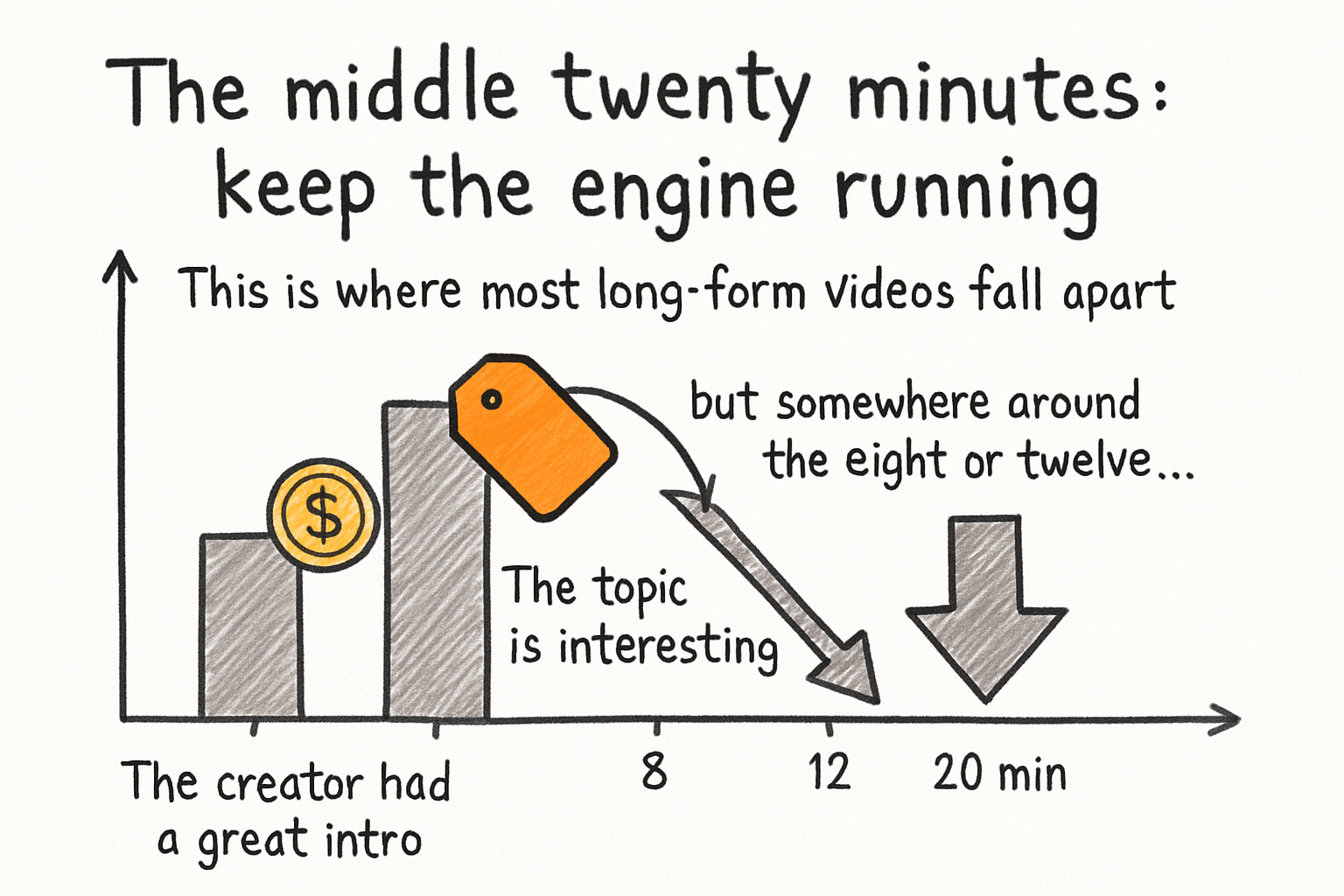
The middle twenty minutes: keep the engine running
This is where most long-form videos fall apart. The creator had a great intro, the topic is interesting, but somewhere around the eight or twelve minute mark, the pacing slows down, the information starts to repeat itself, and viewers start reaching for the scroll wheel. The middle of a thirty-minute video is genuinely hard to manage, and it doesn't get easier just because you're experienced. You have to plan it with the same care you give the opening, and in some ways you have to plan it even more carefully because you've got so much more time to fill.
The single best thing you can do for your middle section is break it into clear, named chapters. Not just in the video description, but actually on screen. When a viewer can see that they're in "Part 3 of 5" they feel a sense of progress. It's the same reason people read books faster when they can see the page numbers ticking up. Progress is motivating. If you let your video run as one long, undivided stretch with no visible structure, the viewer has no idea how far they've come or how far they have to go, and that uncertainty makes them more likely to bail. Chapter markers also work as natural re-entry points. Someone who got distracted and tabbed away for a minute comes back, sees a chapter title on screen, and immediately reorients. Without those markers, they're lost, and lost viewers leave.
Think about how a documentary handles this. A well-made documentary doesn't just dump information on you for ninety minutes. It moves through distinct phases. There's an establishing section, a complication section, a turning point, a revelation. Each phase feels different from the last, even if the subject matter is continuous. Your thirty-minute YouTube video should work the same way. Map out your middle section before you script it and ask yourself: does each part feel distinct from what came before it? If you're covering five main points, do those five points have a clear progression? Does point three feel noticeably different in tone or depth from point two? If everything feels the same, viewers feel like they're standing still even when they're not.
I personally think the most underused trick in long-form YouTube is the pattern interrupt. This is when you change something about the video every few minutes to reset the viewer's attention. It could be a change in your speaking pace, a switch from talking head to screen recording, a quick reaction clip, a graphic that comes up to summarize what you just said, or even just a moment where you directly address the viewer with a question. I started paying attention to pattern interrupts after noticing that my own watch time would tank at almost the exact same timestamps every time I published a longer video. Once I started building deliberate interrupts into my scripts every four to six minutes, the drop-offs smoothed out noticeably. It's not magic. It's just attention management. Human brains are wired to notice change, and when nothing changes, attention drifts.
Here's how this looks in a real video. Imagine you're twenty minutes into a video about learning a new skill. You've been talking to camera for the last five minutes explaining a concept. A pattern interrupt at this point might look like: you pause, say "let me show you exactly what I mean," and cut to screen recording of you actually doing the thing you've been describing. Or you cut to a short clip of someone else making the classic mistake you just warned about. Or you pull up a simple graphic that maps the concept visually. Any of these breaks the rhythm just enough to pull the viewer back in without feeling jarring. The key is that the interrupt should feel like it's serving the content, not just filling time. If it feels like a gimmick, it'll actually hurt your retention instead of helping it.
You also want to use what some editors call breadcrumbs. These are small teases you drop mid-video to keep people watching forward. Something like "we'll get to the part that surprised me most in just a minute" or "stick around because the third point here is the one most people get completely wrong." These micro-cliffhangers keep curiosity alive. The viewer's brain logs that promise and stays engaged to collect on it, even if their attention has dipped slightly. The trick with breadcrumbs is that they have to pay off. If you tease something and then the payoff is underwhelming, you've broken trust, and viewers who feel let down are the ones who leave negative feedback or don't come back. Make sure whatever you're teasing actually delivers.
Pacing is another piece of the middle section that doesn't get enough attention. Fast pacing doesn't automatically mean good pacing. Some of the most watchable long-form videos online move at a deliberate, unhurried pace because the creator takes time to actually explain things fully. What kills watch time isn't slowness. It's stagnation. There's a difference between slowing down to let something land and grinding to a halt because you've run out of things to say. The way to avoid the second one is to write tighter. If you've got a point to make, make it, give a clear example, explain why it matters, and then move forward. Don't circle the same idea three times hoping it'll feel more substantial the third time around. Viewers notice, and they punish it with their attention.
Check out this deeper look at how to make ultra long YouTube videos people actually finish if you want even more strategies for keeping the middle of a long video alive. It's one of the more detailed pieces we've put together on this subject and covers some of the editing-side decisions that reinforce everything we've talked about here.
The final five minutes: stick the landing
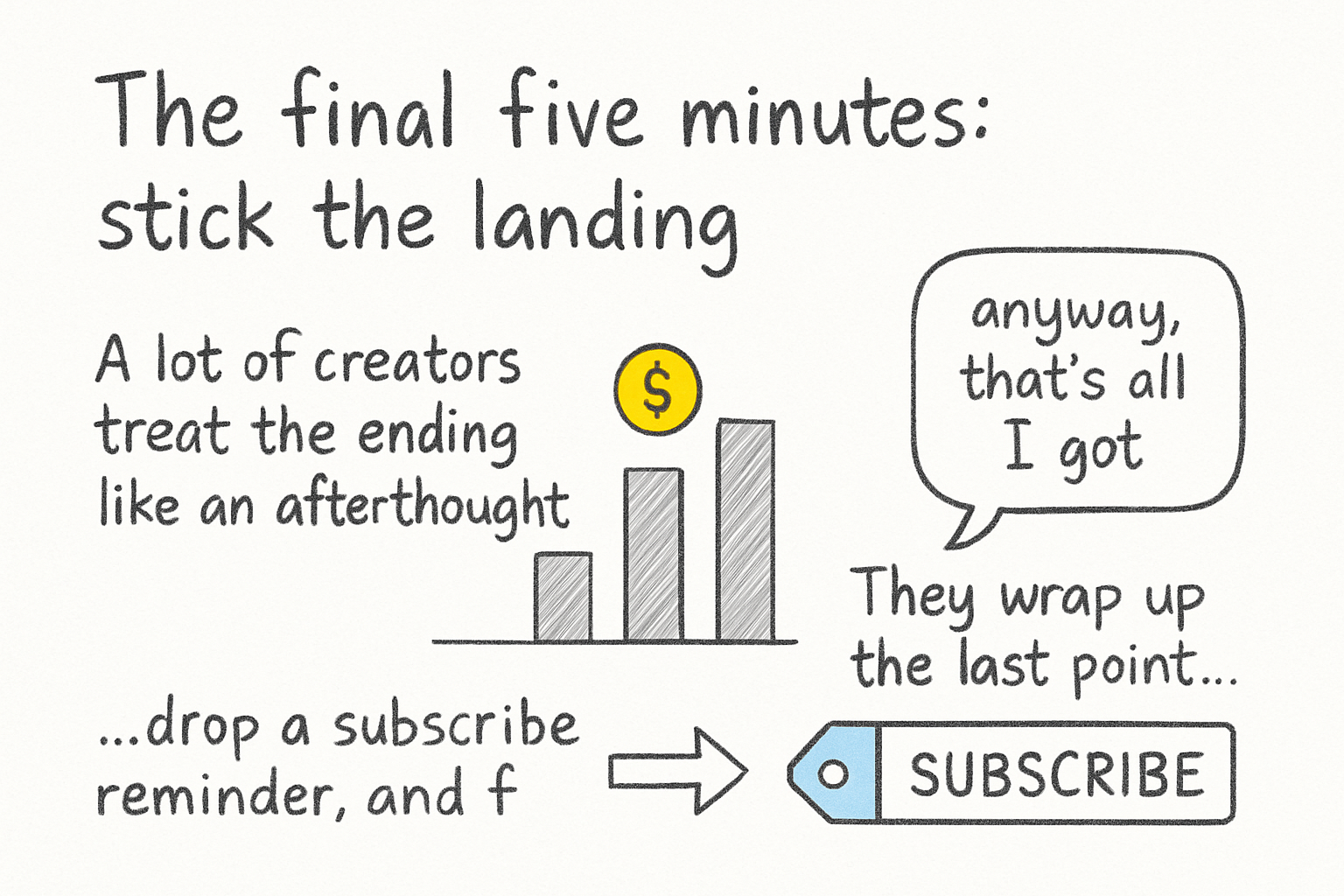
A lot of creators treat the ending like an afterthought. They wrap up the last point, say "anyway, that's all I got," drop a subscribe reminder, and fade out. It's understandable. By the time you've carried a thirty-minute video to its conclusion, you're ready to be done with it. But the ending of a long video is actually one of the most important parts for retention, for comments, and for what happens after the video ends. How you close out affects whether people watch again, share the video, comment, or click on your next piece of content. You've put in all that work to earn thirty minutes of someone's attention. Don't fumble it in the last five.
Your final five minutes should feel like a real conclusion, not just a stop. Think about what a satisfying ending actually does emotionally. It makes you feel like the journey was worth it. It gives you something to take with you. It wraps up loose ends. A great way to achieve that in a YouTube video is to bring back the promise you made at the beginning and show that you delivered on it. Something like "we started by talking about why most creators lose viewers in the middle, and now you have the full framework to stop that from happening" closes the loop. Viewers feel satisfied when the ending connects back to the opening. It gives the whole thirty minutes a sense of shape and purpose instead of feeling like a random collection of information that just happens to stop at some point.
This callback technique works because of how people process long content. When you're deep in the middle of a video, you're absorbing information but you're not necessarily synthesizing it yet. The ending is where synthesis happens. When you remind the viewer of where they started and show them how far they've traveled, you're doing that synthesis work for them, and it feels good. It's the difference between finishing a book and feeling like you learned something versus closing it and thinking "wait, what was the point of all that." The creators who get shared the most are the ones whose videos feel complete. That feeling of completeness comes from the ending.
Before you close out, give a clear next step. Not three next steps. One. You can suggest another video, ask a specific question in the comments, or point them to a resource. The more specific the ask, the better it converts. "Let me know in the comments which of these three techniques you're going to try first" gets far more engagement than "drop a comment below." Specificity makes it easy to respond, and easy responses mean more comments, which send strong signals to the algorithm that your video is generating real conversation. There's also a psychological element here: when you give someone a clear, small action to take, they're much more likely to take it than when you give them a vague open-ended invitation. Think about it like asking someone to help you move versus asking them to "help out sometime." One is concrete and completable. The other is easy to ignore.
If you're thinking about the bigger picture of growing a channel with long-form content, pairing strong video structure with a smart playlist strategy makes both work harder. A viewer who just finished your thirty-minute video is already warmed up. If the next thing they see is another video of yours that's been thoughtfully placed in a related playlist, there's a real chance they keep watching. We covered that in detail in our piece on YouTube playlist strategies to skyrocket your watch time. The editing choices you make in post can also either reinforce or undo all the structural work you've put in. Chapter markers need to be placed cleanly. Pattern interrupts need tight transitions. The pacing you wrote into your script has to survive the edit. If your editing tools make any of that harder than it needs to be, the final video won't carry the structure you built. That's worth taking seriously, because no amount of planning saves a video that gets cut together sloppily.
Ready to take the next step?
If you're ready to put all of this into practice, the next step is making sure your tools are actually helping you and not working against you. A lot of creators spend hours planning a well-structured thirty-minute video and then lose that structure in the edit because their software is clunky, slow, or just not built for long-form work. That's exactly the problem Kliptory was built to solve. It gives you the control and flexibility you need to execute on structure cleanly, whether you're placing chapter markers, building in pattern interrupts, or just making sure the pacing you planned actually survives post-production. Drop a comment and tell me which part of the thirty-minute structure you find hardest to nail. Is it the opening, the middle, or the landing? I read every single one, and your answer might shape what we cover next.