Best AI Tools for Long-Form YouTube Video Creation

Making long-form YouTube videos used to mean spending weeks writing scripts, recording voiceovers, hunting for stock footage, and editing for hours on end. It was a grind, and most people burned out before they ever found their stride. You'd finish one video and feel so drained that the next one sat in your drafts for another month. But things have changed a lot in the past couple of years, and AI tools are now doing a huge chunk of that heavy lifting for creators who know how to use them right.
A lot of you have asked about this exact topic, especially those of you running faceless channels or trying to put out 20 to 40-minute videos without a full production team behind you. The good news is that the right combination of AI tools can cut your production time down dramatically while keeping the quality high enough to actually hold an audience. The not-so-great news is that there are a ton of options out there, and plenty of them overpromise and underdeliver. Some tools look impressive in demo videos and fall apart the moment you try to use them on a real project with a real deadline.
This post is going to walk you through the best AI tools available right now for each stage of long-form YouTube video creation. We're talking about scripting, research, voiceovers, video generation, editing, and optimization. We're also going to talk about why each stage matters, what goes wrong when you skip corners, and how these tools actually fit into a real workflow rather than just sitting on a list. Whether you're just getting started or you're already uploading regularly and looking to speed things up, there's something here for you.
AI tools for scripting and research
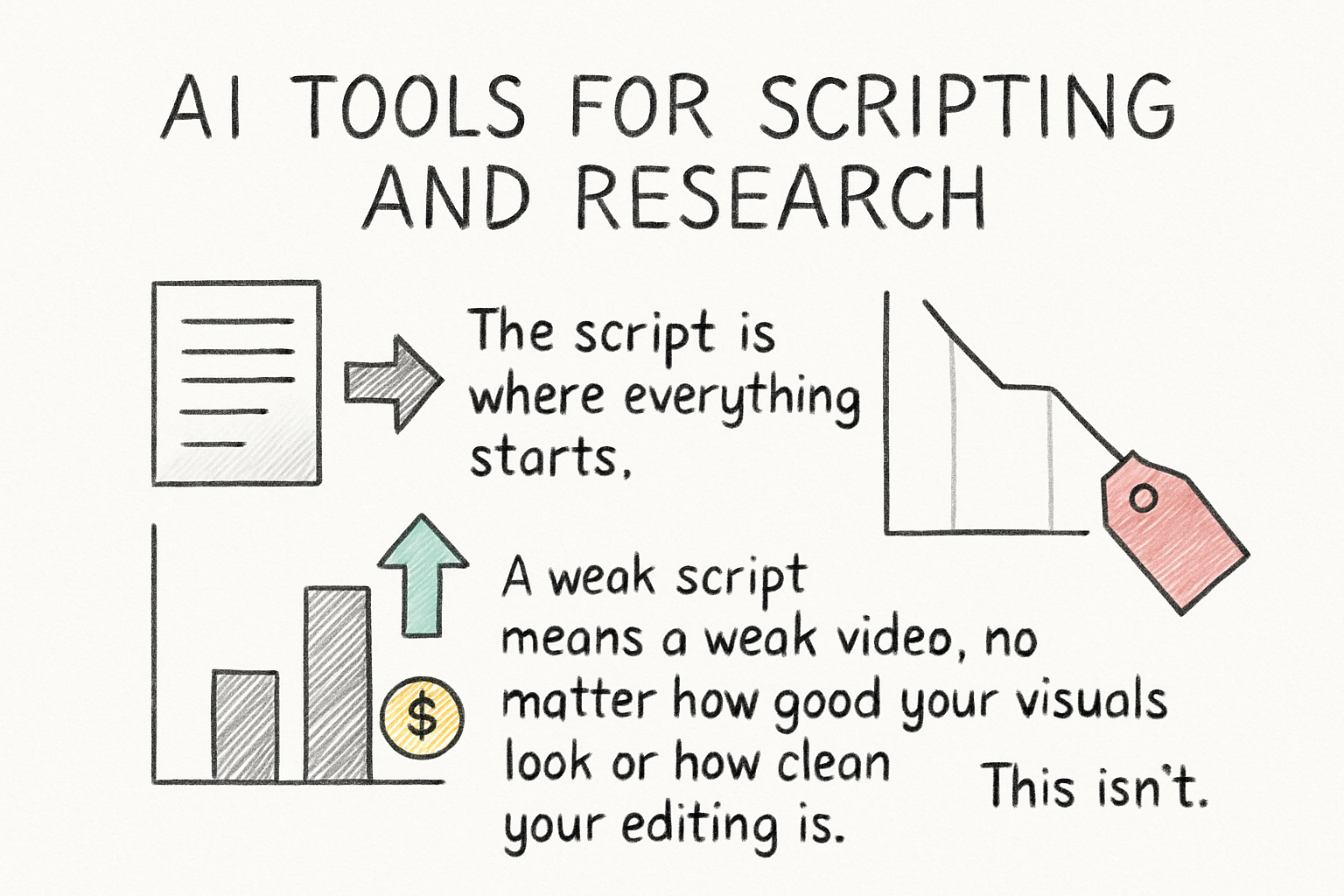
The script is where everything starts. A weak script means a weak video, no matter how good your visuals look or how clean your editing is. This isn't just about having the right information. It's about having a clear structure, a reason for viewers to keep watching, and a voice that feels consistent from the first minute to the last. Long-form videos fail most often because the script loses focus somewhere in the middle, not because the production looks cheap. So getting this stage right matters more than almost anything else in the process.
ChatGPT is still the most widely used tool for scripting, and for good reason. You can feed it a topic, a rough outline, or even just a title, and it'll generate a full script draft in minutes. The trick is not to just copy and paste what it gives you. The first draft from any AI tool is raw material, not a finished product. Use it as a starting point, then rewrite sections in your own voice, add specific examples you've found yourself, and cut anything that sounds vague or generic. ChatGPT sometimes gets details wrong, especially with anything time-sensitive or statistic-heavy, so always fact-check before you hit publish. If your video is about a historical event, a financial concept, or anything where accuracy matters to your audience, treat AI-generated facts the same way you'd treat a tip from a stranger on the street. Verify it before you repeat it.
A more effective approach than asking ChatGPT for a full script all at once is to work through it in stages. Start by asking it to outline the video in sections, with a clear hook, a reason to keep watching past the first two minutes, and a logical flow through the main points. Once the outline feels solid, take each section and expand it one at a time. This keeps the script from going off-track or repeating itself, which is a common problem when you prompt for long-form content all in one go. You can also paste in your own notes or research and ask ChatGPT to turn that raw material into scripted narration, which gives you more control over the actual information in the video.
Claude, made by Anthropic, is another strong option and a lot of creators actually prefer it for long-form content because it handles larger amounts of text better in a single conversation. If you're writing a 30 or 40-minute script, Claude tends to stay more consistent in tone and structure across the whole piece rather than drifting in voice or repeating ideas. It's also a bit more careful about making things up, which matters when you're writing educational or documentary-style content. It's worth trying both and seeing which one clicks better with how you work, because the difference isn't always obvious until you're deep into a long project and one starts to feel more reliable than the other.
For research specifically, tools like Perplexity AI are worth knowing about. Unlike ChatGPT, Perplexity pulls from live web sources and cites where the information is coming from. That makes it a lot easier to verify what you're working with and find jumping-off points for deeper research. You can ask it something like 'what are the most commonly misunderstood facts about the Roman Empire' and it'll give you a list of claims with links to actual sources, which is exactly what you need when you're building a video that needs to hold up to the comments section. Pair it with a scriptwriting tool and you've got a solid research-to-draft pipeline that covers both the accuracy side and the writing side without too much manual switching. If you want to go deeper on the craft side of this, our guide to writing a script for a long-form YouTube video covers structure, pacing, and how to keep viewers locked in from start to finish.
One more tool worth mentioning here is Jasper AI. It's built more for marketers, but it has YouTube-specific templates and works well if you want more control over tone and format from the start. Where ChatGPT gives you flexibility and Claude gives you consistency, Jasper gives you structure right out of the gate with templates built for intros, hooks, and calls to action. It's pricier than the other options, so it makes more sense for creators who are already monetizing and want to streamline a proven process rather than someone still figuring out their niche. If you're producing multiple videos a month and you've already got a format that works, Jasper can help you maintain that format at scale without having to re-prompt from scratch every time.
AI tools for voiceovers, visuals, and b-roll
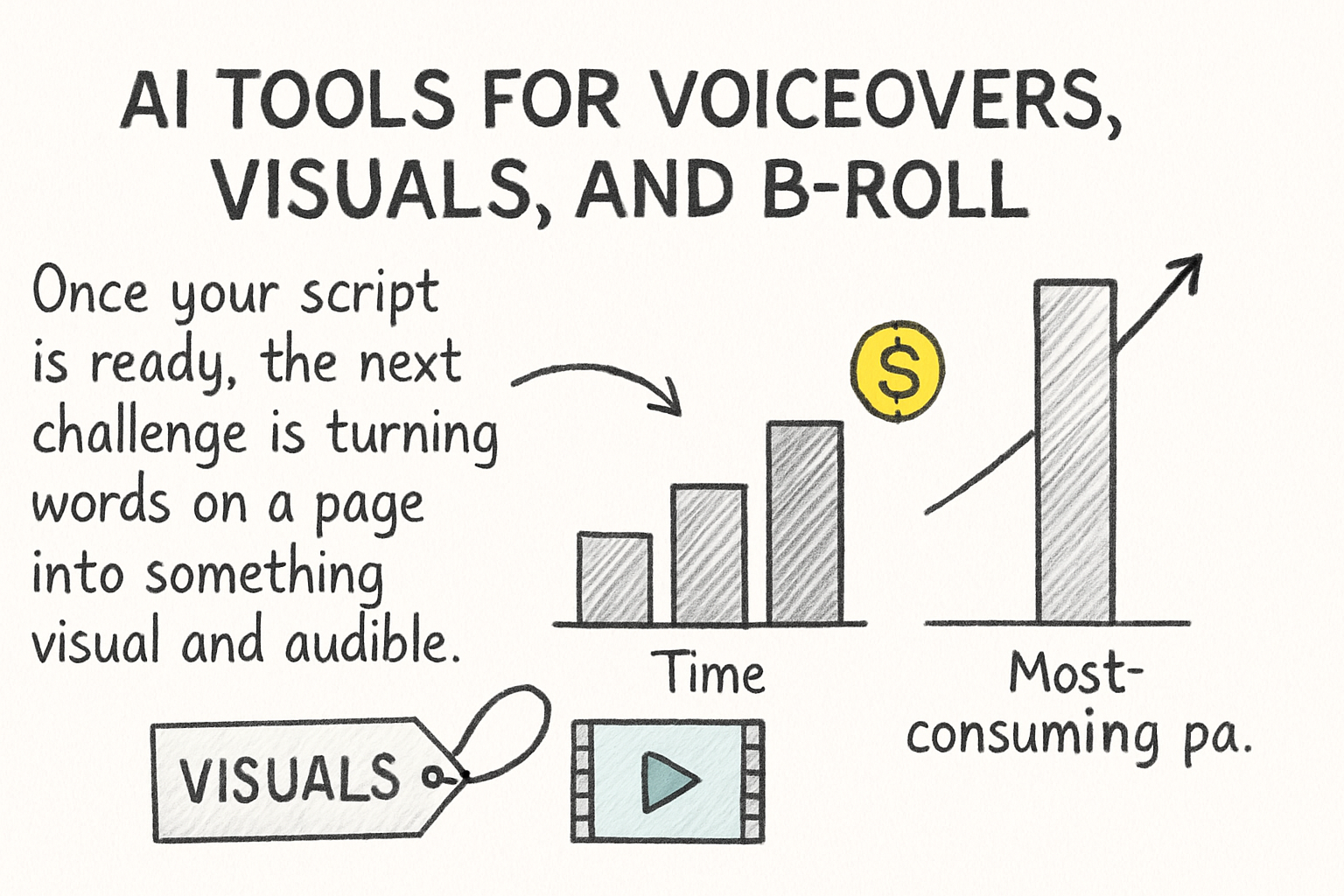
Once your script is ready, the next challenge is turning words on a page into something visual and audible. This used to be the most time-consuming part of the whole process, partly because it required either recording yourself or hiring someone, and partly because finding the right visuals for a 30-minute video could take as long as writing the script itself. Now, AI tools can generate realistic voiceovers, find or create matching visuals, and even build rough cuts automatically, which changes the math on what a solo creator can actually produce.
For voiceovers, ElevenLabs is hands-down one of the best tools available right now. The voices sound genuinely natural, and you can clone your own voice if you want consistency without having to record every single video. The voice cloning feature is especially useful if you've already built an audience around your voice but you're dealing with inconsistent recording conditions or you just want to separate recording from editing in your schedule. I personally think ElevenLabs has pulled further ahead of its competitors than most people realize. Other tools exist, but when you compare them side by side on a 20-minute narration, ElevenLabs sounds less robotic and holds up better over longer listens. The difference is most noticeable in the way it handles natural pauses, sentence endings, and emotional variation in tone. Cheaper tools tend to flatten all of that out, which makes a long video exhausting to listen to.
Murf AI and PlayHT are solid alternatives if ElevenLabs doesn't fit your budget. Murf in particular has a clean interface and a good selection of voice styles, and it's easier to adjust emphasis and pacing than some of the other options. PlayHT has been improving its cloning quality and is worth trying if you want to experiment with ultra-realistic voice replication at a lower price point. Neither one quite matches ElevenLabs for overall naturalness on longer content, but for shorter videos or creators just starting out, either one works well enough to produce professional-sounding results.
For visuals, this is where things get interesting. If you're running a faceless channel, you're probably relying on a mix of stock footage, screen recordings, and AI-generated images or video clips. Tools like Runway ML and Pika Labs let you generate short video clips from text prompts, which is genuinely useful for filling in gaps when stock footage doesn't quite match your script. Runway ML in particular has gotten more capable with each update and can produce clips that look cinematic enough to pass as real b-roll in many niches, especially for anything abstract, atmospheric, or conceptual. They're not perfect for everything, especially anything involving detailed human movement or faces, but they're good enough to use as b-roll in a lot of niches without pulling viewers out of the video.
Midjourney and DALL-E 3 are great for generating still images and custom thumbnails. If your video has a documentary or educational feel to it, custom AI-generated images can give it a more polished look than generic stock photos that your audience has probably already seen in five other videos on the same topic. The key with AI image generation for YouTube is to be specific in your prompts. Vague prompts produce generic results, and generic results look like AI filler. Describe the lighting, the composition, the mood, and the specific subject matter in detail, and you'll get something that actually fits the tone of your video. Speaking of thumbnails, Canva now has strong AI features built into it, including background removal and an image generation tool, so you can design your thumbnail and generate the visual assets all in one place without jumping between different apps.
For stock footage that doesn't require generation from scratch, Storyblocks and Pexels are still reliable and a lot of creators use them alongside AI tools rather than replacing one with the other. The real trick is knowing when a generated clip looks convincing enough to use and when it's going to pull viewers out of the experience. I learned this the hard way early on, using a generated clip in a history video that had weirdly shaped hands in the background. Someone pointed it out in the comments within an hour of the video going live, and I've been a lot more careful since. Always watch generated clips at full size before dropping them into your edit, because problems that are invisible in a small preview become obvious on a larger screen. If you're building a faceless channel and want to understand how all of this fits together, check out our step-by-step breakdown of how to make faceless YouTube documentaries for a fuller picture of how these tools work as a system rather than just individual pieces.
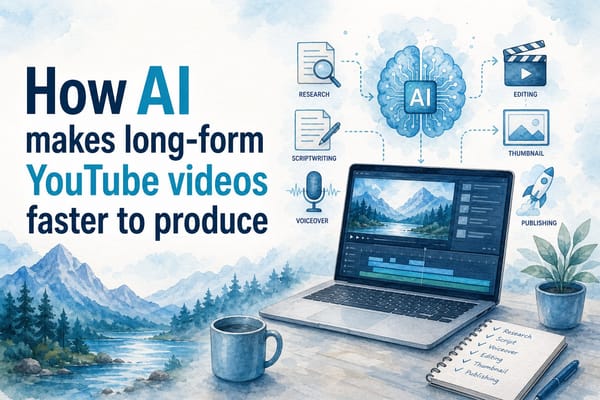
One more thing worth mentioning on the visual side is the workflow of combining these tools in sequence rather than trying to find one tool that does everything. A common approach that works well is using Perplexity for research, Claude for scripting, ElevenLabs for the voiceover, Runway or Storyblocks for b-roll, and Midjourney for custom stills and thumbnail art. Each tool does its one thing well, and they hand off to each other without too much friction. The total cost of running all of these is often less than what a single freelancer would charge for the same output, and the turnaround time is measured in days rather than weeks.
AI tools for editing, structure, and optimization
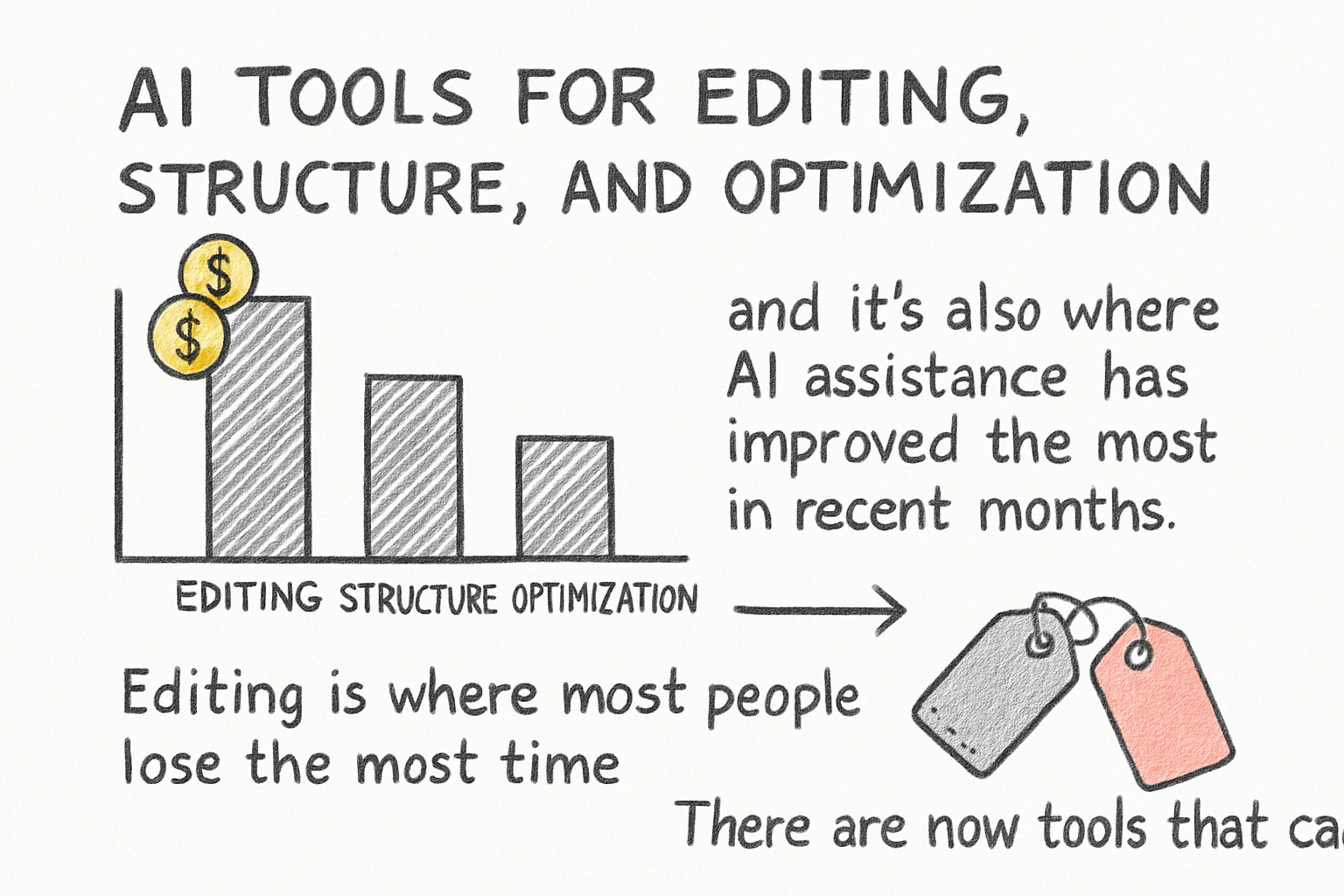
Editing is where most people lose the most time, and it's also where AI assistance has improved the most in recent months. There are now tools that can take a raw recording, cut out silences, remove filler words, add captions, and even suggest where to trim for better pacing, all without you manually scrubbing through the timeline frame by frame. For long-form content especially, this is a game-changer. The difference between a 45-minute rough cut and a tight 28-minute final video is often dozens of small edits spread across the whole timeline, and doing those by hand is exhausting work that offers almost no creative satisfaction.
Descript is one of the best-known tools in this space. It lets you edit video by editing the transcript, which sounds gimmicky until you actually try it on a long project. The way it works is simple: Descript transcribes your audio, you read through the text like a document, and anything you delete from the text gets cut from the video automatically. Cutting a rambling 40-minute rough cut down to a tight 28-minute video becomes a lot less painful when you can do it with a keyboard instead of a timeline. It also handles filler word removal automatically, which alone saves a surprising amount of time if you record your own audio and tend to say 'um' or 'like' more than you'd like. Descript also generates captions, which are increasingly important for watch time because a lot of viewers watch with the sound off or with captions on by habit. For long-form content especially, this saves a significant amount of time per video and makes the editing session feel less like manual labor. If you're curious about other automated editing options, there's a good roundup of Firecut AI alternatives for automated video editing that covers some of the newer players worth knowing about.
Opus Clip is another tool that's gained a lot of traction recently. It's primarily known for clipping long videos into short ones for YouTube Shorts, TikTok, or Reels, but its usefulness goes beyond that. The AI inside Opus Clip analyzes your video to identify which moments are most engaging based on things like energy, sentence structure, and visual activity. Running your finished long-form video through Opus Clip before publishing gives you a sense of which sections are holding attention and which ones might need tightening. If the clips it picks are all from the first ten minutes of your video, that's a signal that the second half might be dragging. It's a useful quality check even if you never actually post the clips it generates.
For audio quality, a tool called Adobe Podcast Enhance is worth knowing about. You paste in your audio file, it cleans up background noise and improves clarity automatically, and you get back something that sounds like it was recorded in a proper studio even if it wasn't. This matters more than most creators realize. Viewers are more forgiving of mediocre visuals than they are of bad audio. If your voiceover sounds muddy or has a consistent hum behind it, people will click away without knowing exactly why. Cleaning up the audio is one of the highest-return improvements you can make to a long-form video, and with tools like Adobe Podcast Enhance, it takes about two minutes.
For overall video structure, this is still mostly a human decision, but AI can help you plan it before you ever hit record. ChatGPT and Claude are both useful for outlining a video in a way that keeps retention high. You can describe your topic and your target audience and ask either tool to suggest a structure that hooks viewers in the first 30 seconds, delivers value consistently throughout, and ends on something that encourages them to watch another video. That kind of structural thinking, done before you write a single line of narration, is what separates videos that hold 60 or 70 percent of their viewers to the end from ones that bleed out halfway through. We've also written a detailed post on how to structure a 30-minute YouTube video for retention that goes into the psychology of why viewers stay or leave at certain points, which pairs well with the structural planning you can do with AI tools.
On the optimization side, tools like TubeBuddy and VidIQ have added AI features for title suggestions, tag recommendations, and SEO scoring. These aren't flashy, but they're practical in a way that directly affects how many people see your video in the first place. Getting your metadata right on a long-form video matters because YouTube's algorithm needs signals to know who to recommend it to. A video without clear metadata is like a book without a cover. VidIQ's AI title generator in particular is worth using even if you already have a title in mind, just to see if there's a stronger angle you might be missing. Sometimes the title you come up with on your own focuses on what the video is about, when what actually drives clicks is a title that focuses on what the viewer will get out of watching it. That shift in framing is small but it makes a measurable difference.
There's also a growing set of tools specifically designed to help with YouTube thumbnails beyond just the design side. Tools like ThumbnailTest let you A/B test different thumbnail designs before committing to one, which takes some of the guesswork out of a decision that has an outsized impact on your click-through rate. A long-form video with a weak thumbnail gets buried no matter how good the content is, so spending time here is worth it. Pair strong thumbnail strategy with clean metadata and a well-structured script and you've got most of the variables that determine whether a video succeeds covered before it ever goes live. And if you want to make sure all of that effort actually pays off in watch time, our guide on how to make ultra long YouTube videos people actually finish ties a lot of these optimization ideas together in a practical way that you can apply to your next upload.
Ready to take the next step?
There are a lot of tools out there, and it's tempting to keep adding them to your workflow one by one until you've got a dozen subscriptions and a process that somehow takes longer than it did before you started using AI. The smarter move is to find tools that work together and cover multiple steps without the constant switching between tabs, windows, and accounts. That's exactly what Kliptory is built for. It brings the key parts of long-form YouTube video creation into one place, so you spend less time managing tools and more time actually making videos that grow your channel. If anything in this post got you thinking about your current setup, drop a comment below and tell me where you're losing the most time in your production process. Is it the scripting stage, the editing, or something else entirely? And if you're ready to try a more streamlined approach, go check out what Kliptory can do for your channel.