YouTube Auto Translate: How to Use It and When It Helps

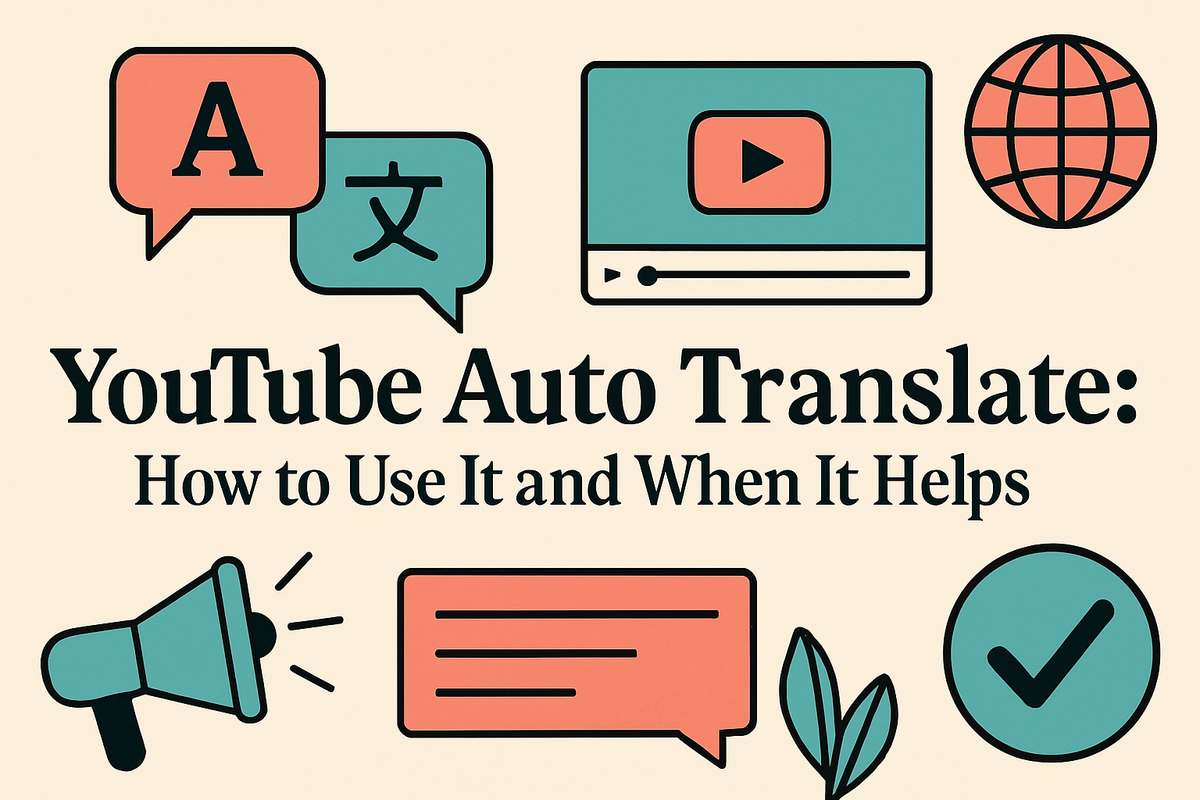
If you've ever watched a video in another language and somehow still understood it, YouTube's auto translate feature probably had something to do with that. It's one of those tools that quietly works in the background, helping people across the world watch content they'd normally skip. But a lot of you have asked about this feature specifically, wanting to know how it actually works and whether it's worth relying on as a creator or viewer.
YouTube auto translate uses machine learning to generate captions in one language and then convert them into another. You've likely seen it in the settings menu under subtitles, where you can pick a language and let YouTube do the heavy lifting. It sounds simple, and most of the time it is. But there's more going on under the hood than people realize, and knowing when to use it versus when to skip it can make a real difference for your channel.
This post covers the basics of how to turn the feature on, what it actually does well, where it falls apart, and how creators can use it to reach more people without spending hours on manual translations. Whether you're a viewer trying to follow a foreign-language tutorial or a creator wanting a bigger global audience, this one's for you.
How to turn on auto translate on YouTube
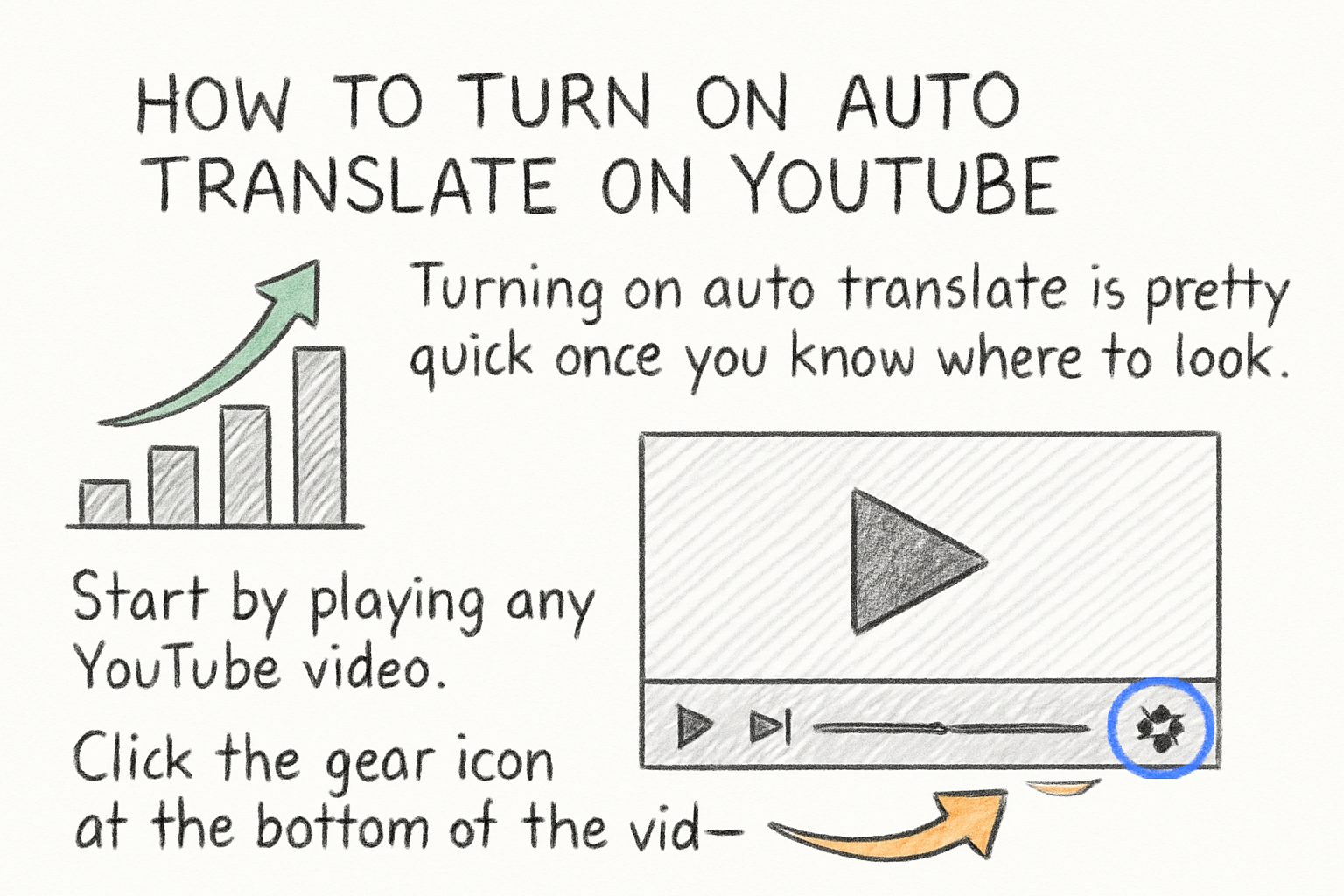
Turning on auto translate is pretty quick once you know where to look. Start by playing any YouTube video. Click the gear icon at the bottom of the video player to open settings. From there, choose 'Subtitles/CC' and then click 'Auto-translate.' You'll get a long list of languages to pick from, and once you select one, the captions should update almost instantly.
The catch is that auto translate only works when a video already has captions, either uploaded by the creator or generated automatically by YouTube. If no captions exist at all, the translate option just won't show up. YouTube's auto-generated captions are available for a growing list of languages, but they're most reliable for English-language videos with clear audio and a single speaker.
I personally think this feature is genuinely underrated, especially for educational content. I remember watching a cooking tutorial in Portuguese once and had no idea what was happening until I switched on auto translate. It wasn't perfect, but I got the gist and actually finished the video. That alone shows the feature's real value.
For creators, this matters because translated captions can expose your video to viewers who wouldn't have clicked otherwise. And as we talked about in our piece on how to increase watch time on YouTube, keeping people watching longer is one of the most important things you can do for your channel's growth.
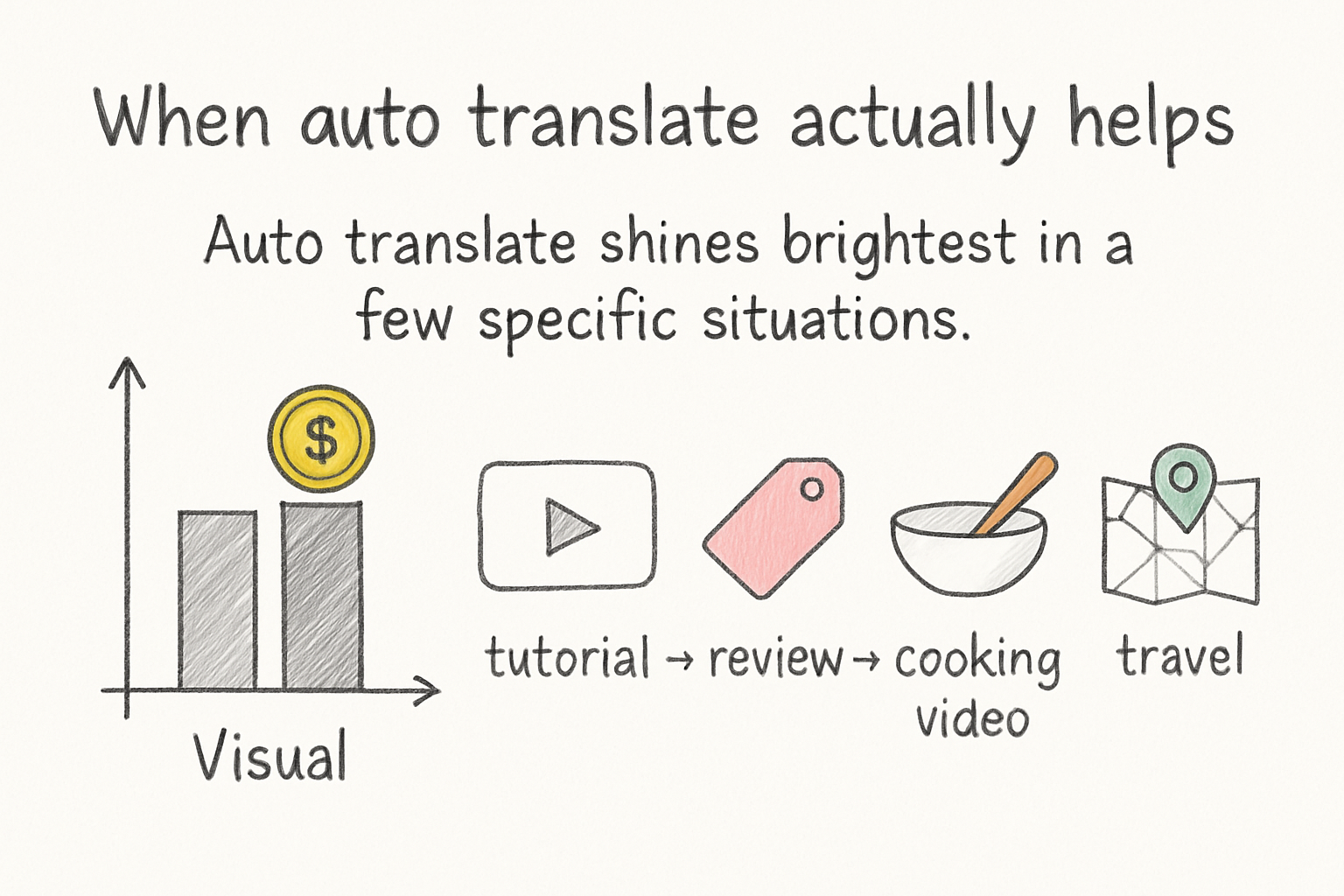
When auto translate actually helps
Auto translate shines brightest in a few specific situations. If your content is mostly visual, like a tutorial, a review, a cooking video, or a travel vlog, the translation doesn't have to be perfect for it to be useful. Viewers can follow along with the visuals while the captions give them just enough context to stay engaged. That's a win even if every sentence isn't word-for-word accurate.
It also helps a lot when your audience is genuinely global. If your analytics show that a chunk of your viewers are coming from countries where your language isn't the primary one, that's a signal worth paying attention to. Auto translate gives those viewers a reason to stick around instead of bouncing. And sticking around is exactly what you want, since YouTube watch time plays such a big role in how the algorithm treats your content.
Another situation where auto translate earns its keep is when you're publishing content in a niche that doesn't have a lot of creators speaking the viewer's native language. Say you make videos about a specific software tool or hobby and most of the content out there is in English. A viewer in Brazil or Japan searching for help might find your video, flip on the Spanish or Japanese auto translate, and actually watch the whole thing. You didn't have to do a single extra thing to reach them.
That said, auto translate works best as a bridge, not a final product. It helps people understand the general idea. For casual or educational content, that's usually enough. For technical, medical, or legal topics, the gaps in accuracy can create real problems.
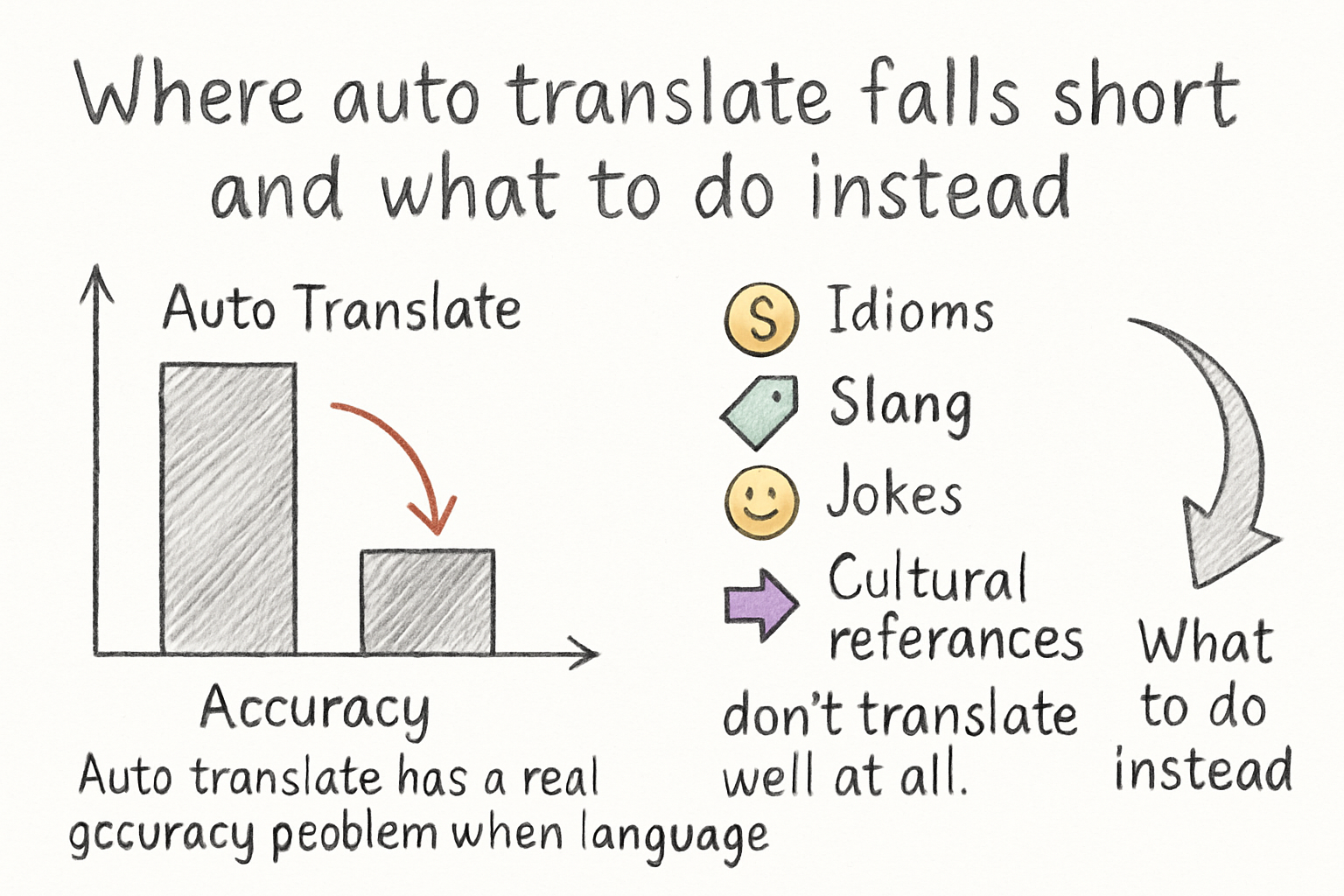
Where auto translate falls short and what to do instead
Auto translate has a real accuracy problem when language gets complicated. Idioms, slang, jokes, and cultural references don't translate well at all. If you say something like 'that was a total slam dunk' in a video, the auto translation might turn it into something that means nothing in another language, or worse, something confusing. Humor is especially tricky because timing and phrasing matter so much, and machines don't pick up on that.
Technical content is another weak spot. If your video involves specific terminology, scientific words, or industry jargon, auto translate will often substitute a wrong word that sounds similar but changes the meaning entirely. A viewer trying to follow a coding tutorial or a medical explanation could easily come away with the wrong understanding. That's a risk that's hard to ignore.
The quality of the original captions also matters a lot. If your auto-generated captions are full of errors because your audio quality isn't great or you speak quickly, the translated version is going to be even worse. Garbage in, garbage out, as they say. If you want auto translate to actually work for your audience, start by cleaning up your own captions first. YouTube Studio lets you edit auto-generated captions manually, and spending even 10 minutes on that can make the translations noticeably better.
If you're serious about reaching a global audience, the smarter long-term move is to either hire a native speaker to translate your captions or use a dedicated subtitle service. Auto translate can get you started, but manually verified translations are what will actually build trust with international viewers. Think of auto translate as a starting point that's worth improving, not a finished solution.
Ready to take the next step?
Auto translate is one of those features that seems small until you realize how many viewers it can pull in with almost no extra work on your part. It's not perfect, but it's free, it's built right into YouTube, and for a lot of content types it does the job well enough to matter. If you want to keep growing your channel and reaching people who wouldn't have found you otherwise, it's worth understanding and using it smartly. Got questions about this or other YouTube tips? Drop a comment below and let's talk about it. And if you want more tools to help your channel grow, check out Kliptory and see what's available for creators who want to work smarter.