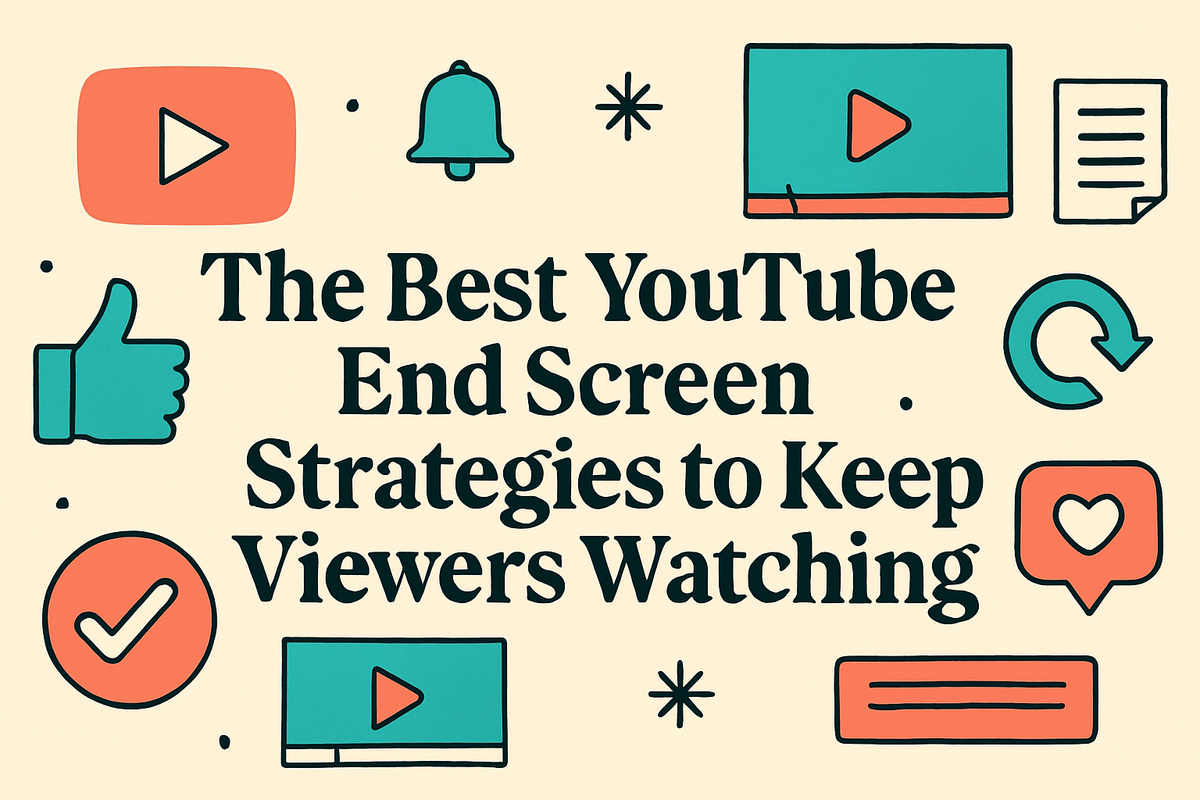
The Best YouTube End Screen Strategies to Keep Viewers Watching

You've spent hours making a great video. The editing is tight, the audio is clean, and the content is solid. But then the video ends, and your viewer just... leaves. No click to another video, no channel subscription, no reason to stick around. That's a painful way to lose someone who was clearly interested in what you had to say.
End screens are one of the most underused tools on YouTube. A lot of you have asked about this, and honestly, I get why it's confusing. YouTube gives you 20 seconds at the end of your video to show clickable elements, but most creators just slap a subscribe button on there and call it a day. That's leaving a ton of opportunity on the table. A well-planned end screen can turn a one-time viewer into a long-term fan, and it can seriously boost your channel's overall watch time.
End screens aren't magic, but they do work when you use them with a clear plan. Whether you're brand new to YouTube or you've been uploading for years, getting your end screen strategy right is one of the fastest ways to see real growth without creating extra content. Let's break down exactly how to do it.
What makes a good end screen in the first place
Most people think an end screen is just a formality, like the credits at the end of a movie that nobody watches. But YouTube's algorithm actually pays close attention to what happens after your video ends. If viewers click through to another one of your videos, that sends a strong signal that your content is worth promoting. If they bounce off YouTube entirely, that signal goes the other way.
The best end screens do a few things well. They show up at a natural stopping point, not over the top of content your viewer still cares about. They point to something that actually makes sense given what the video was about. And they give the viewer a reason to click, not just a thumbnail floating in empty space.
I personally think the biggest mistake creators make is treating the end screen as an afterthought. They finish editing, realize they need something there, and rush it. But your end screen deserves the same thought you put into your thumbnail or your title. If you've been working on your channel's click-through rate, check out this guide to optimizing YouTube titles for more clicks to see how strategy across your whole video works together.
One more thing: YouTube lets you add up to four elements on an end screen, including videos, playlists, a subscribe button, and a channel link. You don't have to use all four every time. Pick what fits the moment. Sometimes a clean end screen with just two strong video recommendations will perform better than a cluttered one with everything thrown in.
How to choose the right videos to feature
This is where most creators get stuck. Which video do you put on the end screen? The newest one? The most popular one? The one you're most proud of? The answer is: the one most likely to keep that specific viewer watching.
Think about what your viewer just watched. If someone just finished a video about meal prep for beginners, showing them an advanced recipe tutorial might not land the way you hope. But showing them another beginner-friendly cooking video? That's a natural next step. Context is everything. Your end screen should feel like a recommendation from a friend, not a random suggestion.
YouTube has a feature called "best for viewer" that automatically picks a video it thinks will resonate with that specific person. It's worth using, especially when you're not sure which of your videos to feature. But pairing it with a manually chosen video that directly ties into your current topic is usually the strongest combo. I remember when I first started paying attention to my analytics and realized that certain video pairings consistently drove more clicks than others. It genuinely felt like cracking a small code.
If you're working on building up enough content to make these pairings work well, a resource like this guide on increasing watch time on YouTube can help you understand how your video library fits together. The more relevant content you have, the more options you have for smart end screen pairings.
Design and timing tips that actually move the needle
Your end screen could feature the perfect video recommendation, but if nobody notices it, none of that matters. Design plays a bigger role than people expect. The layout, the timing, and even what's happening on screen during those final 20 seconds all affect whether someone clicks.
First, think about what's on screen when your end screen elements appear. A lot of creators keep talking or showing footage all the way to the last second, which means the end screen thumbnails are competing with your actual content. A better approach is to build a dedicated end screen moment. Wrap up your main content, look at the camera, and verbally tell your viewers what to watch next. Say something like, "If you want to go deeper on this topic, click right there," and point toward where the video element will appear. That combination of a verbal cue and a visual element is hard to ignore.
Timing matters too. YouTube requires end screens to start no earlier than the 20-second mark before your video ends, so plan your video length with this in mind. Don't end a video at the 4-minute mark if your content really wraps up at 3:40. Give yourself room to have a proper outro before the end screen kicks in. A rushed outro makes the whole thing feel awkward and viewers are more likely to click away.
On the design side, keep your end screen background simple and not too busy. Thumbnails already have a lot going on visually, so if your background is cluttered, everything blends together. Some creators use a branded end screen template with their logo and a consistent color scheme. That kind of repetition actually helps over time, because viewers start to recognize your end screen and know exactly where to look for the next video recommendation. If you want to understand the bigger picture of why all this effort on retention matters, the article on YouTube watch time and why it matters lays it out clearly.
Ready to take the next step?
End screens are one of those things that take maybe an extra ten minutes to set up properly, but the payoff can compound over hundreds of videos and thousands of viewers. Start with one small change: next time you upload, think about what video makes the most sense to recommend given your content, and actually say it out loud before the end screen shows up. See what happens to your click-through rate. If you want more tools to help grow your channel smarter, check out Kliptory and see how it can fit into your workflow. And drop a comment below telling me what your current end screen setup looks like. I'd love to hear what's working for you.