How to Optimize YouTube Titles for More Clicks

Your title is the first thing anyone sees on YouTube. Before someone clicks your video, before they even glance at your thumbnail, the title is already doing its job — or failing at it. A weak title means fewer clicks, and fewer clicks means fewer views, no matter how great the video actually is. So if you've been uploading solid content but not getting the traction you want, the title might be the problem.
A lot of you have asked about this exact topic, so I wanted to write something really practical. Not just vague tips like 'be specific' or 'use keywords' — but actual strategies you can use today. The difference between a title that gets ignored and one that pulls in thousands of clicks is usually pretty small. It comes down to a few key habits that most creators skip because nobody ever explained them clearly.
I personally think titles are one of the most underrated parts of growing a YouTube channel. People obsess over thumbnails and video length and posting schedules, but they'll slap any old title on a video and wonder why it's not performing. This post is going to change how you think about titles, and hopefully make the whole process feel a lot less random.
Why your title matters more than you think
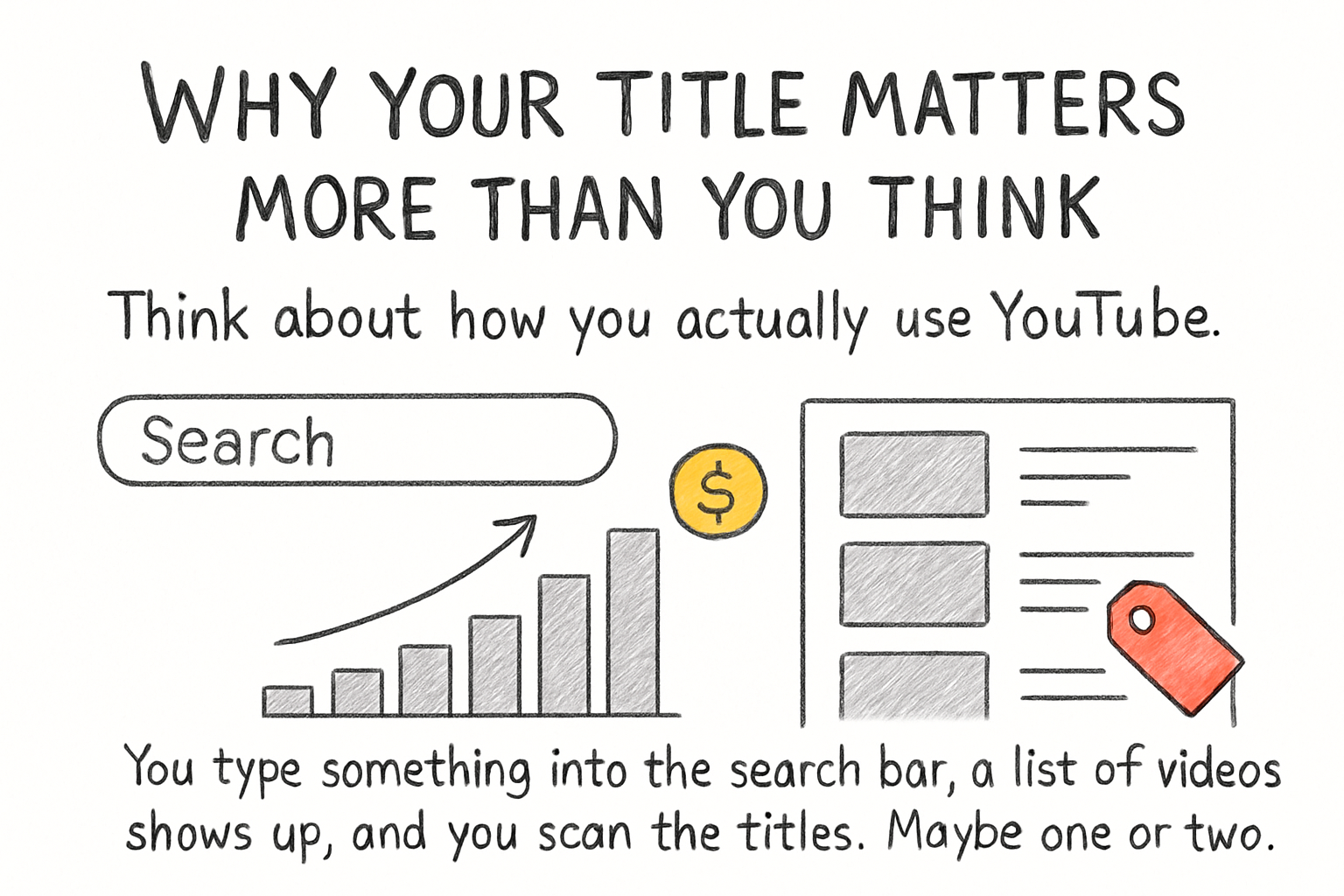
Think about how you actually use YouTube. You type something into the search bar, a list of videos shows up, and you scan the titles. Maybe one or two catch your eye. You click those. The rest get ignored. That's exactly what happens to your videos too. Your title is competing against dozens of others for that same click.
YouTube's algorithm also reads your title. It uses those words to figure out what your video is about and who should see it. If your title is vague or missing the right words, YouTube doesn't really know where to show it. That's why a clear, keyword-focused title helps with both search results and suggested videos. It's not just about sounding good — it's about being findable.
I remember when I first started paying attention to titles, I went back and looked at my old videos. Some had titles like 'My morning routine' and others had ones like 'My 5 AM morning routine that changed everything.' The second style was getting way more clicks, and it wasn't even close. The content in both videos was similar. The title made all the difference.
If you're still figuring out what topics to make videos about in the first place, our guide on finding the best topics for your channel is a great place to start before you even worry about title optimization.
How to write titles that actually get clicks
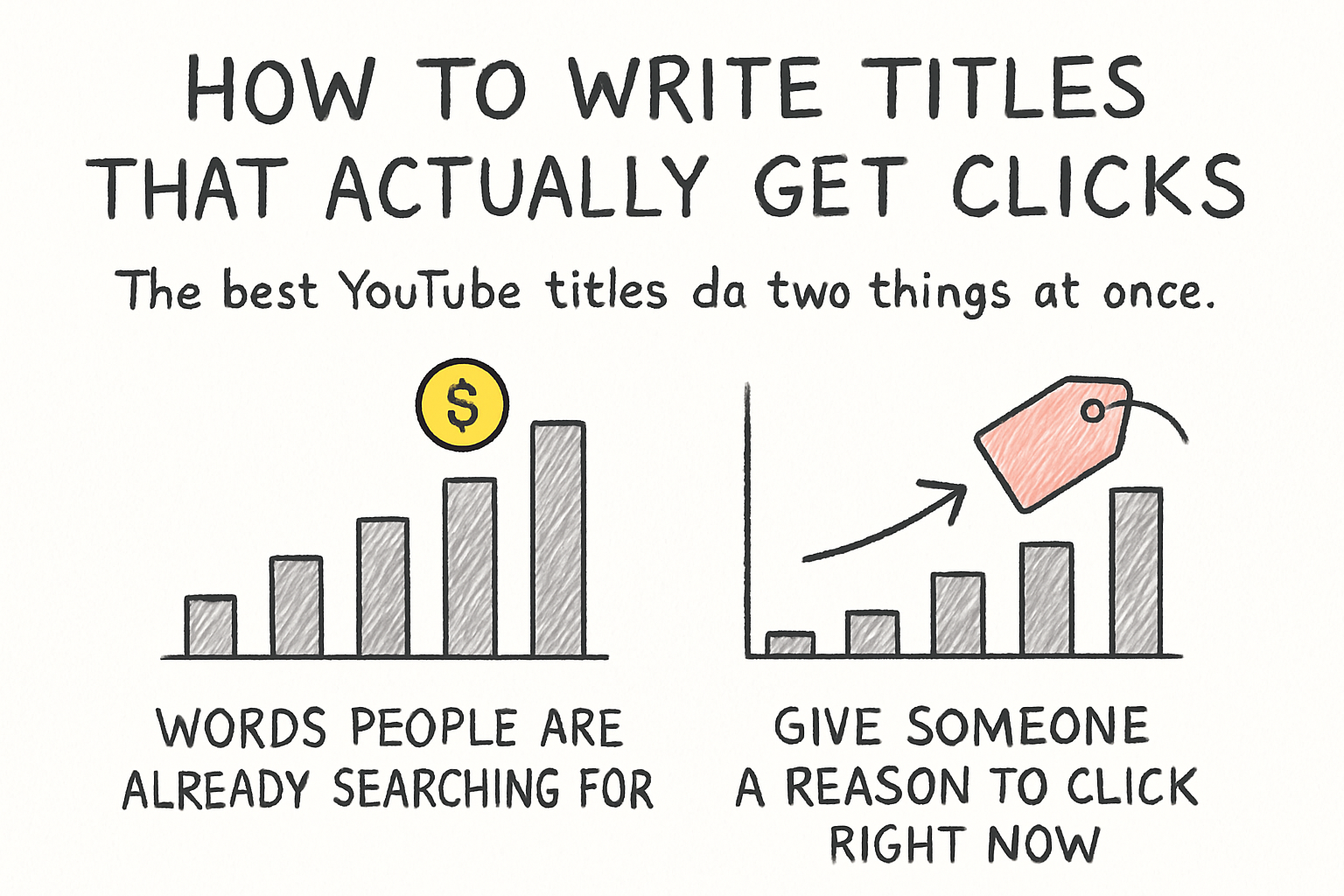
The best YouTube titles do two things at once. They include words people are already searching for, and they give someone a reason to click right now. You need both. A title stuffed with keywords but no emotional pull feels robotic. A title that's catchy but doesn't match what people search for never gets found. The sweet spot is somewhere in the middle.
Start by thinking about what someone would type into YouTube to find your video. Those are your keywords. Put the most important one near the front of your title, because YouTube and viewers both pay more attention to the first few words. For example, if your video is about meal prepping for beginners, don't title it 'How I stay organized in the kitchen.' Try 'Meal prep for beginners: my weekly routine that saves hours.' See the difference?
Now add some emotional weight. Numbers work well — '5 mistakes beginners make' or '3 habits that changed my life.' Questions work too, because they create a gap in the viewer's mind that they want to close. Titles that hint at a result or a surprise also tend to pull more clicks. Words like 'honest,' 'actually,' 'nobody tells you,' or 'before and after' all trigger curiosity without being clickbait.
Keep your titles under 60 characters when you can. Anything longer gets cut off in search results on most devices. You want the full title visible so people see the whole message before deciding to click. Short, punchy, and clear almost always beats long and complicated.
Testing and improving your titles over time
Writing a good title isn't always a one-shot deal. Even experienced creators get it wrong sometimes. The good news is YouTube lets you change your title after publishing, and many creators do exactly that when a video isn't performing as expected. If a video has been up for a couple of weeks and the click-through rate is low, try rewriting the title and see if things improve.
Your click-through rate (CTR) is the most direct way to measure if your title is working. You can find it in YouTube Studio under analytics. A healthy CTR usually sits somewhere between 4 and 10 percent, depending on your niche. If yours is below that range, the title and thumbnail are the first things to look at. Try changing the title first before touching anything else, so you know what actually moved the needle.
You can also study your competitors. Search for videos in your niche and look at what titles the top videos are using. What patterns do you notice? Are they using numbers? Questions? Specific phrases? You don't want to copy them word for word, but you can learn a lot about what's working in your space by paying attention to what gets clicks. Think of it as research, not copying.
If you want to go deeper on overall channel growth, we covered a lot of related ground in our post on how to increase watch time on YouTube, which pairs really well with title optimization since both affect how YouTube distributes your content.
Ready to take the next step?
Getting your titles right is one of the fastest ways to grow your YouTube channel without changing anything else about your content. Start with one video this week. Look at the title, ask yourself if it tells someone exactly what they'll get and why they should care, and then rewrite it if needed. Small changes can lead to real results. If you've tried any of these strategies or have a title trick that's worked for you, drop it in the comments below — I'd love to hear what's clicking for your channel. And if you're looking for more tools to help grow your presence on YouTube, check out Kliptory to see what's possible.