Best Free YouTube Niche Finder Tools to Grow Your Audience

Finding the right niche on YouTube can feel like searching for a needle in a haystack. There are millions of creators uploading videos every day, and if you're trying to figure out where you fit in, it's easy to feel lost. The good news? You don't have to guess. There are free tools out there built specifically to help you find your spot.
A lot of you have asked about this exact topic, and honestly, it makes sense. Picking a niche is one of the first big decisions you'll make as a creator. Get it right, and your channel has a real shot at growing. Get it wrong, and you might spend months making videos nobody watches. That's not a fun place to be.
This post breaks down some of the best free YouTube niche finder tools available right now, what they actually do, and how to use them without overcomplicating things. Whether you're starting from scratch or trying to refocus an existing channel, there's something here for you.
Free tools that help you find the right niche
Let's start with the obvious one: Google Trends. It's completely free, and most people sleep on how useful it really is for YouTube research. You can type in any topic and see how interest in that topic has changed over time. If you're choosing between two niche ideas, Google Trends can show you which one is growing and which one is dying. That kind of information matters a lot before you commit to a direction.
YouTube's own search bar is another tool people overlook. Start typing a topic and watch what autocomplete suggests. Those suggestions come from real searches real people are doing. If you type 'beginner guitar' and YouTube immediately suggests 'beginner guitar lessons for adults,' that's a signal. That sub-niche has demand. You can build on that.
VidIQ has a free tier that gives you keyword data, search volume estimates, and a competition score right on YouTube search results. It's not as deep as the paid version, but for someone just starting out, the free version gives you enough to work with. You can see what topics are getting views and which ones are too crowded to break into easily.
TubeBuddy also has a free plan that works similarly. It puts data directly into your YouTube browsing experience, so you're not jumping between tabs. One feature called Keyword Explorer shows you how hard it would be to rank for a specific topic. That alone can save you a lot of wasted effort. I personally think TubeBuddy's free tier is underrated compared to how much creators talk about the paid version.
How to actually use these tools together
Using just one tool rarely gives you the full picture. The creators who find strong niches usually combine a few different sources of information before making a decision. Think of it like checking the weather from two different apps before you plan an outdoor event. More sources mean fewer surprises.
Here's a simple process that works. Start with Google Trends to see if your niche idea has growing interest or if it's fading out. Then take your top idea into the YouTube search bar to see what autocomplete says about real user demand. After that, run a few keyword checks in VidIQ or TubeBuddy to see how competitive those specific topics are. By the time you finish all three steps, you'll have a much clearer picture.
One thing I remember from early on in my own research is how easy it is to fall in love with a niche that looks great on paper but has almost no real audience. I spent time looking at a very specific tech topic, got excited about the low competition, and then realized the low competition was there because almost nobody was searching for it. These tools help you avoid that trap.
If you want to go deeper on how to actually pick topics once you've found your niche, our guide on finding the best topics for your channel walks through the whole process in more detail. It pairs well with what we're covering here.
What to look for when picking your niche
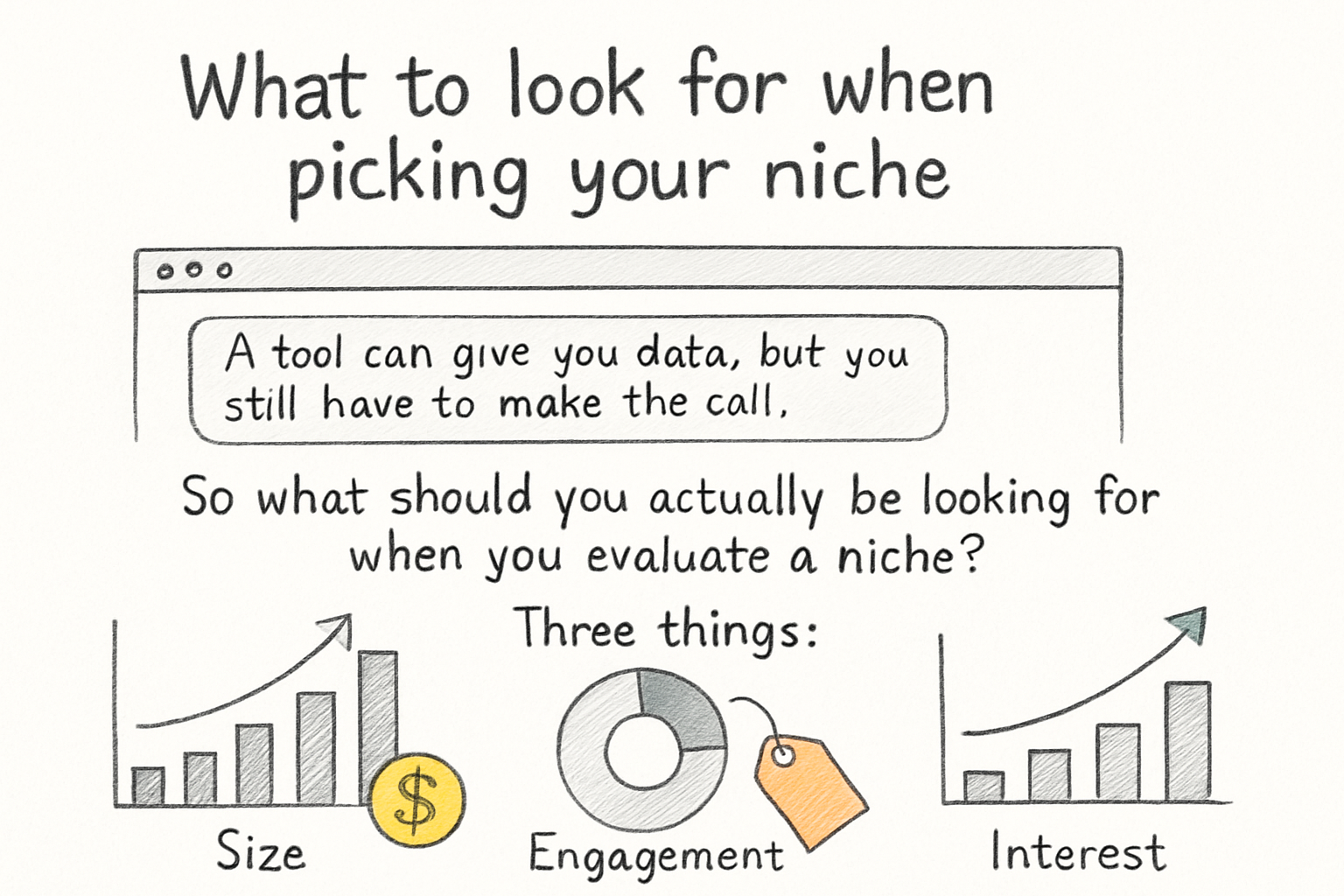
A tool can give you data, but you still have to make the call. So what should you actually be looking for when you evaluate a niche? Three things: search demand, competition level, and whether you can actually stick with the topic long enough to build something real.
Search demand means people are actively looking for content in that space. Low demand means even great videos won't get found. Competition level is trickier. You want some competition because that proves the niche has an audience, but you don't want to go up against channels with millions of subscribers right out of the gate. A middle ground, where there's demand but the top videos are coming from smaller or mid-sized channels, is the sweet spot.
The third factor, sticking with the topic, is something tools can't measure for you. But it matters just as much as the numbers. If you can't talk about the subject for 30 minutes without getting bored, you probably won't make it past your first 20 videos. Passion and data need to work together here, not separately.
Once you've picked a niche and started growing, the next challenge is keeping viewers around. If you're thinking about that side of things too, our article on how to increase watch time on YouTube is a good next read. And if you're curious about the money side, this YouTube niche monetization scorer can help you figure out which niches tend to earn better than others before you go all in.
Ready to take the next step?
Finding your niche doesn't have to take months of guessing. The free tools are out there, and now you know how to use them together in a way that actually gives you useful answers. Start with Google Trends, work your way through YouTube autocomplete, and then validate with VidIQ or TubeBuddy. That three-step process alone can save you a ton of time and frustration. Have a niche idea you're working through right now? Drop it in the comments and let's talk about it. And if you want more tools and resources to help your channel grow, check out Kliptory for everything in one place.