YouTube Community Tab Ideas to Engage Your Audience

Most creators spend hours planning videos, tweaking thumbnails, and writing titles. But a lot of you have asked about the Community tab and whether it's actually worth using. The honest answer? It's one of the most underused tools on the platform, and it can make a real difference in how connected your audience feels to your channel.
The Community tab lets you post text updates, images, polls, and more, all without uploading a full video. Think of it like a social media feed built right into your YouTube channel. It shows up in subscribers' feeds and can even pull in viewers who haven't watched in a while. That's a pretty big deal when you think about how hard it is to stay on people's radar.
If you're trying to grow a loyal audience and not just rack up views, this is the kind of feature that actually helps. You don't need a fancy setup or a huge subscriber count to start. You just need a few solid ideas and the habit of showing up consistently. So let's get into it.
Poll and question ideas that actually get responses
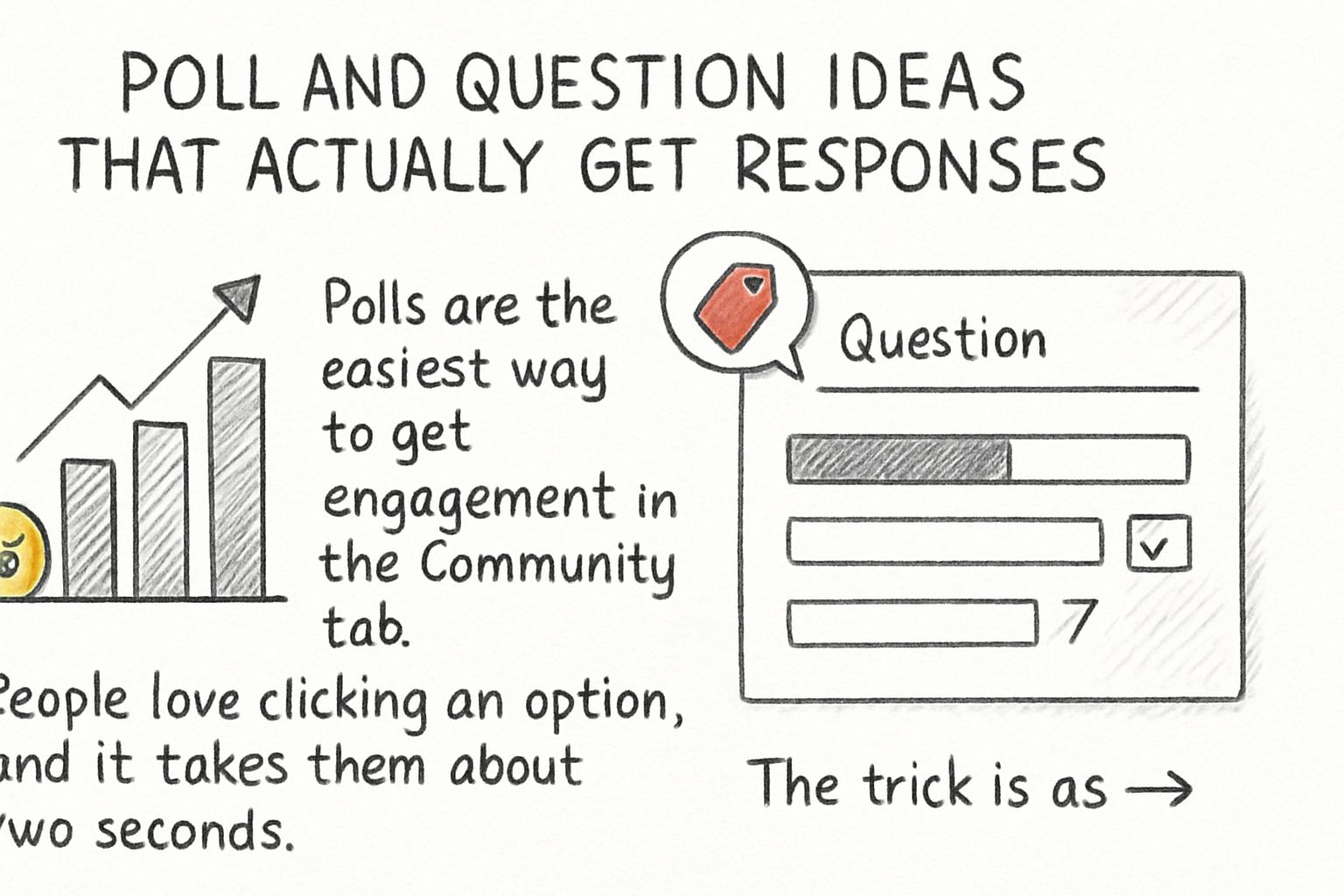
Polls are the easiest way to get engagement in the Community tab. People love clicking an option, and it takes them about two seconds. The trick is asking questions that feel personal and relevant to what your channel is about. If you run a cooking channel, ask your audience whether they prefer quick weeknight meals or weekend projects. If you're in gaming, ask which game they want to see next. Keep it simple and specific.
Open-ended questions work well too, but they ask more from your audience. Save those for times when you've already built some momentum. Something like 'What's the hardest part of editing for you?' can spark a conversation thread that runs for days. Those replies also give you content ideas, which is a nice bonus. I've seen creators basically build their entire video schedule off Community tab feedback.
I personally think the underrated move here is asking questions tied to a video you just posted. Something like 'I just dropped a video on batch cooking. Which tip are you trying first?' pulls people back to the content and gives them a reason to comment. It creates a loop between your videos and your community posts that keeps both sides active.
Don't overthink the wording. Write like you'd text a friend. The more casual and direct you are, the more likely someone is to actually stop scrolling and respond.
Behind-the-scenes posts and content teasers
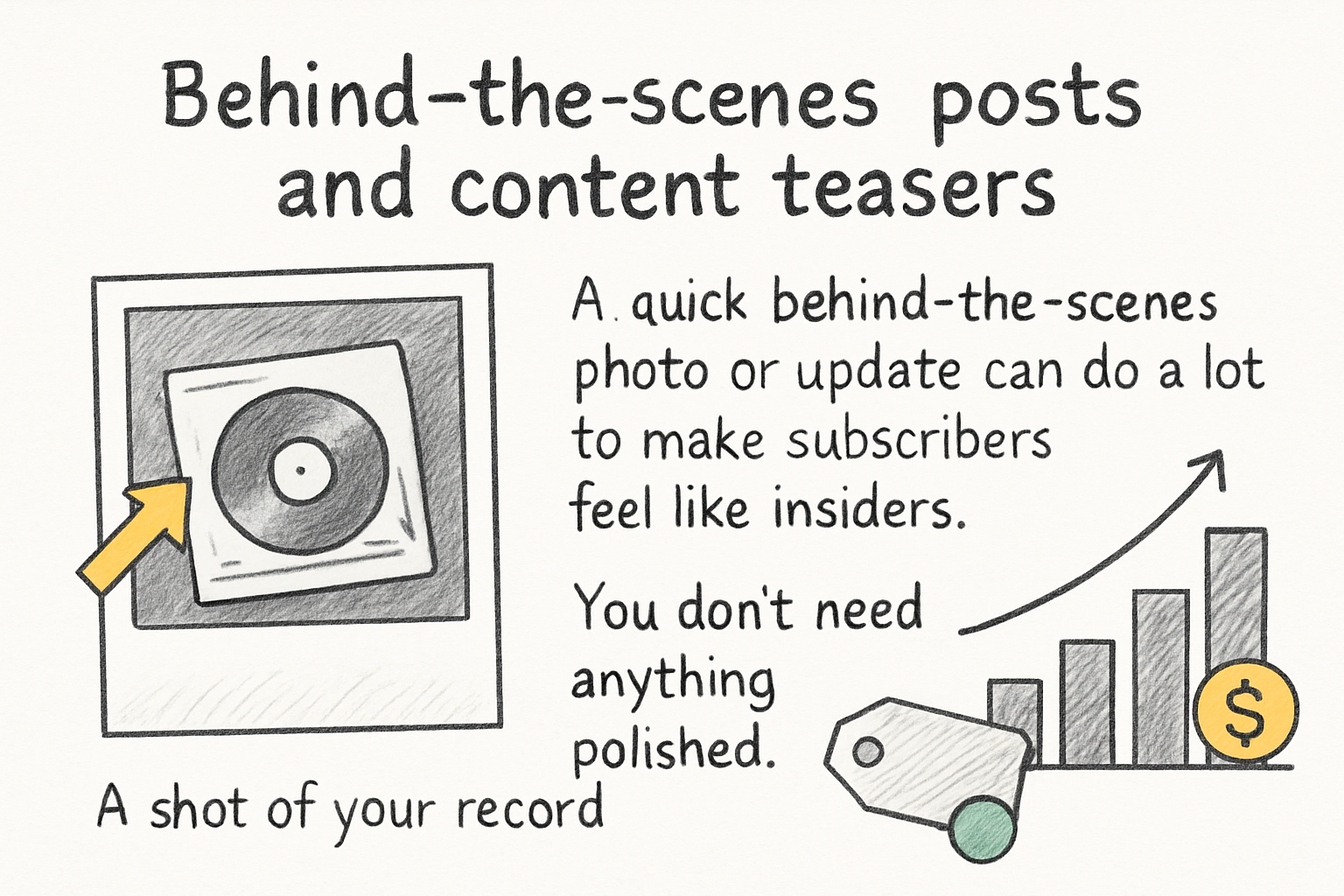
A quick behind-the-scenes photo or update can do a lot to make subscribers feel like insiders. You don't need anything polished. A shot of your recording setup, a half-edited timeline on your screen, or even a note about what topic you're researching this week all work. It shows there's a real person behind the channel, and that matters more than most creators realize.
Teasers are also a smart play. When you're about to publish a new video, drop a Community post the day before. Something short like 'New video tomorrow and it's probably the most useful thing I've posted all year' builds a little anticipation. Pair it with an image from the video and you've got people watching for the notification. Back when I was building out a small side channel a couple of years ago, even a basic teaser post bumped the views on launch day noticeably.
You can also use the tab to share work in progress. Ask your audience to weigh in on a thumbnail option, a title, or even the topic direction for an upcoming video. This kind of input makes people feel involved in the creative process, and those same people are way more likely to watch when the video drops because they helped shape it. If you want to go deeper on titles, check out this guide on optimizing YouTube titles for more clicks for extra context.
The goal with behind-the-scenes content isn't to be overly personal. It's to close the gap between you and your viewers. People support creators they feel like they know, so anything that shows your process is working in your favor.
Re-engagement posts and how to bring viewers back
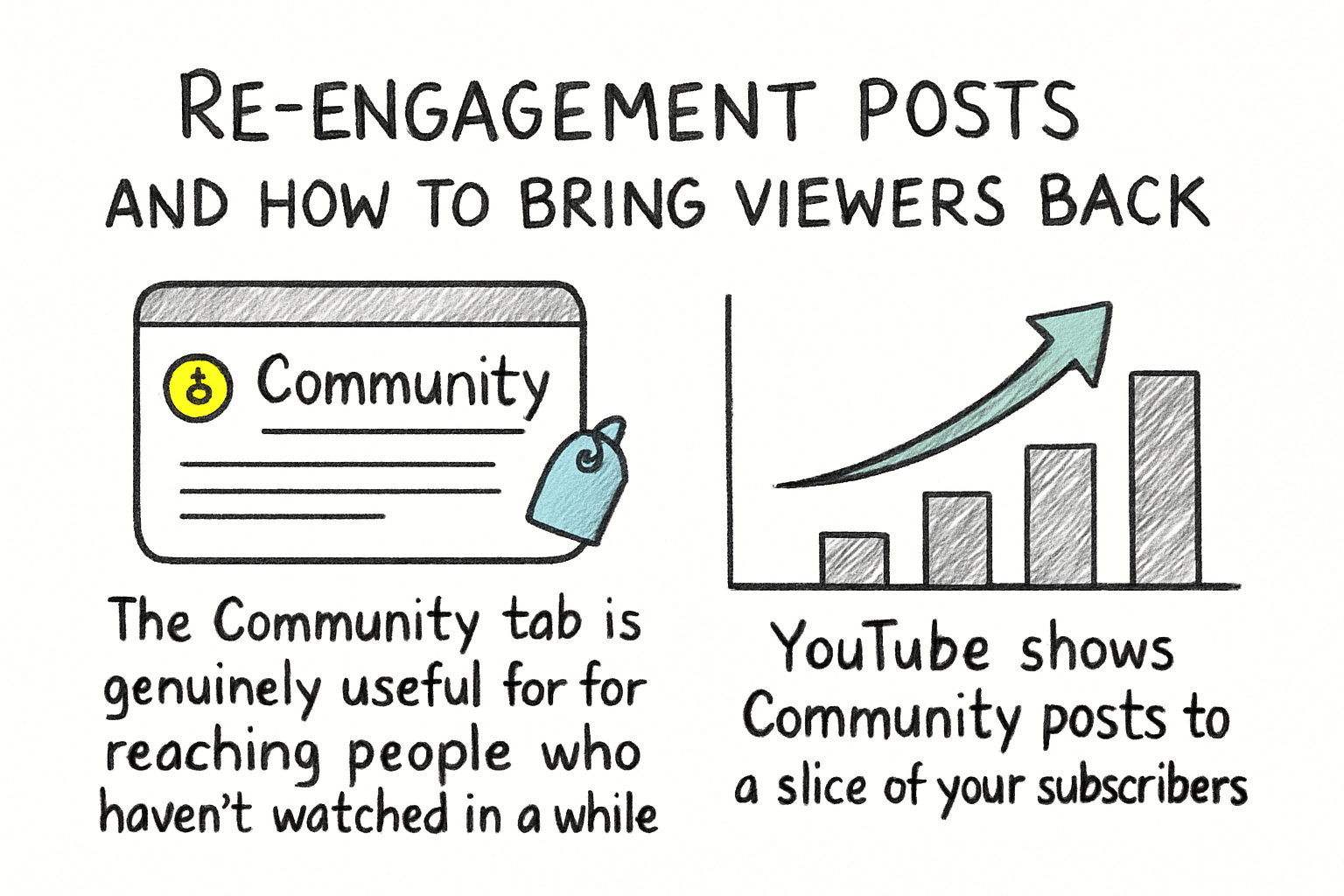
The Community tab is genuinely useful for reaching people who haven't watched in a while. YouTube shows Community posts to a slice of your subscriber base even when you haven't uploaded recently. That means a well-timed post can pull someone back in who drifted away after your last upload cycle. It's a low-effort way to stay present without having to push out a full video.
One solid approach is a 'did you miss this?' post. Pick a video from your back catalog that's relevant right now, maybe something seasonal or tied to a trending topic, and write a short Community post about it. Keep it honest. Something like 'I posted this six months ago and honestly think it holds up. Worth a watch if you missed it.' It doesn't feel spammy and it drives traffic to a video that already exists.
You can also use the tab to announce milestones and say thank you. When you hit a subscriber goal or get a comment that really stood out, sharing that in the Community tab reminds people they're part of something. It shifts the dynamic from 'creator broadcasting at audience' to something that feels more like a two-way relationship. That shift is slow, but it compounds over time.
And if you want to know which of your older videos are worth promoting, your channel data has the answers. Our guide on using YouTube Analytics to grow your channel walks through exactly what to look for when you're deciding which content deserves a second push. Pair that data with smart Community tab posts and you've got a real re-engagement system.
Ready to take the next step?
The Community tab isn't a shortcut, but it is a smart habit. A few posts a week can build the kind of audience connection that takes most creators years to figure out. Start with a poll, drop a teaser for your next video, and see what kind of response you get. You might be surprised how much your subscribers actually want to hear from you between uploads. If you want more tools to help your channel grow, check out Kliptory and see what's possible. And drop a comment below letting us know which Community tab idea you're trying first.