VidIQ for YouTube: Is It Worth It?

If you've spent any time trying to grow a YouTube channel, you've probably heard someone mention VidIQ. It keeps coming up in creator circles, Reddit threads, and YouTube tutorials. But does it actually help you grow, or is it just another tool that sounds better than it performs?
VidIQ is a browser extension and web platform built to help YouTube creators research keywords, track video performance, and understand what the algorithm seems to favor. It pulls in data about views, engagement rates, tags, and search volume, and it shows you all of that right on YouTube's own pages. The idea is that better data leads to better decisions, which leads to more views.
The real question isn't whether VidIQ has features. It clearly does. The question is whether those features are worth paying for, and whether they'll actually move the needle for your specific channel. Let's get into it.
What VidIQ actually does
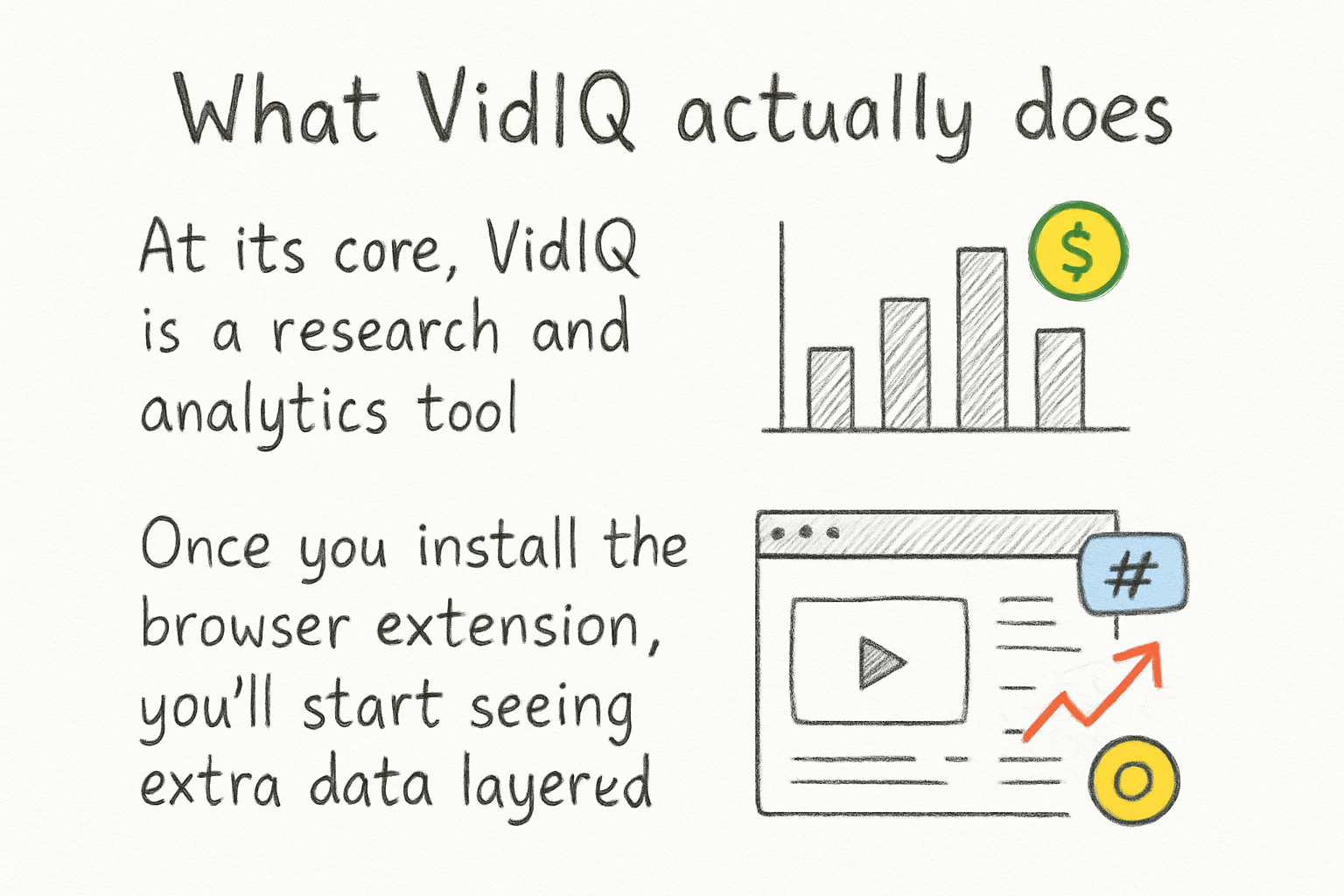
At its core, VidIQ is a research and analytics tool. Once you install the browser extension, you'll start seeing extra data layered on top of YouTube's normal interface. When you watch a video, you can see things like its tags, how fast it's gaining views, and a score VidIQ assigns based on its potential reach. It's a lot of information in one place.
The keyword research feature is probably the most talked-about part. You can type in a topic and VidIQ will show you how often people search for it and how competitive that search term is. That kind of data helps you write titles and descriptions that have a better shot at showing up in search results. We covered the basics of how to add tags on YouTube in an earlier post, and VidIQ takes that concept several steps further by helping you find the right tags in the first place.
VidIQ also has a competitors feature where you can track other channels in your niche and see how their videos are doing. You can spot trends before they peak, which gives you a window to make a video on a rising topic while the audience interest is still building. That's genuinely useful, not just on paper.
There's also a daily idea feature that suggests video topics based on your channel's niche and performance history. Some creators swear by it. Others find the suggestions a bit generic. Your mileage will vary depending on how specific your content is.
Free vs paid: where the real difference is
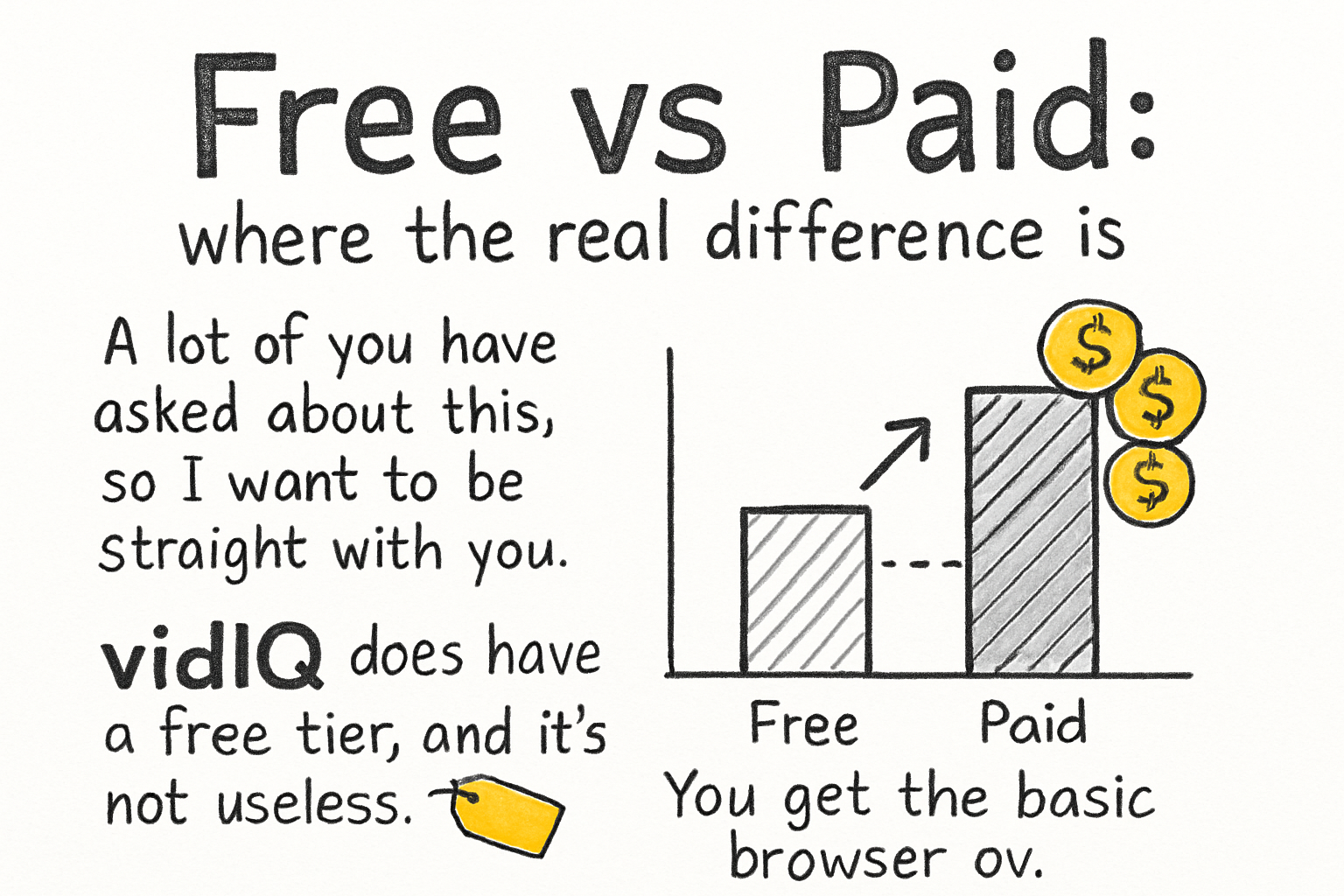
A lot of you have asked about this, so I want to be straight with you. VidIQ does have a free tier, and it's not useless. You get the basic browser overlay, some keyword data, and limited access to channel analytics. For a brand new creator who's just getting started, the free plan can teach you a lot about how to think about YouTube optimization.
But the paid plans, which start around $7.50 per month and go up from there, unlock a lot more. You get higher search volume limits, more in-depth competitor tracking, AI-generated titles and descriptions, and access to a coaching feature that supposedly gives you a personalized growth plan. The boost plan, which is the most expensive tier, is aimed at creators who are already serious about growth and want detailed daily action items.
Honestly, I tried the free version for about two months before upgrading, and I noticed the difference right away when I started paying. The keyword data got deeper and the competitor insights became genuinely useful instead of surface-level. I personally think the mid-tier plan hits the sweet spot for most creators who are past the beginner phase but not yet running a full-time channel operation.
If you're still figuring out what kind of content you want to make, spending money on VidIQ might be premature. You'd get more value from first locking in your direction using something like this guide on finding the best niche for YouTube. Get the strategy right, then bring in the tools.
Is it actually worth the money?
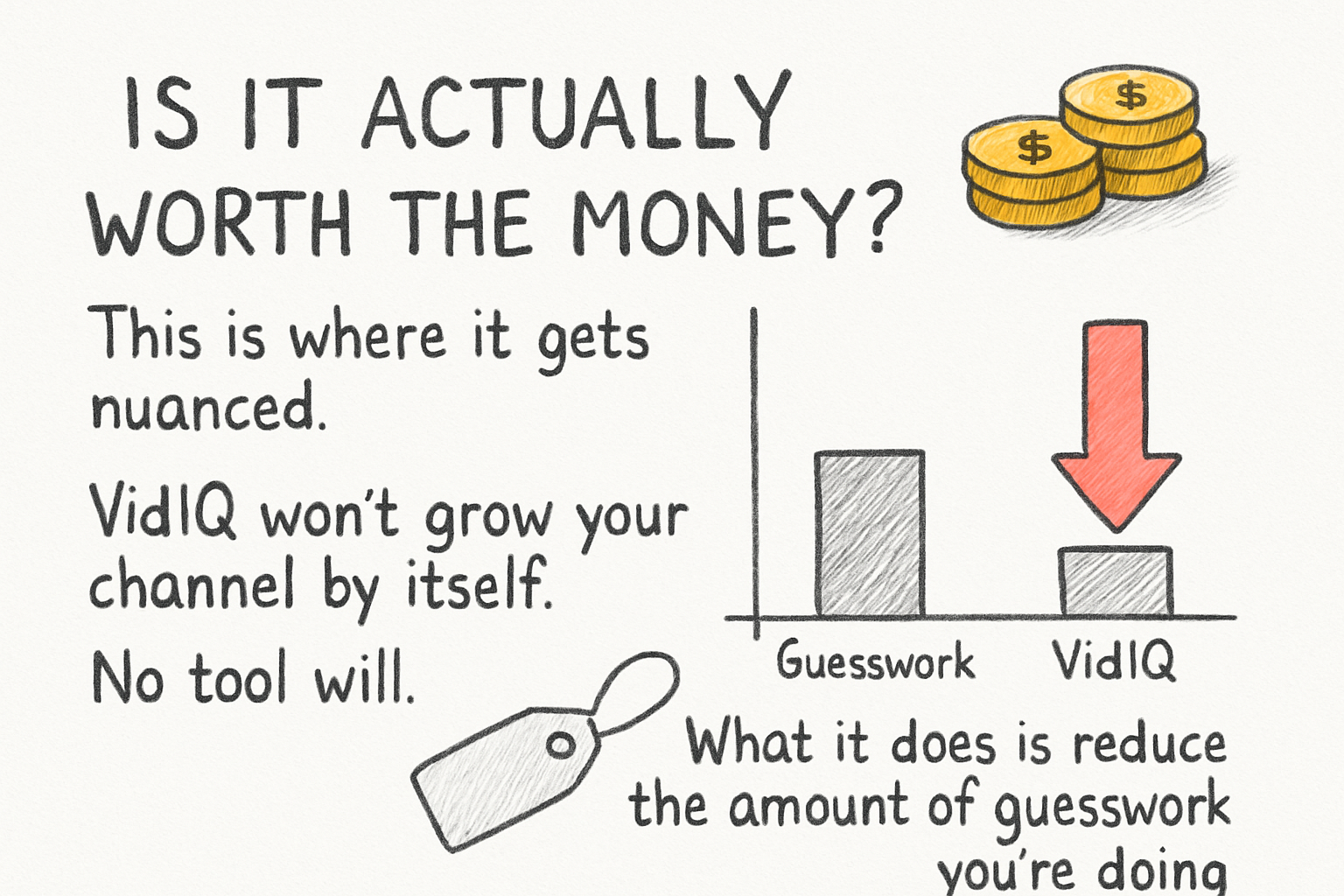
This is where it gets nuanced. VidIQ won't grow your channel by itself. No tool will. What it does is reduce the amount of guesswork you're doing when you choose topics, write titles, and try to understand why some videos perform and others don't. If you're the kind of person who acts on data, you'll get a lot out of it. If you upload randomly and hope for the best, a subscription won't change that pattern.
The AI features are a mixed bag. The AI title suggestions are sometimes great and sometimes way off base for your specific audience. The daily video ideas can spark something useful, but they're not a replacement for actually knowing your viewers. Think of those features as a starting point, not an answer. You still need to apply your own judgment.
Where VidIQ really earns its price is in competitive research. Being able to look at a competitor's video and understand why it's performing well, what tags they're using, and how quickly it's gaining traction, that's information you'd otherwise have to dig for manually. For creators trying to get more YouTube views from search, that research advantage is real.
If you're a casual creator who posts once a month and isn't focused on growth, the free version is probably enough. But if you're posting consistently and treating your channel like a project you want to build, the paid plan at the lower tiers is a reasonable investment. It's the kind of tool that rewards creators who are already putting in the work.
Ready to take the next step?
So is VidIQ worth it? For most creators who are serious about growing, yes, especially once you've got a clear niche and a consistent upload schedule. It's not magic, but it gives you better information to work with, and that matters. If you want to keep building your YouTube knowledge, check out Kliptory for more tools and resources built for creators like you. And drop a comment below letting us know if you've used VidIQ and what your experience was like. We read every single one.