How Do YouTube Views Work?

If you've ever posted a YouTube video and watched the view count sit at zero for what feels like forever, you're not alone. A lot of people assume a view is just a view. Someone clicks, the number goes up, done. But the reality is a little more interesting than that, and understanding it can actually change how you think about growing your channel.
YouTube has a whole system behind those numbers. It's not just counting clicks. The platform tries to figure out whether a real person actually watched your video, or whether something fishy is going on. That means your view count isn't always updating in real time, and sometimes it might even look like it's frozen. Don't panic when that happens. There's a reason for it.
In this post, we're going to walk through how YouTube counts views, why your numbers might look weird sometimes, and what actually matters when it comes to growing your presence on the platform. Whether you're brand new to YouTube or you've been posting for a while, this stuff is worth knowing.
What actually counts as a view on YouTube
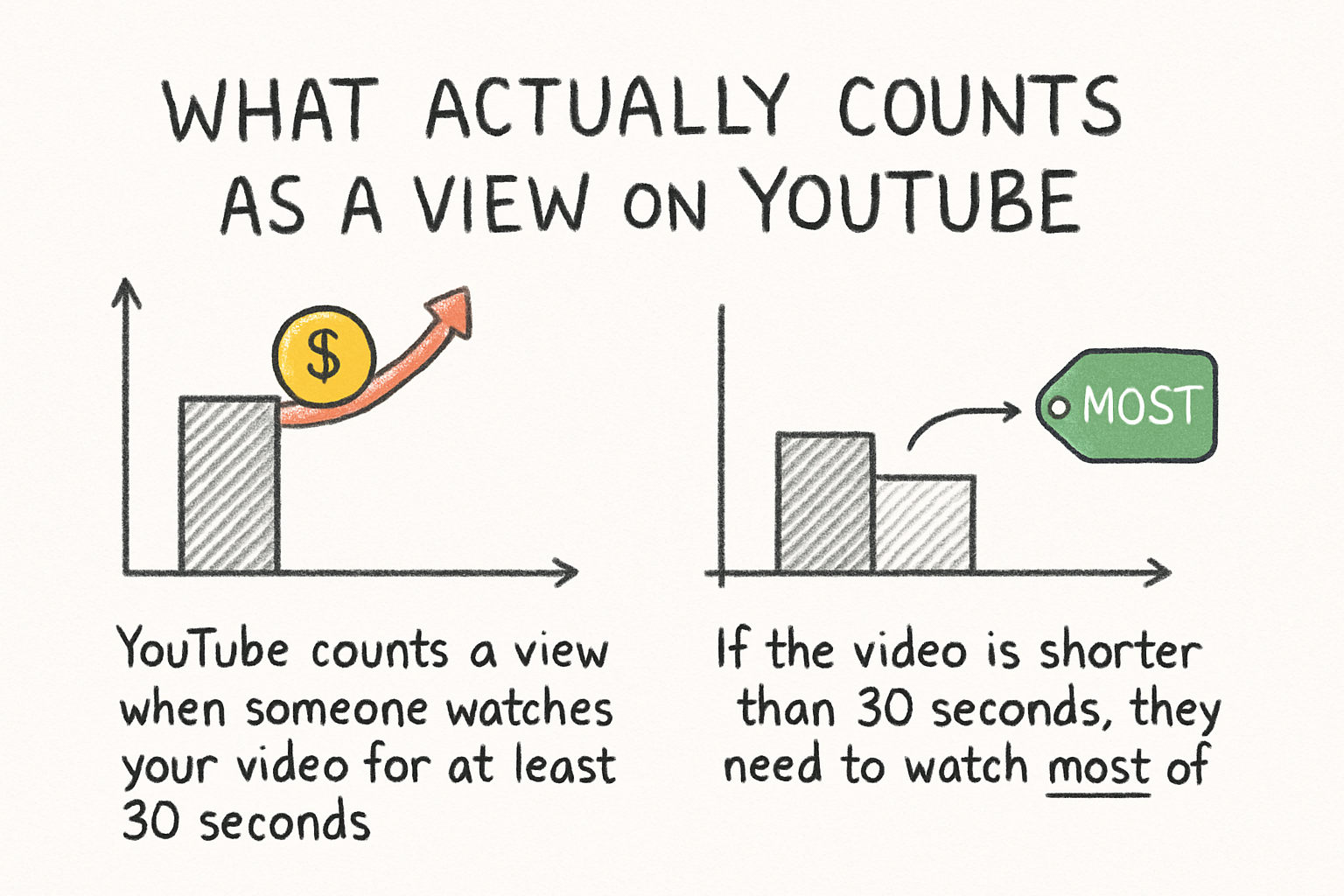
YouTube counts a view when someone watches your video for at least 30 seconds. If the video is shorter than 30 seconds, they need to watch most of it. Just clicking on a video and bouncing out in two seconds doesn't count. YouTube built it that way on purpose, so creators aren't rewarded for misleading thumbnails or clickbait titles that get clicks but no real engagement.
Here's where it gets a little more technical. YouTube uses automated systems to check whether views are coming from real people. If it spots something that looks like a bot, a spam loop, or any kind of artificial traffic, those views get filtered out. This is why you might see your view count jump up and then drop a little. It's not a glitch. YouTube is cleaning up the data.
Your own views on your own videos do count, but only up to a certain point. If you keep refreshing your video over and over, YouTube will stop counting those pretty quickly. Same goes for views from the same IP address in a short window of time. The system is designed to catch that kind of thing.
One more thing to know: YouTube slows down or pauses the view counter once a video hits around 300 to 500 views. At that point, the system does a more thorough check to make sure the numbers are legit before it starts counting again. So if your video blows up and then the counter seems stuck, that's usually why.
How views connect to watch time and channel growth
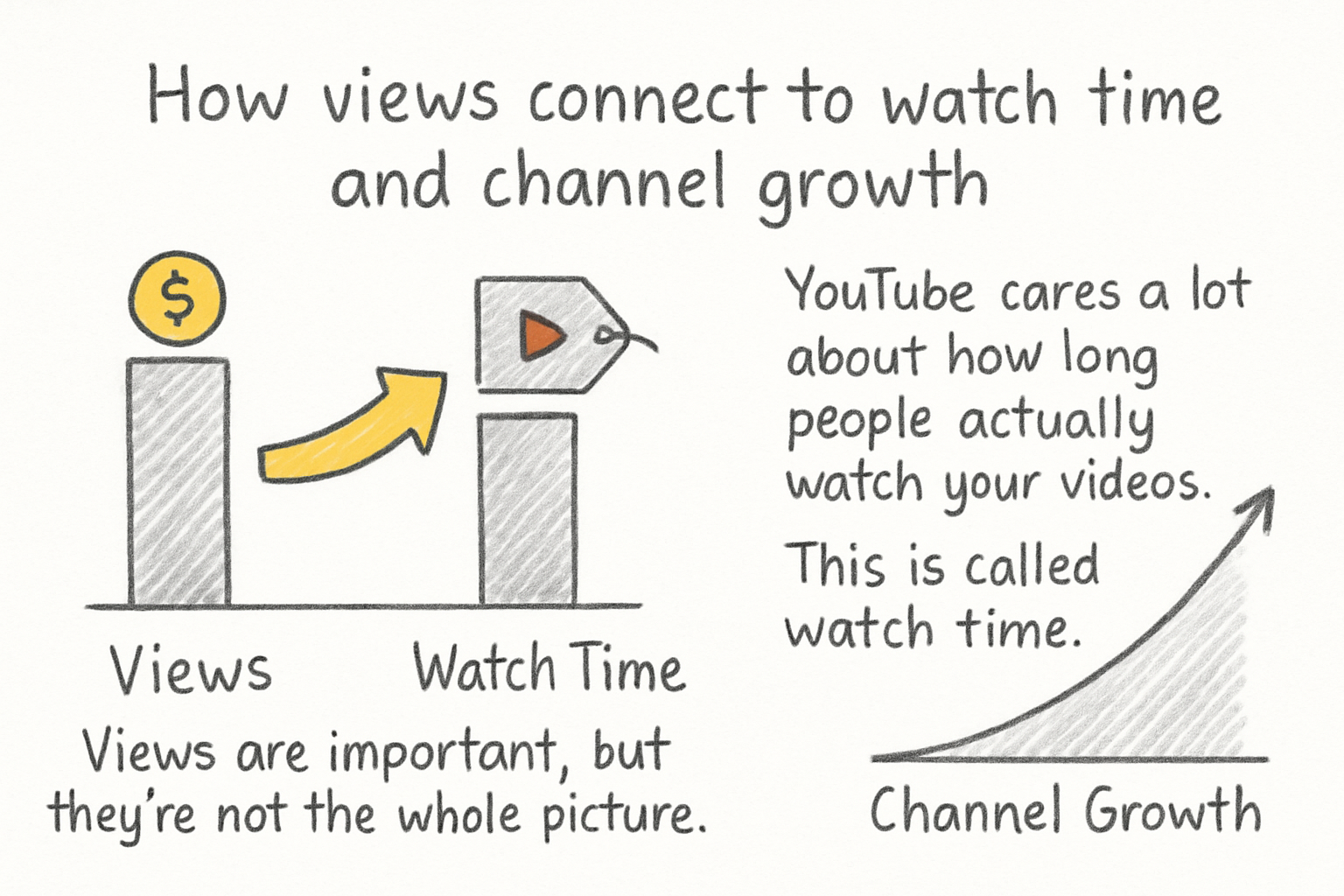
Views are important, but they're not the whole picture. YouTube cares a lot about how long people actually watch your videos. This is called watch time, and it plays a huge role in how the algorithm decides whether to recommend your content to more people. A video with a million views but terrible watch time might actually perform worse than a video with 10,000 views where people watch till the end.
I personally think a lot of new creators get too obsessed with chasing views when they should really be thinking about keeping people watching. If someone clicks away after five seconds, that tells YouTube your video isn't delivering what it promised. Over time, that hurts your chances of getting recommended. On the other hand, if people are sticking around, YouTube takes that as a sign that your content is worth pushing to more viewers.
This is also why the kind of views you get matters. Views from people who subscribe to your channel and actually watch tend to carry more weight than random one-off clicks. We actually wrote about this in our piece on watch time from subscribers on YouTube, which goes deeper into why your subscriber base can be such a strong signal for the algorithm.
If you want to build a channel that actually grows, think of views as the door and watch time as what keeps people inside. You need both. Getting clicks is step one. Keeping attention is step two. And YouTube's whole system is built around rewarding creators who do both well.
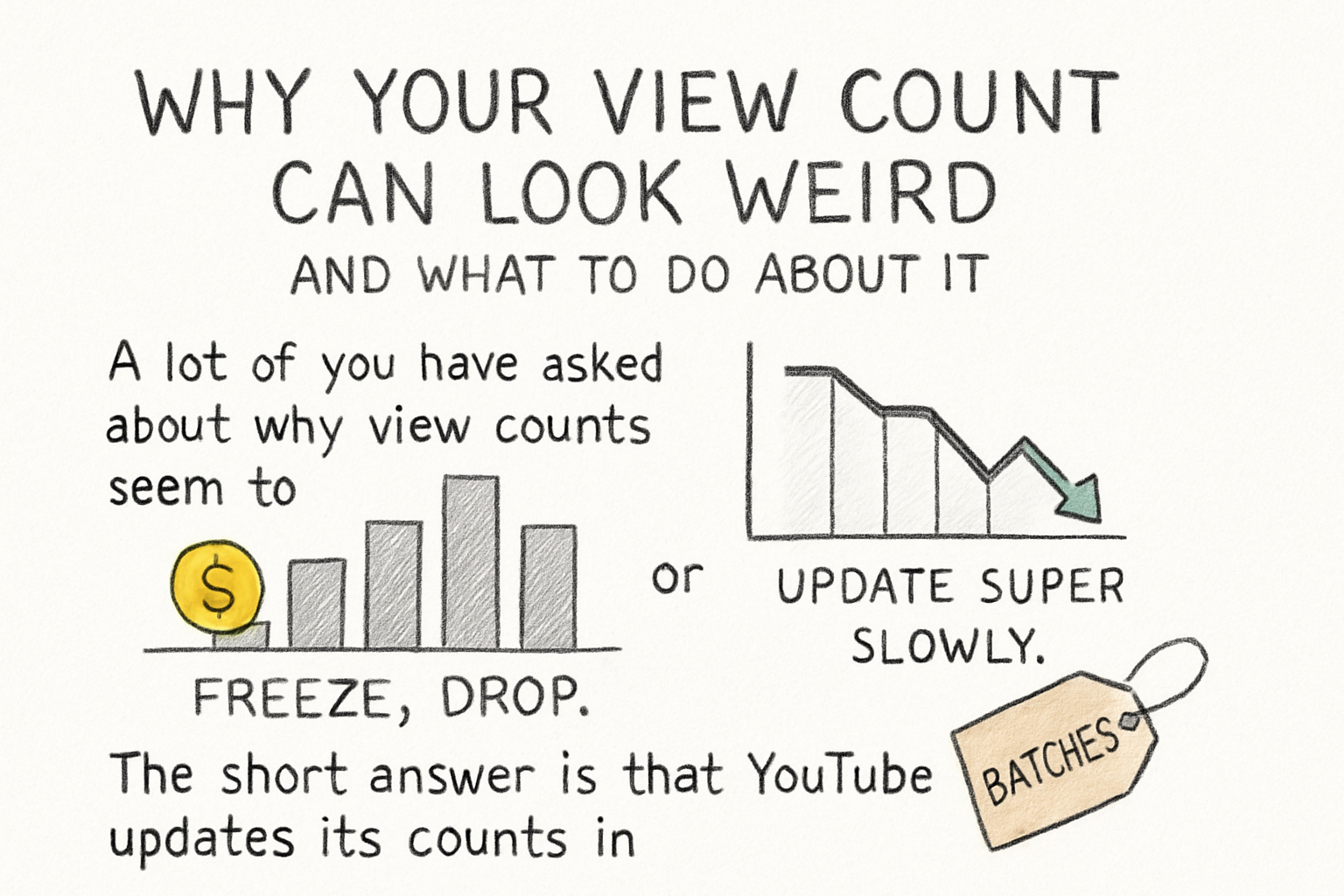
Why your view count can look weird and what to do about it
A lot of you have asked about why view counts seem to freeze, drop, or update super slowly. The short answer is that YouTube updates its counts in batches, not in real time. For smaller videos, you might see updates every few hours. For bigger viral videos, the system can lag even more because it's processing a massive amount of data. This is totally normal and not a sign that something is wrong with your video or your account.
I remember when I first started paying attention to YouTube analytics, I refreshed the page probably a dozen times in one afternoon wondering why the numbers weren't moving. Turns out I was just watching YouTube do its thing in the background. Once I stopped stressing about it and focused on making better content, the numbers started taking care of themselves.
If your counts drop suddenly, that's usually the cleanup process we mentioned earlier. YouTube found some views that didn't meet its standards and removed them. It can feel discouraging, but it actually means the platform is keeping the data honest, which is good for everyone in the long run. Fake views don't lead to real subscribers or real income.
The best thing you can do is focus on what you can control. Make sure your titles and thumbnails are accurate and interesting. Keep people watching with strong content. Check out our full breakdown of YouTube watch hours if you want to understand the deeper mechanics behind what YouTube rewards. And keep posting consistently, because the algorithm really does favor channels that show up regularly.
Ready to take the next step?
Now that you know how YouTube views actually work, you've got a much better foundation for growing your channel the right way. Stop chasing inflated numbers and start thinking about real engagement, real watch time, and real viewers who actually enjoy your stuff. If you have questions, drop them in the comments below. And if you're looking for a tool to help you make better content and track your progress, go check out Kliptory and see what it can do for you.