How to Enable Monetization on YouTube

Getting paid for your YouTube videos sounds like a dream, right? But a lot of creators hit a wall when they realize there's a real process you have to follow before YouTube will show ads on your content. It's not as simple as just uploading a video and waiting for the money to roll in. You actually have to qualify, apply, and get approved before any of that happens.
The good news is that the process is pretty straightforward once you know what you're looking for. YouTube has a program called the YouTube Partner Program, or YPP for short. That's the gateway to monetization. Once you're in, you can earn money from ads, channel memberships, Super Chats, and more. But first, you have to get through the door.
This guide walks you through exactly how to enable monetization on YouTube, from checking if you're eligible all the way to flipping that switch in your settings. Whether you're brand new to this or you've been grinding for a while and just hit your goals, this is for you.
What you need before you can monetize
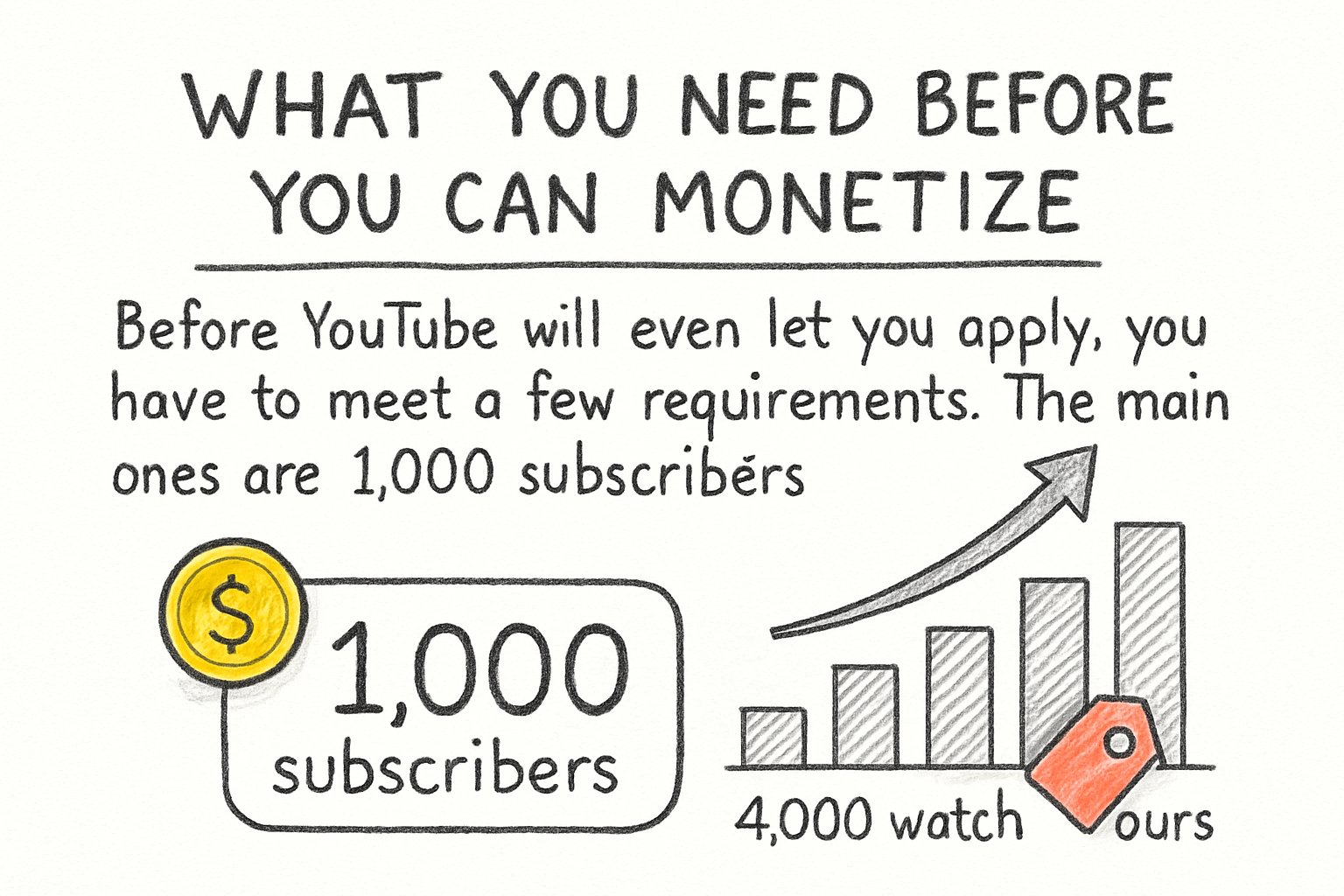
Before YouTube will even let you apply, you have to meet a few requirements. The main ones are 1,000 subscribers and either 4,000 watch hours in the past 12 months or 10 million public Shorts views in the last 90 days. Those are the thresholds for the standard YPP tier. YouTube actually introduced a lower entry tier in 2023, but that one only unlocks a handful of features, not full ad revenue. For ads, you need the full requirements.
Watch hours trip people up a lot. If you're not sure what counts toward that total, our breakdown of YouTube watch hours and everything you need to know is a solid place to start. Not all views count the same way, and understanding that early saves you a lot of confusion later.
You also need to be at least 18 years old, or have a legal guardian manage your AdSense account if you're younger. Speaking of AdSense, you need a Google AdSense account linked to your YouTube channel. If you don't have one yet, you'll set one up during the application process. No AdSense means no payments, so that step is non-negotiable.
Finally, your channel has to follow YouTube's monetization policies. That means no excessive reused content, no spam, and nothing that violates community guidelines. YouTube will review your channel manually once you apply, so this part actually matters. I remember a friend of mine getting denied on his first attempt because he had a handful of videos that used copyrighted music. He cleaned those up, waited, and got approved on the second try.
How to actually turn on monetization
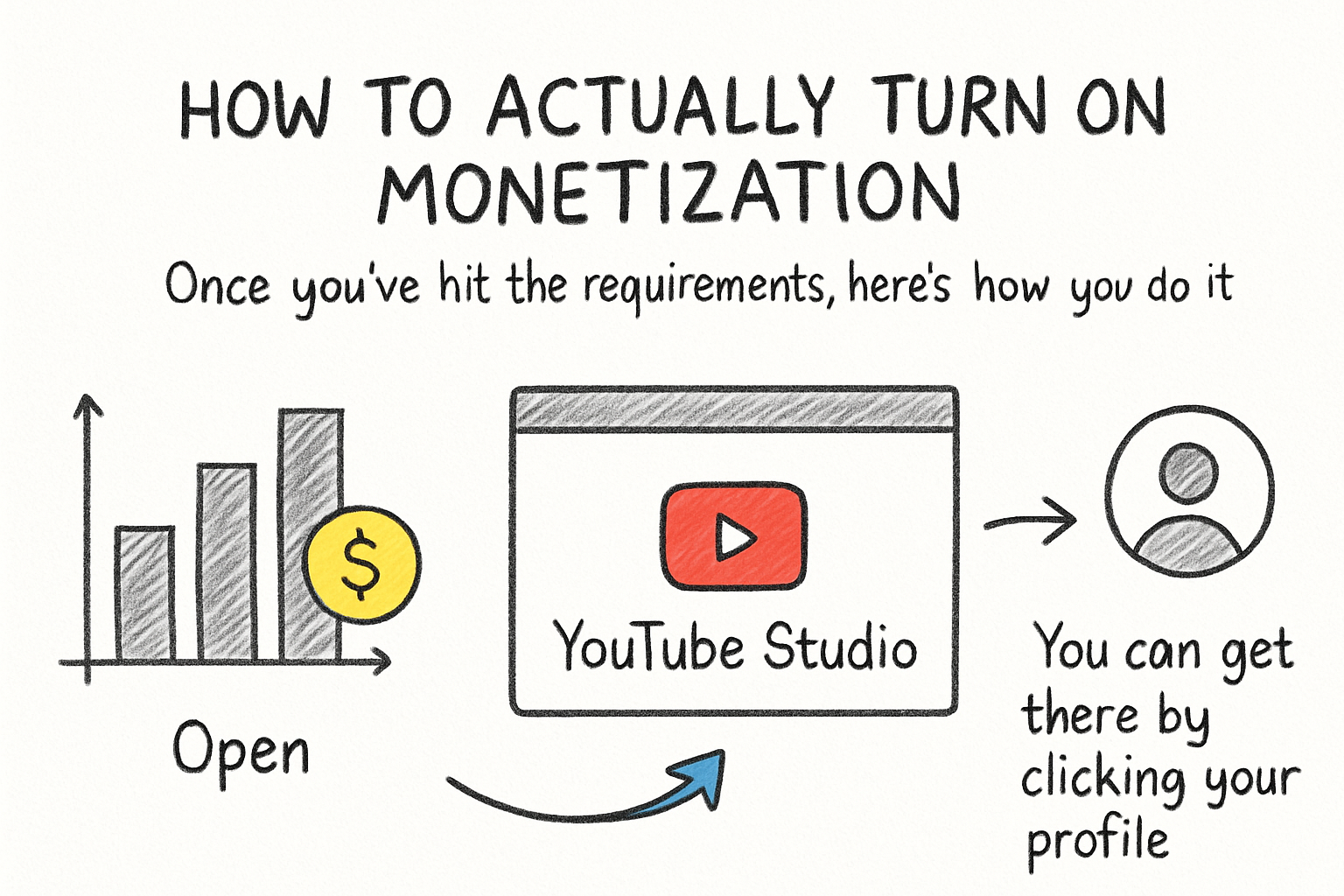
Once you've hit the requirements, here's how you do it. Open YouTube Studio, which is your creator dashboard. You can get there by clicking your profile picture on YouTube and selecting YouTube Studio. From there, look at the left-hand menu and click on "Earn." If you've met the eligibility requirements, you'll see an option to apply for the YouTube Partner Program.
Click "Apply Now" and follow the steps. You'll be asked to review and accept the YPP terms. After that, you'll either link an existing AdSense account or create a new one. Take your time with the AdSense setup because that's where your payments actually go. Make sure your name, address, and tax information are all accurate. Mistakes here can delay your payments or cause issues later.
After you submit your application, YouTube reviews your channel. This review is done by real people, not just an algorithm. It can take anywhere from a few days to about a month. You'll get an email letting you know if you're approved or not. If you're denied, YouTube usually gives you a reason, and you can reapply after 30 days.
Once you're approved, go back to the "Earn" section in YouTube Studio. You'll see options to turn on different monetization features. Ad revenue is the big one, but you can also set up channel memberships, Super Thanks, and more from that same area. I personally think a lot of creators overlook the Super Thanks feature, but it can actually bring in decent money if your audience is loyal and engaged.
Tips to speed up the process and earn more
A lot of you have asked about how to hit those watch hour and subscriber goals faster without burning out. The honest answer is consistency plus smart content choices. Posting regularly keeps your channel active in YouTube's recommendation system. But you also want to make videos people actually want to watch all the way through, because partial views don't help your watch hours as much as full views do.
Thumbnails and titles matter more than most new creators realize. A great video with a bad thumbnail gets skipped. If you want to get better at this, our guide on YouTube video thumbnail sizes covers the technical side, and it's worth reading before you upload your next batch of content. Small things like using the right dimensions can make your thumbnails look sharper and more professional.
Once you're monetized, don't just set it and forget it. Keep an eye on your RPM, which stands for revenue per mille, or revenue per thousand views. This number tells you how much you're actually earning relative to your traffic. We wrote about what creators actually earn per 1,000 views if you want to know what's realistic. Spoiler: it varies a lot depending on your niche, your audience's location, and the time of year.
Also think about diversifying your income once you're in. Ads are just one piece. Sponsorships, affiliate links, merchandise, and channel memberships can all stack on top of your ad revenue. Relying only on ads is risky because ad rates fluctuate constantly. The creators who build real income on YouTube are usually pulling from several sources at once, not just one.
Ready to take the next step?
Now you have the full picture, from meeting the requirements to submitting your application to growing your earnings over time. If you're still working toward those watch hour and subscriber goals, keep going. It takes longer for some channels than others, but the path is the same for everyone. Got questions about your specific situation or something that confused you in this post? Drop a comment below and let's talk about it. And if you want a tool that helps you analyze and grow your channel faster, check out Kliptory to see what it can do for you.