AI YouTube Video Idea Generator: How to Get Endless Content Ideas


Running out of video ideas is one of the worst feelings for a YouTube creator. You sit down, open a blank document, and your mind goes completely empty. You know you need to post, but nothing comes. That moment of creative paralysis is something almost every creator hits at some point, whether they have 50 subscribers or 500,000.
The good news is that AI tools have changed this whole game. Instead of staring at a blank page for an hour, you can get dozens of solid video ideas in minutes. AI YouTube video idea generators pull from trending topics, your niche, your audience's questions, and real search data to give you a steady stream of content directions you might never have thought of on your own. And no, they don't just spit out generic, useless stuff either.
In this post, we're going to break down exactly how these tools work, how to use them well, and how to make sure the ideas they give you actually perform on your channel. A lot of you have asked about this topic in the comments over the past few months, so let's get into it.
How AI video idea generators actually work
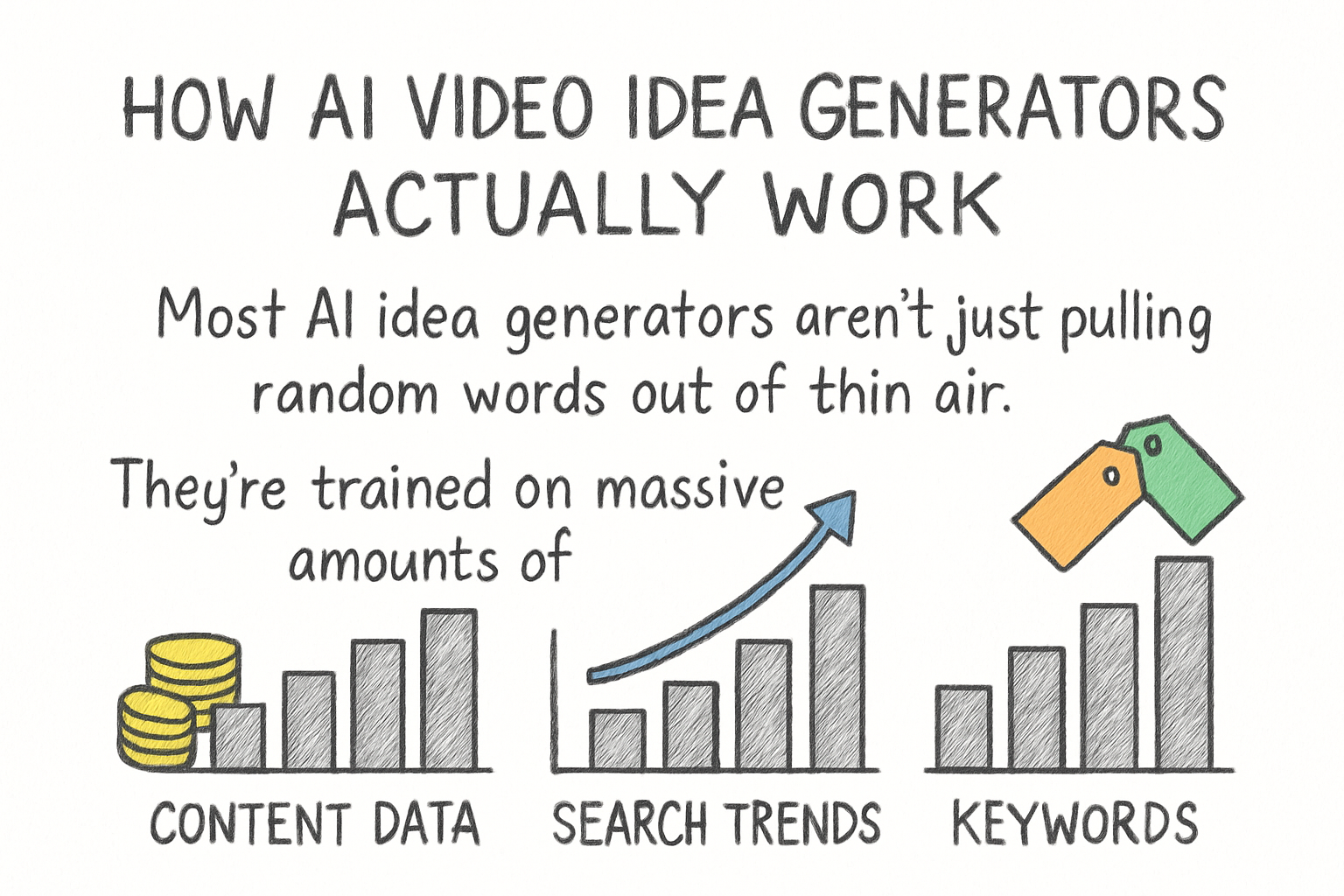
Most AI idea generators aren't just pulling random words out of thin air. They're trained on massive amounts of content data, search trends, keyword patterns, and even what kinds of titles tend to get clicks in specific niches. When you type in your channel topic, they use that context to build ideas that actually fit what people are searching for right now.
Think of it like having a research assistant who never gets tired. You tell them your niche, they scan what's trending, what questions people are asking, and what topics your competitors are covering. Then they hand you a list of angles to work with. The best tools go even further and suggest title formats, hook ideas, or related subtopics you can build a whole series around.
Some tools are built directly for YouTube creators and can factor in things like niche monetization potential, search volume, and competition level. If you want to understand why your niche matters so much in this process, our guide on finding the most profitable path for your niche gives a solid breakdown of what to look for before you even start generating ideas.
The key thing to understand is that these tools are a starting point, not a finish line. You still bring the personality, the stories, and the point of view that makes your channel yours. AI just helps you stop wasting time figuring out what to even talk about.
How to use AI idea tools without sounding like a robot
Here's where a lot of creators trip up. They take the AI output, run with it word for word, and end up with videos that feel generic and flat. The idea might be good, but the execution has no soul. I personally think the best use of these tools is to treat them like a brainstorm partner, not a ghostwriter.
When I first started using AI for content planning, I made this exact mistake. The tool gave me a great topic idea, but I basically just built the video around the prompt without adding anything personal. The views were okay, but the audience didn't connect. Once I started taking the AI idea and then asking myself "what do I actually know or think about this?" the videos started to feel real again.
Here's a simple process that works well. Feed the tool your niche and ask for 20 ideas. Then go through the list and mark the ones where you have an actual opinion, experience, or story. Those are your best ideas because they give you something genuine to say. The ones you don't connect with personally can be shelved or reworked until they feel right.
You can also layer your AI ideas with other research. For example, if you've already read about how to increase watch time on YouTube, you can ask an AI tool to generate ideas specifically designed to keep viewers watching longer, like tutorial formats, reaction walkthroughs, or storytelling-based content. Combining your knowledge with the AI output is where the real magic happens.
Picking the right tools for your channel
There are quite a few AI tools out there now, and not all of them are worth your time. Some are general writing assistants that happen to do video ideas on the side. Others are built specifically for YouTube creators and understand the platform's search logic in a much deeper way.
For YouTube-specific idea generation, tools that factor in keyword competition, trend timing, and niche audience behavior tend to give you more usable results. General tools like ChatGPT can still be helpful if you give them really specific prompts, but you'll need to do more of the research work yourself. Purpose-built tools cut that extra step down.
If you're still figuring out what your niche even is, it's worth checking out the guide to finding the best topics for your channel before you start generating ideas. Feeding a vague topic into any AI tool gets you vague results. The more specific and clear your niche is, the better the ideas you'll get back.
Once you have ideas flowing, don't just stop at the concept. Think about how you'll actually produce the content. Tools that help you go from idea to finished video can save a huge amount of time. There are some great options covered in this roundup of the best AI tools to create YouTube videos if you want to see what's available right now for the full production side of things.
Ready to take the next step?
Content ideas don't have to feel like pulling teeth anymore. With the right AI tools and a clear sense of your niche, you can build out a content calendar in an afternoon and actually feel excited about the videos you're going to make. Give one of these tools a try this week and see how many ideas you end up with that you genuinely want to create. Drop a comment below and let us know what your biggest content planning challenge has been. And if you're looking for smarter ways to grow and plan your YouTube channel, check out Kliptory to see how it can help you stay ahead.