How to Add Tags on YouTube

If you've ever uploaded a video to YouTube and wondered whether tags actually matter, you're not alone. A lot of you have asked about this topic, and it's one that causes more confusion than it probably should. Tags are small but they do play a role in how YouTube understands what your video is about, and they can nudge your content toward the right viewers.
Here's the short version: tags are keywords you attach to your video inside YouTube Studio. They help YouTube's system figure out the topic of your video and match it to searches. Think of them like labels on a file folder. They don't do all the work, but they keep things organized.
In this post, we'll walk through exactly how to add tags on YouTube, when to use them, and what to do to get the most out of them. Whether you're brand new to YouTube or you've been uploading for a while, there's something here for you.
How to add tags when you upload a video
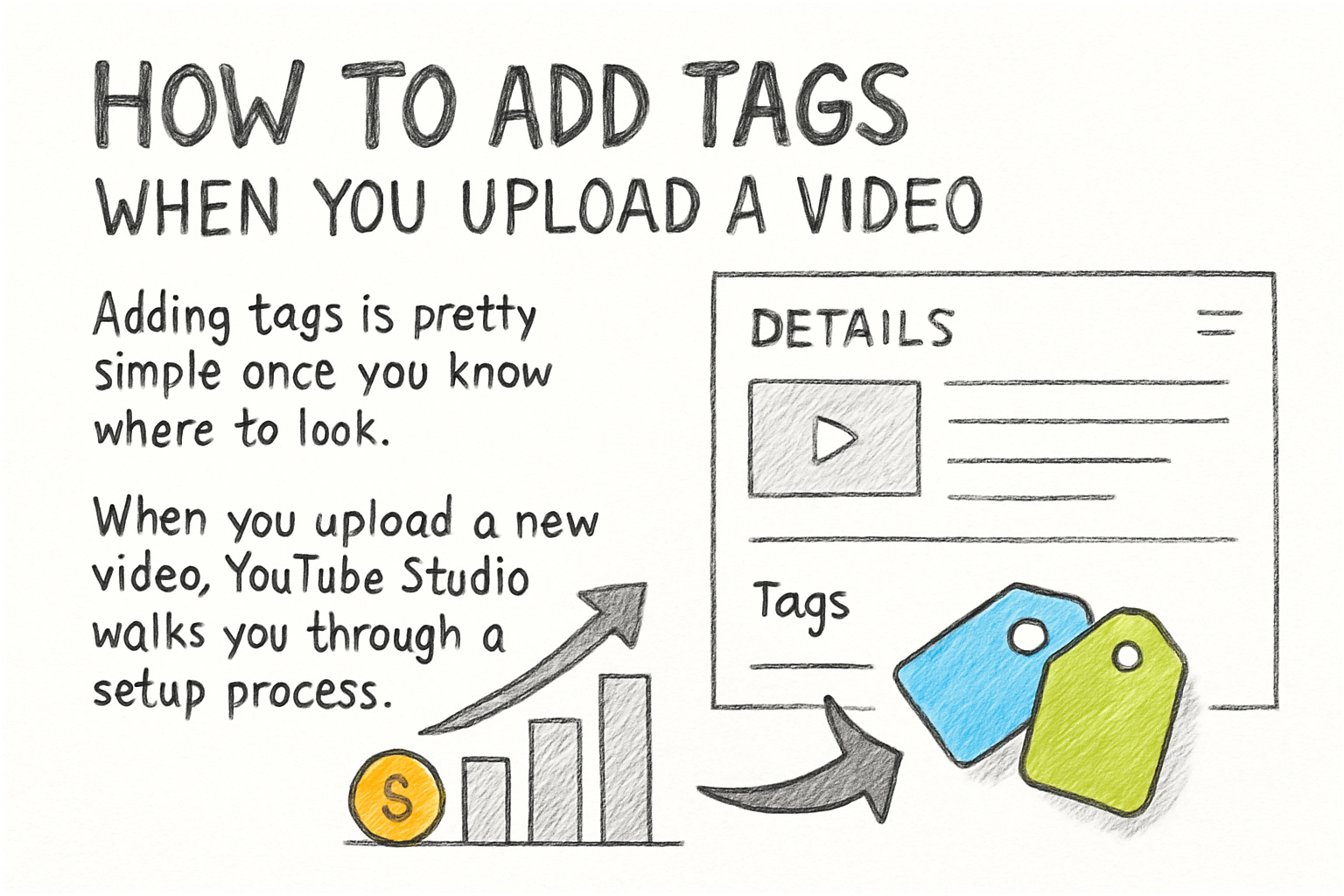
Adding tags is pretty simple once you know where to look. When you upload a new video, YouTube Studio walks you through a setup process. On the Details page, scroll down past the description box and you'll see a section called Tags. Click inside that box and start typing your keywords.
You can add multiple tags by typing a word or phrase and then pressing Enter or comma after each one. YouTube lets you add up to 500 characters worth of tags total. That's not a huge amount, so you'll want to be choosy about what you include. Don't just stuff in every word you can think of.
If you want to add tags to a video you've already published, go to YouTube Studio and click on Content in the left sidebar. Find the video you want to update, click the pencil icon to edit it, and scroll down to the Tags field. Make your changes and hit Save. It's the same process, just for older videos.
One thing worth knowing is that tags aren't visible to viewers on mobile or desktop. They're hidden metadata. So you're filling them in for YouTube's algorithm, not for the people watching your content. Keep that in mind as you decide what to write.
What tags you should actually be using
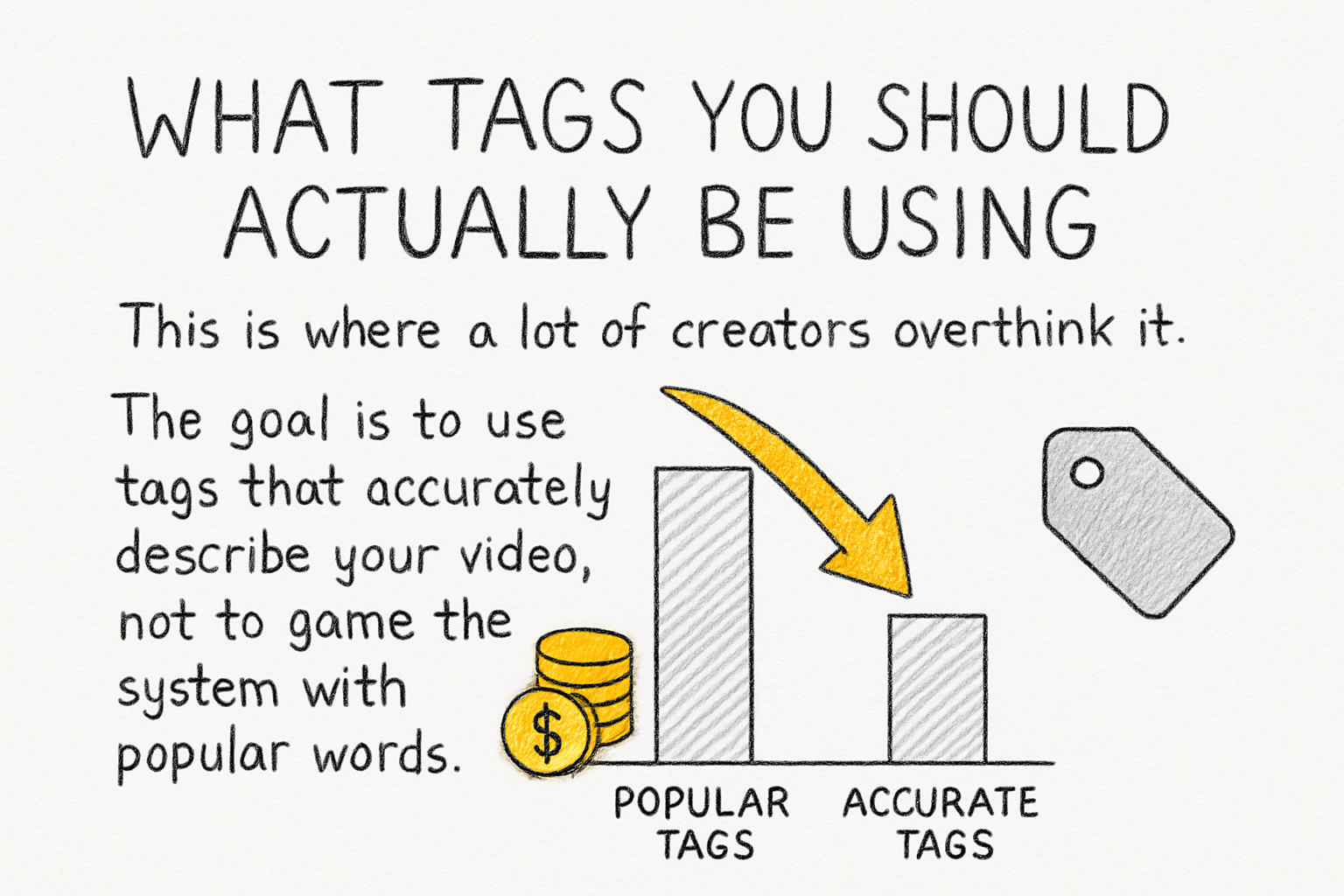
This is where a lot of creators overthink it. The goal is to use tags that accurately describe your video, not to game the system with popular words that have nothing to do with your content. YouTube has gotten pretty good at penalizing misleading tags, so stay honest.
Start with your main keyword, which is the core topic of your video. If you made a video about how to bake sourdough bread, your first tag should probably be "sourdough bread" or "how to make sourdough." Then add a few related terms, like "homemade bread," "beginner bread recipe," or "bread baking tips." Think about what someone might type into the search bar.
I personally think the biggest mistake creators make with tags is ignoring longer phrases. Short, one-word tags are too vague and too competitive. A tag like "bread" puts you up against millions of videos. A tag like "sourdough starter for beginners" is way more specific and actually useful. Longer phrases, often called long-tail keywords, tend to attract viewers who know exactly what they want.
You can also look at what tags your competitors are using. A free browser extension called TubeBuddy can reveal the tags on any public YouTube video. It's a handy research tool when you're building out your tag strategy. Pair that research with your own knowledge of your audience and you'll be in good shape.
Tags in the bigger picture of YouTube SEO
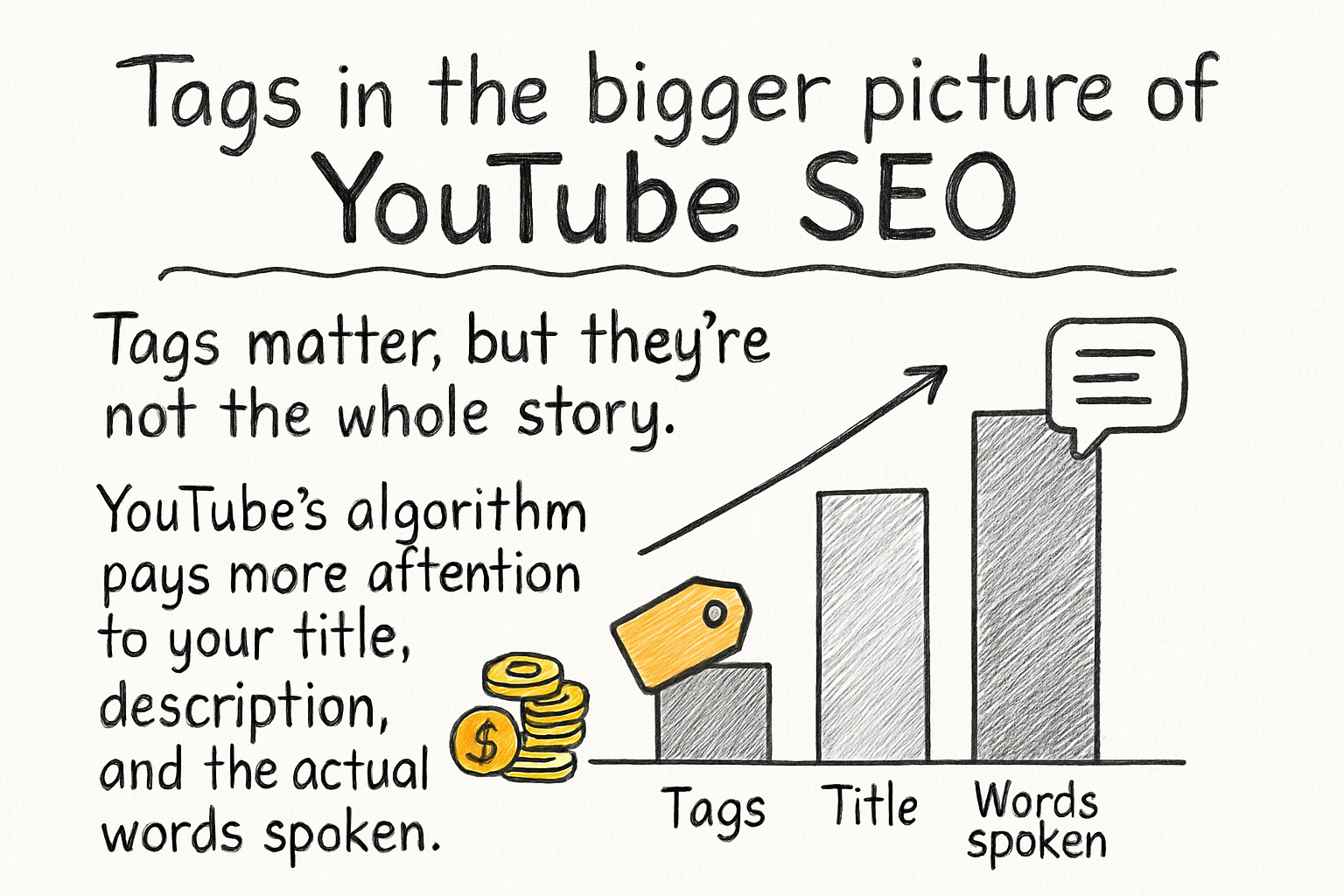
Tags matter, but they're not the whole story. YouTube's algorithm pays more attention to your title, description, and the actual words spoken in your video than it does to your tags alone. So don't ignore those other pieces while you're focused on tags. They all work together.
Back when I first started learning about YouTube optimization, I spent way too much time on tags and barely any time on writing good descriptions. My videos weren't getting found, and I couldn't figure out why. Once I started treating the description like a real piece of writing, with context and natural keyword use, things started to shift. Lesson learned.
If you want your channel to grow, you've got to think about the full package. We covered some solid strategies in our post about good ideas for videos on YouTube, which touches on how planning ahead makes a big difference. A well-planned video with a clear topic is always going to be easier to tag correctly than a scattered one.
Also, don't forget that thumbnails play a role in click-through rates, which is a signal YouTube tracks closely. If your video gets shown but nobody clicks on it, that hurts your ranking. Check out our complete guide to YouTube video thumbnail sizes to make sure your thumbnails are set up right. Tags get people to the door, but the thumbnail gets them to knock.
Ready to take the next step?
Now that you know how to add tags on YouTube and what to do with them, go update a few of your older videos and see if it makes a difference. Have a question about tags or something you've tried that worked? Drop it in the comments below, we'd love to hear what's working for your channel. And if you're looking for more tools to help you grow on YouTube, check out Kliptory and see what it can do for your content.